Team and billing
Manage your Voksha account - who on your team can do what, and how your plan, included calls and billing are charged.
On this page
Two things live here: the people who can reach your agents, and the money.
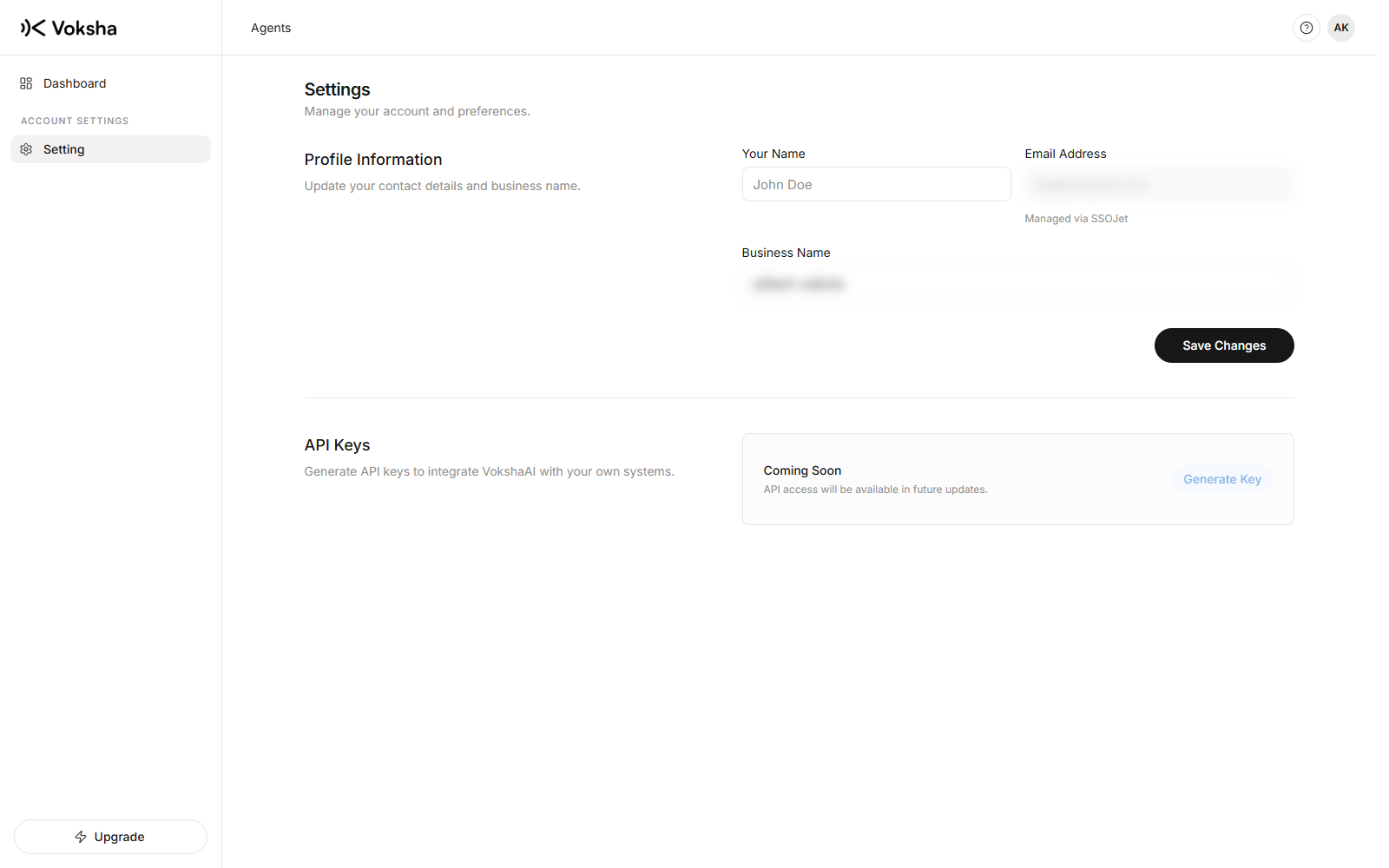
The shape of an account
| Level | What it holds |
|---|---|
| Your account | Your business details and your notification settings |
| Each agent | Its own instructions, phone number, plan, connected diary and calls |
| People | Added per agent, not to the whole account |
Adding people per agent is what lets somebody help with the support line without seeing the sales line.
Who you are
The owner is the person whose account created the agent. That cannot be transferred by invitation, because an owner is not a membership, it is whose account it is.
Everyone else you add is a manager or a member. See Team.