On this page
Why Security Matters More for AI Receptionists Than Human ones
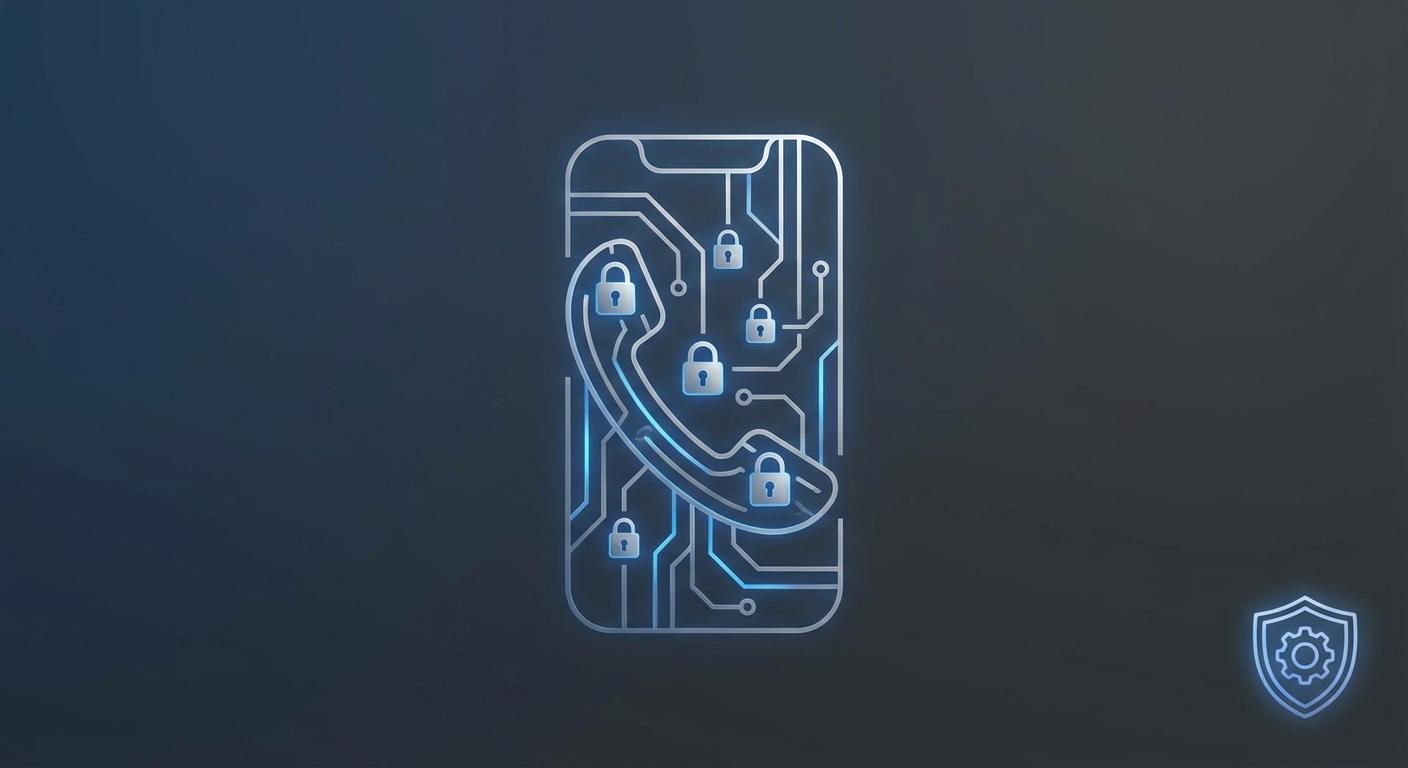
Ever wondered why hackers love phone systems? It's because most small business owners think it's just a "phone call," but with AI, you're actually opening a door to your whole database. If a human receptionist accidentally says the wrong thing, it’s a mistake. If your AI bot has a security hole, it can leak hundreds of client records in a second.
For a deeper look at how AI receptionists resist voice phishing, see Deepak Gupta's analysis of AI receptionists and vishing defense.
While humans can be tricked, AI systems introduce technical risks that go way beyond a simple social engineering call. Because these bots are connected to your backend, a single vulnerability can expose your entire history of customer interactions. The average cost of a data breach in 2024 reached $4.88 million (IBM Cost of a Data Breach Report, retrieved 2026-09-25), which is a lot of money for a small business to lose just because their phone system wasn't locked down.

It’s not just about missed calls anymore; it's about not losing your shirt in a lawsuit. You need to make sure your provider is actually looking at the "boring" stuff like compliance and data residency.
Next, let's look at the specific certifications you need to ask about before signing up.
1. HIPAA and SOC2 Compliance for Data Protection
If you're in healthcare or law, you know that "oops" isn't an option when it comes to client files. A bot that isn't HIPAA compliant is basically a walking lawsuit waiting to happen because it’s touching sensitive stuff every time the phone rings.
- Medical & Dental: If a patient leaves a voicemail about their root canal, that audio and transcript must be encrypted.
- Legal Intake: Lawyers should ask for SOC 2—which is basically a framework for managing customer data based on security, availability, and processing integrity—to prove they aren't just leaving discovery notes on a random, unsecure server.
- Retail/Finance: Even if you just take credit card info over the phone, you need those high-level security audits.
Failing to protect health data under HIPAA can lead to significant civil penalties (HHS HIPAA for Professionals, retrieved 2026-09-25). It's not just about being "secure"—it’s about having the paperwork to prove it, including a Business Associate Agreement (BAA) if the vendor will handle patient information. For reference, Voksha is SOC 2 compliant and ISO 27001 compliant on every plan, and offers HIPAA compliance with BAAs, GDPR and CCPA compliance, and a 99.9% uptime SLA on the Enterprise plan only; it encrypts data with AES-256 at rest and TLS 1.2+ in transit and keeps it in North American data centers (see the Voksha security page). Whatever vendor you choose, confirm your own HIPAA obligations with your own counsel.
Next, let's talk about how these systems handle scammers trying to trick the bot.
2. Social Engineering and Fraud Protection
Ever had a "customer" call and ask for the manager's private cell or where you keep the spare key? Humans sometimes fall for it, but a well-configured AI is way more stubborn.
- Prompt Injection Blocking: Hackers use "prompt injection," which is a specific method used to trick AI into revealing sensitive info or ignoring its rules. Good systems are trained to ignore "ignore all previous instructions" commands.
- Data Gatekeeping: Set rules so the AI never shares passwords or staff home addresses, no matter how much the caller begs.
- Spam Detection: It spots "neighbor spoofing" where scammers mimic local area codes to look legit.

A 2024 study by Verizon found that social engineering is a top way hackers get in, so don't let your phone be the weak link.
Next, let’s talk about keeping your data locked down when it moves between apps.
3. Secure CRM Integrations and API Safety
Your AI receptionist isn't just a voice; it’s a bridge to your most private business data. If you're sending call data to Salesforce or Clio, that connection better be tighter than a drum.
- Encrypted APIs: Every bit of data moving between the phone and your CRM needs to be wrapped in TLS encryption. If it's not, someone could "sniff" the traffic—basically eavesdropping on the digital line—and grab your customer list.
- No Backdoors: A bad integration can let someone bypass your login screen entirely—make sure your provider uses OAuth for "handshake" permissions.
- Admin 2FA: If your staff can log in to the dashboard with just a password, you're asking for trouble.

API attacks are often a business's most overlooked security gap. Whether you're a plumber using ServiceTitan or a lawyer on Clio, check those permissions.
Next, let’s look at how the AI handles the actual call routing without exposing your team.
4. Intelligent Call Routing and Privacy
You don't want your AI accidentally giving out your personal cell, right? Smart routing keeps your team's privacy locked down while getting callers to the right spot. Ask any vendor exactly which of these protections it supports before you rely on them.
- Number Masking: When a call is passed to an employee's personal device, some phone systems mask the number so the caller only sees the business line.
- Smart Filtering: The bot uses its "brain" to vet callers before passing them through, keeping the "wrong department" calls from annoying your busy techs.
- Encryption in Transit and at Rest: Call data should be encrypted while it moves (for example, TLS 1.2 or higher) and while it is stored (for example, AES-256), so nobody in the middle can listen in or read stored transcripts. Note that this is not the same as end-to-end encryption; ask the vendor which one it actually provides.
Honestly, it's just about making sure your HVAC tech isn't getting pestered at dinner.
Next, let’s look at why maintaining transparent data retention policies and audit logs is your final line of defense.
5. Transparent Data Retention Policies
You ever wonder where your data actually goes after you hang up? If your AI provider keeps recordings forever, they're basically building a giant target for hackers on their own servers. Most small business owners forget that every call is a liability if it sits around too long.
You gotta check if they offer:
- Retention controls: Ask whether you can set how long transcripts and recordings are kept, for example 30 or 60 days.
- Hosting location: Ask where data is stored. Data residency matters for regional privacy laws such as CCPA in California (and other countries' laws if you have international clients).
- Audit logs: You should see exactly who accessed a recording and when.
Honestly, more data usually just means more problems. Keeping stored data lean is one of your best defenses against leaks.

Wrapping it up—pick a system that respects your privacy as much as your time. Keep it secure, keep it local, and don't let your "smart" phone become a dumb mistake. If you handle health or legal information, confirm your compliance obligations, including HIPAA and any BAA requirements, with your own counsel before you go live.