On this page
- The Death of the Voicemail: Why Callers are Hanging Up
- 1. AI Receptionists: The 24/7 Lead Machine
- 2. Virtual Receptionist Services vs Live Answering
- 3. Automated Text-Back and SMS Lead Capture
- 4. Intelligent Call Routing and Hunt Groups
- 5. Hybrid Models: Combining AI with Your In-House Team
- Related Voksha Resources
The Death of the Voicemail: Why Callers are Hanging Up
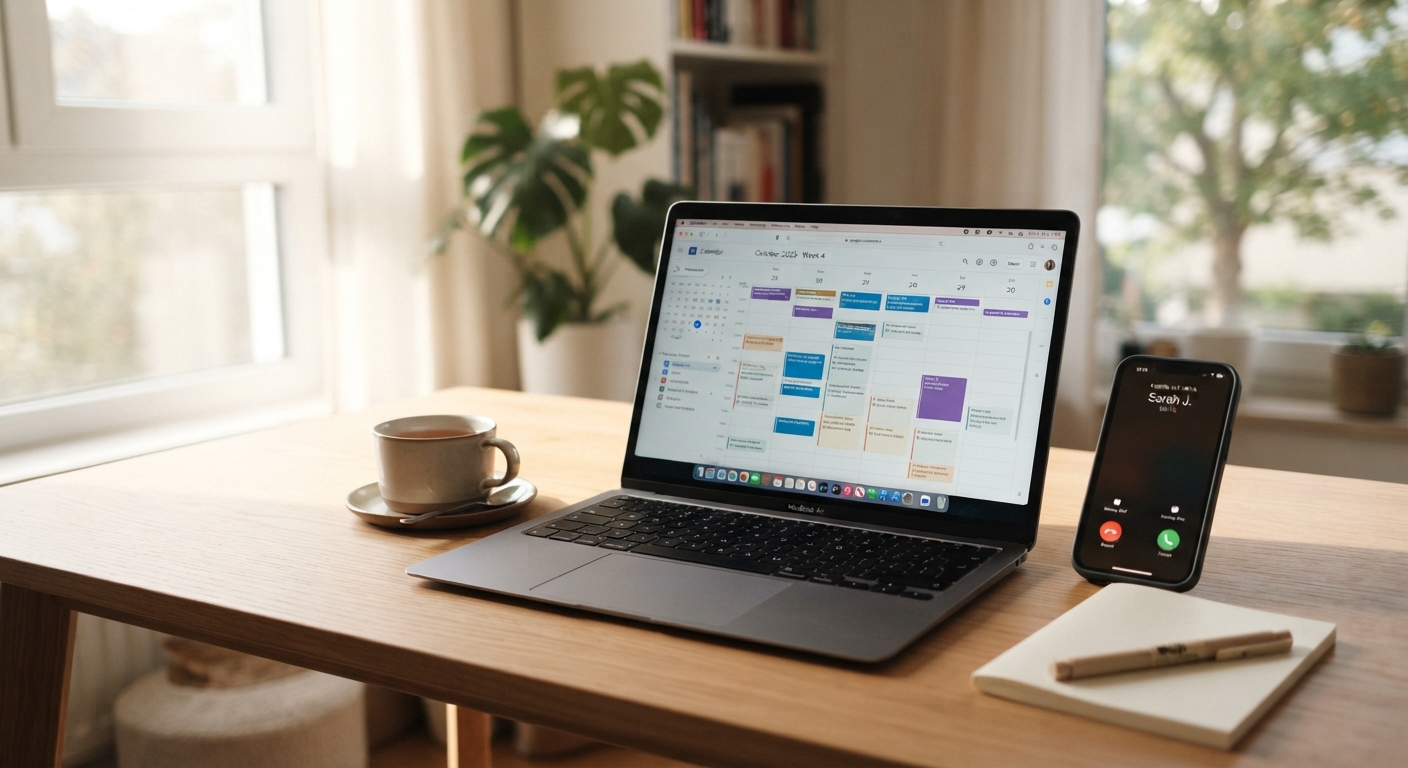
Ever tried calling a plumber during a leak only to get their voicemail? You probably didn't leave a message—you just clicked the next business on google.
Honestly, voicemail is where leads go to die. People today want answers right now, and if they hit a machine, they feel ignored. It's not just annoying; it's costing you real money every single day.
- The Voicemail Rule: 80-85% of voicemail callers hang up without leaving a message (Voksha After-Hours Economy Report, retrieved 2026-09-25). They just hang up and move on.
- Instant Gratification: In industries like dental or hvac, a missed call is a missed appointment. If a patient has a toothache, they aren't waiting for a callback.
- Bad Greetings: "We're busy right now" basically tells the customer they aren't a priority.

Callers who find the phone process too difficult or slow are likely to switch to a competitor.
It's clear that the old way isn't working anymore. Voksha's answer to this problem is to stop missing calls by answering every one. Next, let's look at how ai is actually fixing this mess for small shops.
1. AI Receptionists: The 24/7 Lead Machine
Imagine if your phone never stopped ringing but you also never had to actually pick it up. That's basically what happens when you swap out that old voicemail for an ai receptionist.
It makes a real difference for shops that are always on the move. Instead of a "leave a message" beep, the caller gets a real voice that actually helps them.
- Instant response: These systems answer right away; Voksha answers on the first ring and responds in under 200 ms. No more making customers wait while you're elbow-deep in a sink or mid-appointment.
- Smart scheduling: It doesn't just take a name; it can book into calendars like Google Calendar or Outlook during the call (with Voksha, booking and integrations are on the Premium plan; Starter answers, captures caller details and follows your script). Field service tools like ServiceTitan usually take more setup (with Voksha, ServiceTitan is set up with Voksha support). For a dental office or hvac tech, this means appointments get booked while you sleep.
- Low cost: You can get these running for $14/mo for 15 calls, then $1 per call (Voksha pricing). Compare that to a receptionist's fully loaded cost of about $54,300 a year (BLS Occupational Outlook Handbook, Receptionists, retrieved 2026-09-25; BLS Employer Costs for Employee Compensation, retrieved 2026-09-25, ANALYSIS) and the math just works.
- HIPAA and Safety: For medical clinics, look for a HIPAA-compliant vendor that will sign a BAA (at Voksha, HIPAA compliance with BAAs, GDPR and CCPA compliance, and a 99.9% uptime SLA are on the Enterprise plan only). Confirm your obligations with your own counsel before routing patient calls.

I've seen salons use this to handle "how much for a trim?" questions while the stylists focus on hair. For a primer on how these systems work, see Voksha's what is an AI receptionist guide. Generative voice tech makes these interactions feel far more human than the old press-one-for-sales menus.
Next, we'll look at why some people still prefer a "live" person and how that stacks up.
2. Virtual Receptionist Services vs Live Answering
So, you're stuck between hiring a live answering service or just letting an ai handle the phone. It’s a classic debate for small biz owners who are tired of hearing that "missed call" notification on their cell.
Virtual receptionists involve real people in a call center somewhere picking up. It sounds great because, well, humans are humans, right? But it gets expensive fast because most these services charge by the minute. If a caller puts them on hold or rambles about their day, you’re the one paying for it.
- The Price Tag: Live answering usually bills per minute or per call at live-agent rates, so the bill can skyrocket if you're busy. AI plans cost far less per call: Voksha includes 15 calls on Starter ($14/mo) or 150 on Premium ($99/mo), then $1 per call.
- Accuracy: Humans get tired or misspell names. A direct calendar connection doesn't make typos, and an ai receptionist never "calls in sick" or gets overwhelmed by a sudden rush of calls like a human service might.
- Empathy: For a law firm dealing with a car accident, a real person is better for that initial "I'm so sorry." For a salon booking, nobody cares if it's a bot as long as they get their 2 PM slot.
Live agents offer that warm fuzzy feeling, but they often struggle with complex scheduling compared to direct software integrations.
Honestly, if you're a plumber or a dentist, you just need the lead captured before they call the guy down the street. Next, we'll talk about how simple text-back systems can save those hang-ups.
3. Automated Text-Back and SMS Lead Capture
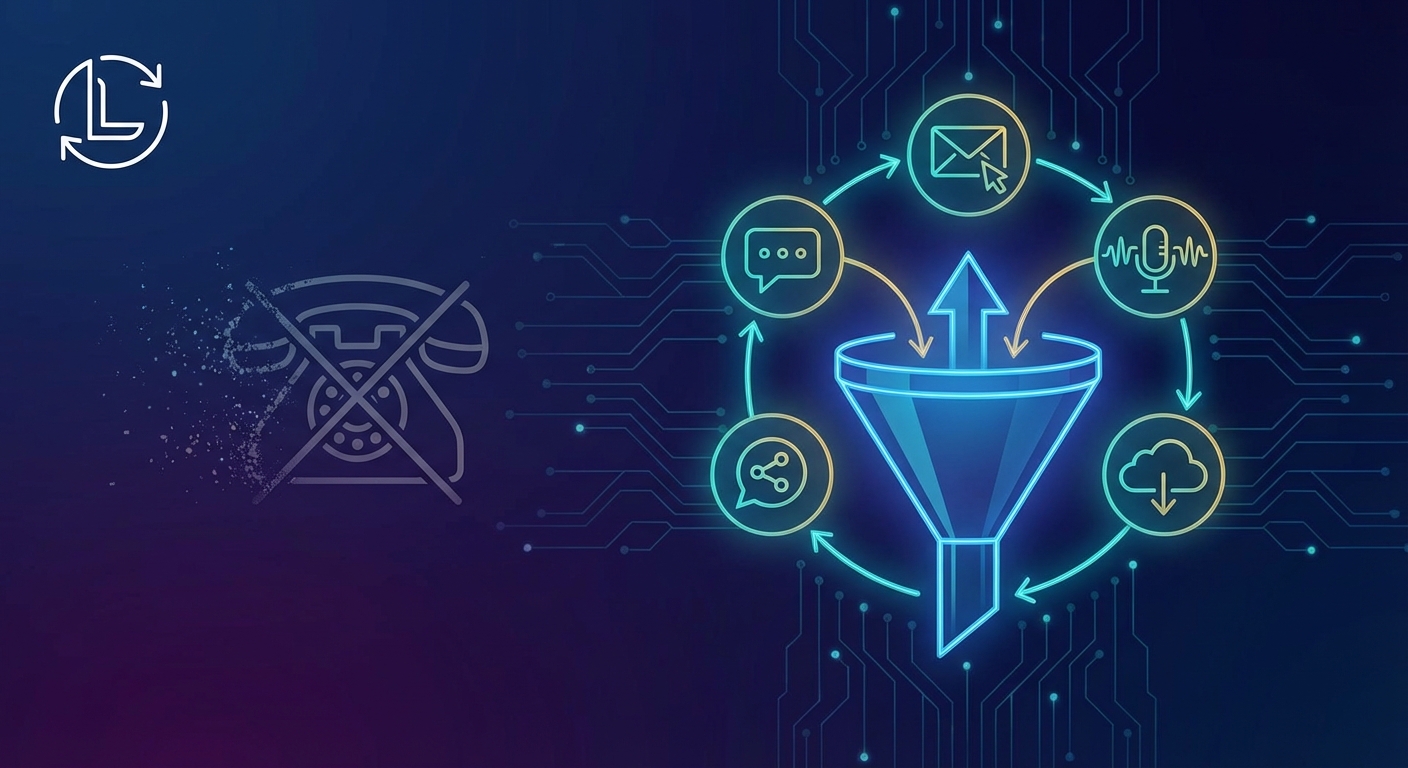
If you can't pick up the phone, the next best thing is hitting their pocket instantly. Text-back is a separate category of tool: Voksha answers every call live, so there is no missed call to text back, and texting callers is available only on Voksha's Enterprise plan (see missed call text-back vs AI answering for the trade-offs). Most people call a business while they're already staring at a screen, so sending a text the second you miss a call keeps them from clicking the next guy on google.
It’s a simple "sorry we missed you" that saves the lead. For a busy salon or a contractor on a ladder, this is a lifesaver because it moves the chat to sms where you can actually reply between tasks.
- The Instant Hook: You send a text within 30 seconds. This stops the "search fatigue" where they keep calling competitors.
- Auto-Booking: Link your calendar (like Calendly or Mindbody) right in the text. I've seen local gyms fill classes this way without a single human conversation.
- High Open Rates: People ignore emails, but they tend to open texts, which beats the graveyard of a voicemail box.

Honestly, it’s about being where the customer is. If you're a retail shop or a clinic, this keeps the door open even when you're closed. But what if you still want to talk to people yourself? Next, let's look at how to manage calls when you actually want a human on the line.
4. Intelligent Call Routing and Hunt Groups
Ever feel like your business phone is a game of hot potato? You’re in a meeting or halfway through a haircut, and that ringing just won't quit.
If you don't want to go full ai yet, you should at least route your calls with some actual brainpower. Intelligent routing means the phone doesn't just ring one desk and give up—it finds someone who can actually help.
- Hunt Groups: This is basically a "round robin" for your team. If the front desk doesn't pick up in 5 seconds, it rings the manager, then the back office.
- Find Me/Follow Me: This is huge for real estate or hvac. The system tries your office phone first, then forwards it to your cell automatically so you never miss a beat.
- IVR Menus: This is just a fancy name for the menu that lets callers choose an option (like "press 1 for new appointments"). It helps you skip the spam and prioritize the money calls over the "what are your hours" folks.

Using hunt groups ensures that calls are distributed fairly so no one person gets burnt out while customers stay happy.
It’s way better than a desk phone just screaming in an empty room. Next, let’s look at how to handle those calls when you're totally off the clock.
5. Hybrid Models: Combining AI with Your In-House Team
You don't have to choose between a robot and a human, honestly. The best setup I've seen is a "hybrid" where ai handles the grunt work so your real team can actually do their jobs without the phone screaming every five minutes.
- The After-Hours Hero: Let the ai take over at 5 PM. It handles bookings for your dental clinic or hvac shop while your staff is home eating dinner.
- Overflow Support: If your receptionist is already on a call, the ai picks up the second line. No more "please hold" or busy signals.
- FAQ Filter: Most callers just want to know your address or if you take insurance. Let the bot answer those so your team only talks to high-value leads.
A receptionist's fully loaded cost, wages plus benefits, runs about $54,300 a year (BLS Occupational Outlook Handbook, Receptionists, retrieved 2026-09-25; BLS Employer Costs for Employee Compensation, retrieved 2026-09-25, ANALYSIS). An ai tool like Voksha's Starter plan runs $14 a month (Voksha pricing). Even if you keep your staff, using ai for overflow saves them from burnout.
Businesses using ai to assist agents tend to see a real jump in efficiency. It's not about replacing people, it's about making them faster.

At the end of the day, voicemail is just a relic of the past that's hurting your bottom line. Whether you go with a full ai receptionist, a smart text-back system, or just better routing, the goal is the same: don't let that lead hang up.
Key Takeaways:
- Voicemail kills leads; 80-85% of callers who reach it hang up without leaving a message.
- AI receptionists cost far less than staff and can book directly into your calendar (on Voksha's Premium plan).
- Text-back systems catch people while they are still looking at their phones.
- Intelligent routing ensures a human picks up when it matters most.
Transitioning is easy. Just start by routing missed calls to an ai instead of voicemail, then check how many calls it caught after the first few weeks.