On this page
- Mistake #1: Never telling the caller they're talking to an AI
- Mistake #2: No fast path to a human when the call needs one
- Mistake #3: Menus and scripts that make callers repeat themselves
- Mistake #4: Booking into a calendar that isn't actually synced in real time
- Mistake #5: Treating every caller the same
- How This Guide Was Sourced
- Frequently Asked Questions
- Conclusion
Most AI receptionist complaints trace back to five fixable setup mistakes: hiding that the caller is talking to AI, no fast path to a human, menus that make callers repeat themselves, a calendar that isn't actually synced in real time, and treating every caller the same regardless of urgency. Each one is a configuration choice, not a limitation of the technology itself.
This guide is for a business owner or office manager who has already set up an AI receptionist, or is about to, and wants to avoid the mistakes that make callers hang up or distrust the system. Every mistake below comes with a specific fix you can apply during setup or in a quick configuration review.
Key Takeaways
- Federal regulators treat misleading consumers about whether they're dealing with AI or a human as a deceptive practice risk, not just a trust issue (FTC, Operation AI Comply, retrieved 2026-09-25).
- Callers who can't reach a human when they need one are the single most common source of complaints about automated phone systems (ANALYSIS).
- A menu or script that forces a caller to repeat information they already gave increases the chance they hang up before finishing the call.
- Booking accuracy depends entirely on whether the calendar sync is real-time and two-way; a delayed sync causes double-bookings that undo the entire point of automating the front desk.
- Not every caller needs the same handling. Emergency and high-value calls need a different path than routine questions.
- An AI receptionist routes and escalates. It does not diagnose medical conditions or provide legal advice, and it should never be configured to imply otherwise.
Mistake #1: Never telling the caller they're talking to an AI
Some businesses configure their AI receptionist to sound as human as possible and never disclose that the caller is talking to software. This is a trust problem waiting to surface, and increasingly a regulatory one. The Federal Trade Commission has taken enforcement action against businesses for misleading consumers about the nature of an AI interaction, treating deceptive AI claims as a violation of the FTC Act's prohibition on unfair or deceptive practices (FTC, Operation AI Comply, retrieved 2026-09-25). That action targeted businesses overselling what their AI could do, not inbound receptionist calls specifically, but the underlying principle holds: don't let a caller believe they're talking to a person when they aren't.
The fix: Open every call with a brief, plain disclosure ("Thanks for calling [Business], I'm the virtual assistant, how can I help?") rather than a scripted attempt to pass as human. Callers who know what they're dealing with adjust their expectations and are less likely to feel tricked later in the call. Voksha's security and privacy protection page covers how trust and disclosure fit into the broader setup.
Mistake #2: No fast path to a human when the call needs one
An AI receptionist is built to handle routine, high-volume work: answering, qualifying, booking and routing. It is not built to handle a caller who is upset, negotiating, or describing a situation too complex or emotionally sensitive for a script. When a business doesn't configure a clear escalation path, callers get stuck repeating themselves to a system that can't help them, and the frustration compounds fast.
The fix: Define explicit triggers for a human handoff during setup: a caller asking for a person, a caller expressing frustration, or a call that doesn't match any known intent after two exchanges. On Voksha's Premium plan, call flows can send the call to a human with a summary of what's already been said, so the caller doesn't repeat their whole story. This matters most in regulated or high-stakes intake, where a business should never let the AI imply it is diagnosing a medical condition or giving legal advice; it should route and escalate instead, and any HIPAA-related handling should be confirmed with your own counsel.
Mistake #3: Menus and scripts that make callers repeat themselves
A caller who has to say their name, then their reason for calling, then their name again for a transfer, is a caller who's already annoyed by the time a human picks up. This usually comes from stitching together disconnected scripts rather than designing one continuous conversation, or from over-relying on rigid press-1-for-this menus that don't carry context forward.
The fix: Design the AI's intake as a single conversation that carries information forward automatically, not a chain of separate scripts. If your business still uses touch-tone style menus for parts of the call, keep them short: a caller should never need to remember more than three options at once. For example scripts by industry, see 10 Phone Greeting Scripts That Convert Callers Into Customers.
Mistake #4: Booking into a calendar that isn't actually synced in real time
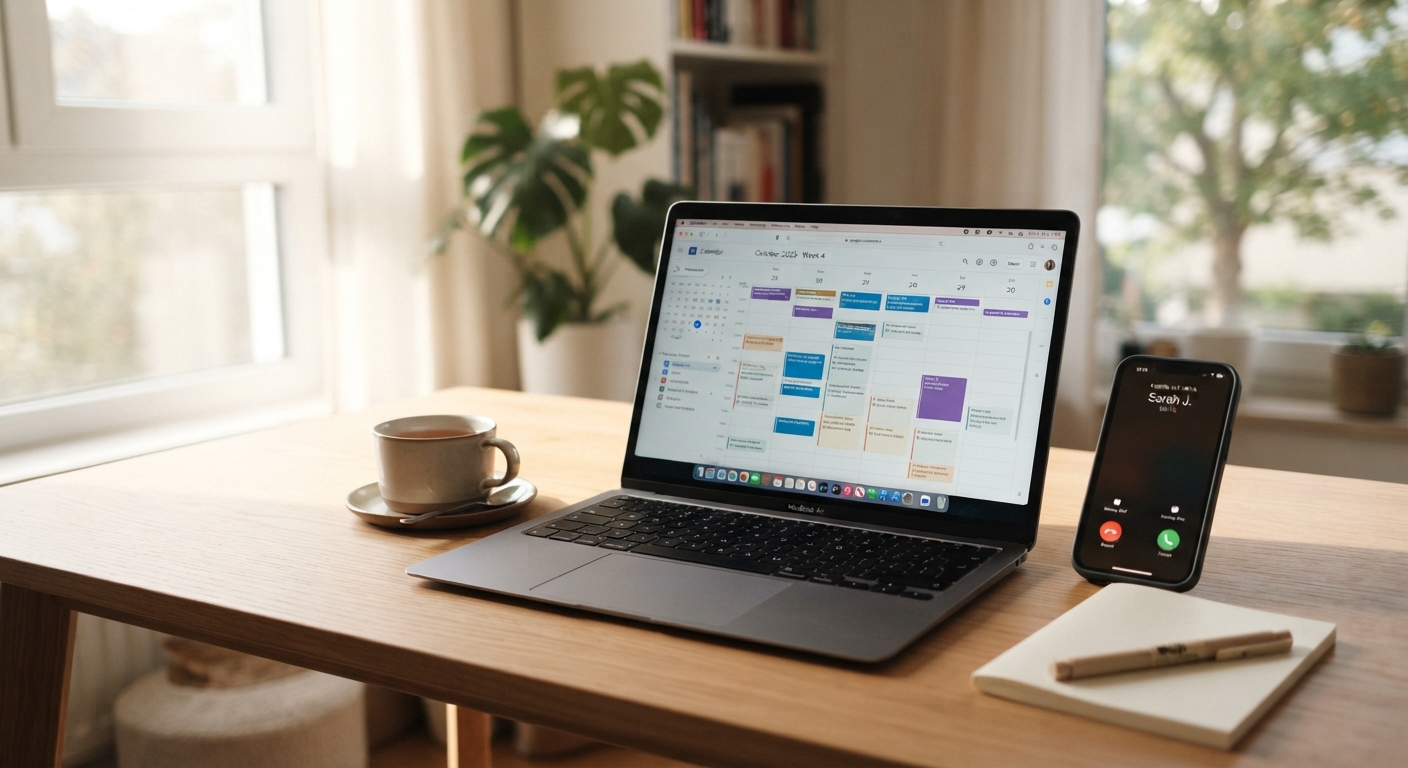
The entire value of an AI receptionist that books appointments collapses if the calendar it's writing to isn't the same calendar staff are actually working from, or if the sync runs on a delay. A caller books a 2 p.m. slot the AI thinks is open; a staff member books the same slot five minutes later from a different system; now two people show up for one appointment.
The fix: Before going live, confirm the calendar integration is genuinely two-way and updates immediately, not on a nightly batch. Test it by booking a slot through the AI and confirming it appears instantly on the calendar your staff actually uses, then try to double-book that same slot manually to confirm the AI correctly shows it as unavailable. Voksha's appointment booking, available on the Premium and Enterprise plans, checks live availability in your connected calendar during the call for exactly this reason.
Mistake #5: Treating every caller the same
Not every call carries the same urgency. A routine "what are your hours" question and a burst-pipe emergency call for a plumbing company need entirely different handling, but a poorly configured AI receptionist runs both through the identical flow, which either bottlenecks the routine calls or buries the urgent one. Voksha's AI receptionist for plumbing services page shows how that emergency-routing setup works in practice (after-hours emergency routing is on Voksha's Premium and Enterprise plans).
The fix: Set explicit routing rules for the calls that matter most: emergencies get flagged and routed to an on-call staff member immediately, known high-value callers get a faster path to a human, and everything else follows the standard flow. This is a configuration decision, not something the AI decides on its own, so it needs to be defined up front for your specific business.
How This Guide Was Sourced
Written by the Voksha team. Voksha builds AI receptionists for small businesses and has a direct interest in these systems being configured well. The regulatory point on AI disclosure comes from the FTC's own press release, retrieved 2026-09-25. The remaining points are drawn from how AI receptionist systems are configured and where that configuration commonly breaks down; those are marked ANALYSIS rather than sourced statistics because no public study measures caller drop-off by mistake type. No Voksha call data is used in this guide. Every figure above is external and linked.
Frequently Asked Questions
Is it legally required to tell callers they're talking to an AI?
Requirements vary by jurisdiction and are evolving. Outbound AI-generated voice calls face specific FCC disclosure and consent rules under the Telephone Consumer Protection Act. Inbound receptionist calls are a different scenario, but transparency reduces both caller frustration and regulatory risk. Confirm your specific obligations with your own counsel.
How do I know if my calendar sync is actually real-time?
Book a test appointment through the AI receptionist and check whether it appears on your staff's working calendar within seconds, not minutes. Then try to book that same slot again manually. If the system lets you double-book it, the sync isn't working correctly.
Can an AI receptionist handle a caller who is upset or in crisis?
It should recognize the signal and hand off to a human immediately rather than attempt to resolve it. An AI receptionist routes and escalates; it is not a substitute for a trained person handling a sensitive situation.
Should every business use the exact same escalation rules?
No. A law firm's escalation triggers look different from a plumbing company's. Define your own rules based on what "urgent" or "needs a human" actually means for your specific calls.
Does fixing these five mistakes guarantee callers won't hang up?
No system eliminates every hang-up. Fixing these five reduces the mistakes that are within your control, but some callers will always prefer a human regardless of how well the system is configured.
Conclusion
Every mistake on this list is a setup choice, which means every one of them has a fix that doesn't require replacing the technology. Review disclosure, escalation triggers, script design, calendar sync and call-routing rules on a regular basis, not just at launch. See Voksha's pricing if you're evaluating a system built with these fixes in mind from the start.