On this page
- Why your phone calls are a goldmine for local seo
- Optimizing your google business profile with ai insights
- Turning Call Data into a High-Ranking FAQ
- How an AI receptionist helps with missed calls and local SEO
- Cost breakdown ai vs traditional receptionist for seo
- Step by step guide to setting up your ai data pipeline
- Related Voksha Resources
Why your phone calls are a goldmine for local seo
Ever wonder why some local shops always show up first on google while you're stuck on page two? It’s usually not just about their website—it’s actually hiding in their phone calls.
Your phone is basically a direct line to what people are searching for right now. If you aren't tracking what folks ask when they call your law firm or dental clinic, you're leaving money on the table.
- Google loves relevance above everything else. When customers call a law firm asking about "how to file for custody without a lawyer" and you put that exact phrasing on your site, the algorithms notice. it's about matching their "real world" talk.
- Transcripts are keyword goldmines. ai tools can scan hundreds of calls to find long-tail keywords you'd never think of. Like, maybe people aren't asking for "family law," but specifically for "uncontested divorce costs in [City Name]."
- The "Pogo-Sticking" Problem. If someone taps your number on a mobile search, nobody answers, and they go straight back to call a competitor, you have lost that customer. Google has not published how, or whether, this affects rankings, but the lost job is real either way.

Most small businesses just check their missed calls and move on. But an ai receptionist doesn't just take a message; it turns each call into a written summary you can actually use. For a plumber, if a lot of callers this month mention "tankless water heater repair," that tells them exactly what service to highlight in their next post.
It’s about taking those messy conversations and turning them into a strategy. If your calls only ever end up as voicemails, that information never reaches you.
Optimizing your google business profile with ai insights
Ever wonder why your competitors show up for searches you know you should be winning? It usually isn't some secret backlink strategy—they just actually listen to what their customers say on the phone and put those exact words on their google business profile (gbp).
If you're a dentist and ten people call this week asking for "emergency tooth extraction," but your profile only says "general dentistry," you're basically invisible to those people. ai tools like Voksha give you a summary of every call, so you can spot these frequent questions without listening to hours of recordings.
When you see a trend, you should immediately add that specific service to your gbp. It’s not just about the services list either; use those insights for the "Questions & Answers" section. If people keep asking about parking or if you take a specific insurance, post the question yourself and answer it publicly.

Most business descriptions are boring. They say things like "We provide high-quality dental care." Nobody talks like that in real life. Your ai call data will show you the casual language people actually use.
Maybe they aren't looking for "oral surgery," they're asking for a "dentist that does same-day extractions." According to a 2024 report by Whitespark, the keywords you use in your business title and description still carry weight for how google categorizes your relevance.
- Match the vibe: If callers are stressed, use reassuring language in your description.
- Be specific: Swap generic terms for the long-tail keywords identified in your call summaries.
- Stay ethical: Don't keyword stuff; just make it sound like a human wrote it for other humans.
Turning Call Data into a High-Ranking FAQ
This is where the real magic happens for your seo. Instead of guessing what should be on your website, you let your customers write the content for you.
Once your ai has processed a month of calls, look for the "Top 10 Questions." These shouldn't just stay in a report. You take those exact questions—word for word—and create a dedicated FAQ page or add them to your service pages.
For example, if you're a lawyer and your call summaries show caller after caller asking "do I have to pay for the first consultation?", that needs to be a H2 header on your site. When people type that exact question into google, your site is way more likely to show up in the "People Also Ask" box.
It also helps with voice search. People talk to Siri or Alexa just like they talk to your receptionist. By using the raw, unedited questions from your call logs, you're optimizing for the way people actually speak. It’s like having a cheat sheet for what google wants to see.
How an AI receptionist helps with missed calls and local SEO
Ever felt like google was punishing you just because you were actually busy doing your job? Google has not published any ranking penalty for missed calls, so treat claims about one with caution. The cost you can measure is simpler: the caller goes elsewhere.
If you’re a lawyer in a meeting or a plumber under a sink, you’re missing calls. Businesses answer just 37.8% of inbound calls (411 Locals, 2024), 80–85% of callers who reach voicemail hang up, and about 62% call a competitor instead, as reported in Voksha's After-Hours Economy report.
An ai receptionist fixes the part you control. Voksha answers on the first ring and responds in under 200 ms, so the customer gets an answer instead of a reason to keep searching.
ai booking keeps people in your funnel. By handling the appointment right then and there, you turn the call into a booked job instead of a lost lead. (With Voksha, booking during the call is on the Premium plan; Starter answers, captures the caller's details and follows your script.)
Cost breakdown ai vs traditional receptionist for seo
Let’s be real—hiring a person just to sit there and listen to phone calls for "data" is a total money pit. You’re looking at the median receptionist wage of $38,010 a year, or about $54,300 once benefits are factored in (BLS Occupational Outlook Handbook, Receptionists and BLS ECEC, retrieved 2026-09-25, ANALYSIS), which is wild when an ai receptionist like Voksha starts at $14 a month (15 calls, then $1 per call).
A human receptionist is great for vibes, but they’re not data scientists. They get tired, they take lunch breaks, and they definitely aren't tagging every keyword from a 2:00 AM call.
- Cost vs. Performance: A receptionist covers set hours. An ai receptionist works 24/7.
- After-hours gold: 32% of calls arrive outside 9-to-5 weekday hours and 23% on weekends (After-Hours Economy report). If nobody picks up, what those callers wanted is just gone.
- Automated ROI: ai receptionists don't just answer; they qualify leads. This means your marketing spend actually turns into appointments instead of just "thanks for calling" messages.
The median receptionist salary of $38,010 a year (BLS Occupational Outlook Handbook, Receptionists, retrieved 2026-09-25) is a real cost for many small shops. If you're a solo plumber or a boutique salon, you need those dollars for ads, not for someone to manually type out notes.
Step by step guide to setting up your ai data pipeline
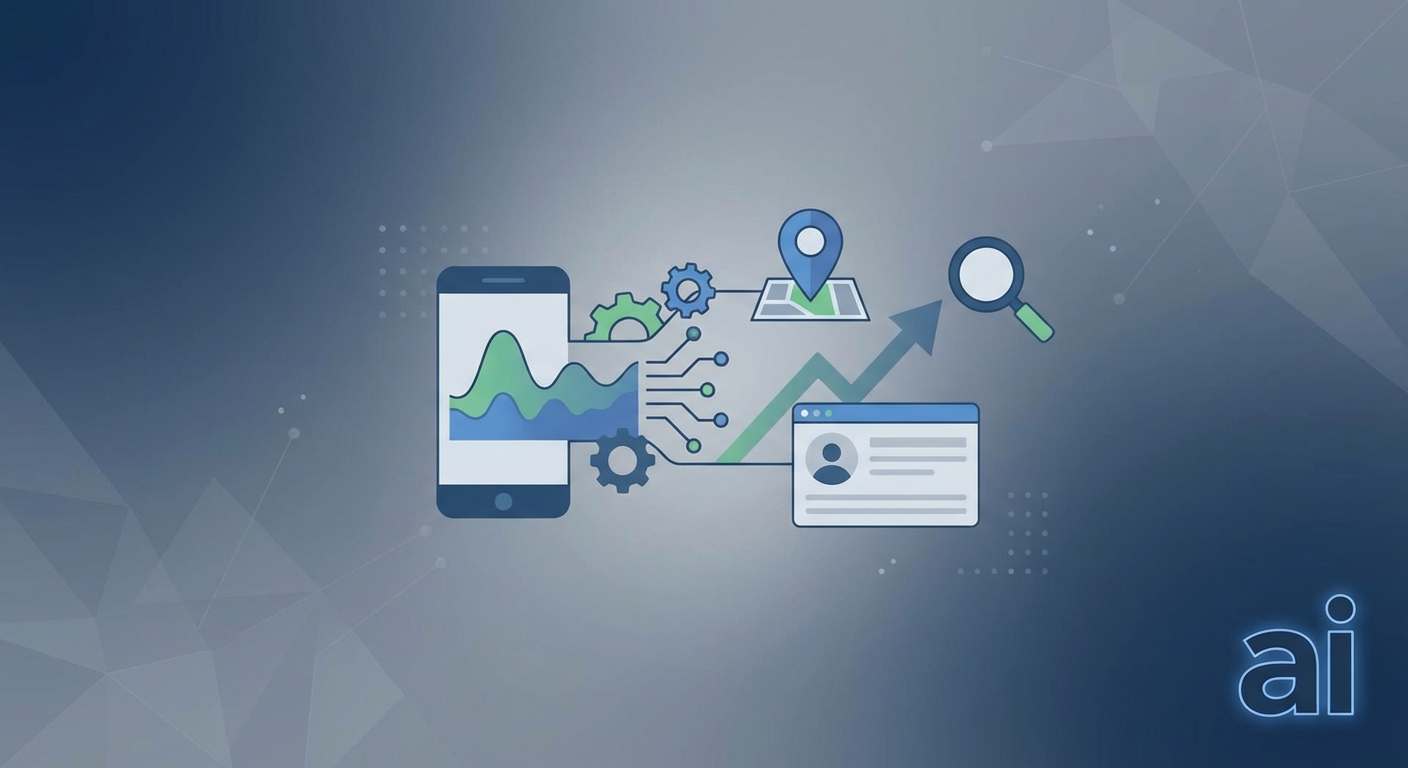
So, you’ve seen how call data can basically be a cheat code for your local rankings, but how do you actually build the "pipes" to make it happen? It’s honestly simpler than people make it out to look, you just gotta be consistent with the setup.
Step 1: Capture the call. You can't analyze calls nobody answers. With Voksha you go live in under 5 minutes by forwarding your existing number, so the number on your Google Business Profile stays the same, and every answered call comes with a summary.
Step 2: Ensure HIPAA compliance. If you’re a dentist or a clinic, this is huge. HIPAA (Health Insurance Portability and Accountability Act) is a legal standard in the US that protects patient privacy. If your ai tool isn't hipaa compliant, you're risking massive fines for recording health info. Make sure your provider signs a BAA (Business Associate Agreement). Voksha offers HIPAA compliance with BAAs, GDPR and CCPA compliance, and a 99.9% uptime SLA on the Enterprise plan only. Confirm your obligations with your own counsel.
Step 3: Connect to your CRM. Once you got the right ai, connect it to your crm—stuff like hubspot or clio for the lawyers out there—so call details land in your client notes. With Voksha, CRMs like these are set up with Voksha support on the Premium or Enterprise plan.
- Audit call logs monthly: Don't just let the data sit there. Every 30 days, scan for new weird questions people are asking so you can snag those keywords.
- Update your gbp posts: If the ai shows a spike in "emergency pipe burst" calls for your plumbing business, make a google post about it that same afternoon.
- Refine the ai script: As you see what works, tweak how the ai answers to better qualify those high-intent leads.
The pipeline in short:
- A call comes in and the ai receptionist answers it.
- You get a call summary with the caller's details and questions.
- You log recurring questions and phrases as keywords.
- You update your GBP services, posts and FAQ with them.
Honestly, the biggest mistake is setting it up and then forgetting it. Responsiveness is everything to callers. If you keep your data pipeline clean and actually use those insights to talk like your customers do, you’re gonna leave the competition in the dust. It’s about being the most "human" business in the search results, even if an ai helped you get the wording right.