On this page
Why your phone greeting is actually a sales tool
Ever pick up the phone and just know, within two seconds, that you’re about to have a bad time? We’ve all been there—the garbled greeting or the robotic voice that makes you want to hang up immediately.
Your phone greeting isn't just a "hello"; it is a sales tool that can either build trust or send a lead straight to your competitor. If you're running a law firm or a salon, that first impression is basically your digital storefront.
Most people think a missed call is just a minor annoyance, but it isn't. Stating your company name within the first few seconds tells the caller they're in the right place. If they hit a confusing menu instead, they're gone.
- The Patience Problem: A huge chunk of callers will just hang up if they can't reach a human or get a clear answer right away.
- Voicemail fatigue: Many people would rather get instant routing or AI help than leave a message.
- Trust factor: For clinics and high-end services, a messy greeting makes you look disorganized, even if you’re the best in town.

You don't need a poem; you need a workflow. Good scripts use "human-first" language that focuses on the problem the caller is trying to solve. Instead of saying "Press 1 for Accounting," try "For billing questions, press 1." It feels more helpful and less corporate.
Keeping things simple and avoiding industry jargon makes a real difference to customer satisfaction.
Next, we’ll look at industry-specific strategies and the actual scripts you can use right now.
10 Industry scripts for 24/7 conversion
If you've ever called a doctor's office only to hear "please hold" before you even say hello, you know how fast that kills the mood. A phone menu that feels like a maze costs you callers before they ever reach a person.
Here are 10 templates you can literally copy and paste into your system today:
Legal Services
1. The Personal Injury Intake "Thank you for calling [Firm Name]. If you’re calling about a new injury claim or a recent accident, press 1 to speak with our intake team immediately. For existing cases, press 2. For all other matters, please stay on the line."
2. General Law Firm After-Hours "You’ve reached [Firm Name]. Our office is currently closed, but we know legal emergencies don't wait. If you are a process server or have an urgent court deadline, press 1. Otherwise, leave a message and a lawyer will call you back by 9 AM tomorrow."
Voksha's AI receptionist for law firms is built around scripts exactly like these two.
Healthcare & Wellness
3. Medical Clinic (with 911 Disclaimer) "Thank you for calling [Clinic Name]. If this is a medical emergency, please hang up and dial 911. For appointments or to reschedule, press 1. For prescription refills, press 2. To speak with the nursing station, press 3."
4. Dental Office "Hi! You’ve reached [Dental Practice]. Press 1 to book a cleaning or check-up. Press 2 if you are experiencing dental pain or an emergency. Press 3 for billing and insurance questions. We can't wait to see your smile!"
5. Therapy or Mental Health "Hello, you’ve reached [Name/Practice]. If you are in crisis, please call the national lifeline at 988. To book a new consultation, press 1. Current clients can press 2 to reach their therapist’s extension directly."
Home Services
6. Plumbing/HVAC Emergency "Thanks for calling [Company Name]. If you have a plumbing emergency like a burst pipe or leak right now, press 1 to be connected to our on-call technician. For routine maintenance or quotes, press 2."
Voksha's AI receptionist for HVAC companies is built for this kind of emergency triage.
7. General Contractor/Construction "You’ve reached [Company Name]. We’re likely on a job site right now and can't grab the phone. For a new project estimate, press 1. For updates on an active project, press 2. We’ll get back to you within 4 business hours."
Professional & Personal Services
8. High-End Hair Salon "Hi there! Thanks for calling [Salon Name]. To book an appointment with your favorite stylist, press 1. To change an existing booking, press 2. For our location and hours, press 3. We look forward to seeing you!"
Voksha's AI receptionist for salons handles this kind of booking script well.
9. Real Estate Agency "Thank you for calling [Agency Name]. If you’re calling about a specific property listing, press 1. To speak with a rental agent, press 2. For all other inquiries, please stay on the line and we’ll be with you shortly."
10. E-commerce/SaaS Support "Thanks for reaching out to [Company Name]. For help with a recent order, press 1. For technical support with your account, press 2. To hear about our current promotions, press 3."
Comparing the costs: AI vs Human Receptionist
Let’s be real—hiring a person to sit at a desk and answer phones is getting crazy expensive. Between the base pay, health insurance, and that extra desk space you have to rent, you’re looking at a massive line item on your balance sheet.
When you hire a human receptionist, you aren't just paying for the hours they spend talking. You're paying for their lunch breaks, the time they spend scrolling on their phone when things are slow, and the inevitable "I’m sick" text on a busy Monday morning. By the time you add up payroll taxes and training, a $45k salary actually costs the business closer to $56,000 to $63,000, using MIT's widely cited 1.25x to 1.4x cost-of-employee multiplier (Hadzima, MIT, retrieved 2026-09-25).
Plus, humans have this annoying habit of leaving at 5 PM. If a lead calls your law firm at 6:15 PM with an emergency, they hit a voicemail. And let's be honest, most people just hang up and call the next guy on Google.

A lot of folks try to save cash by using a virtual call center. It sounds good on paper, but have you ever actually called one? The wait times are often brutal because one agent is handling ten different companies at once.
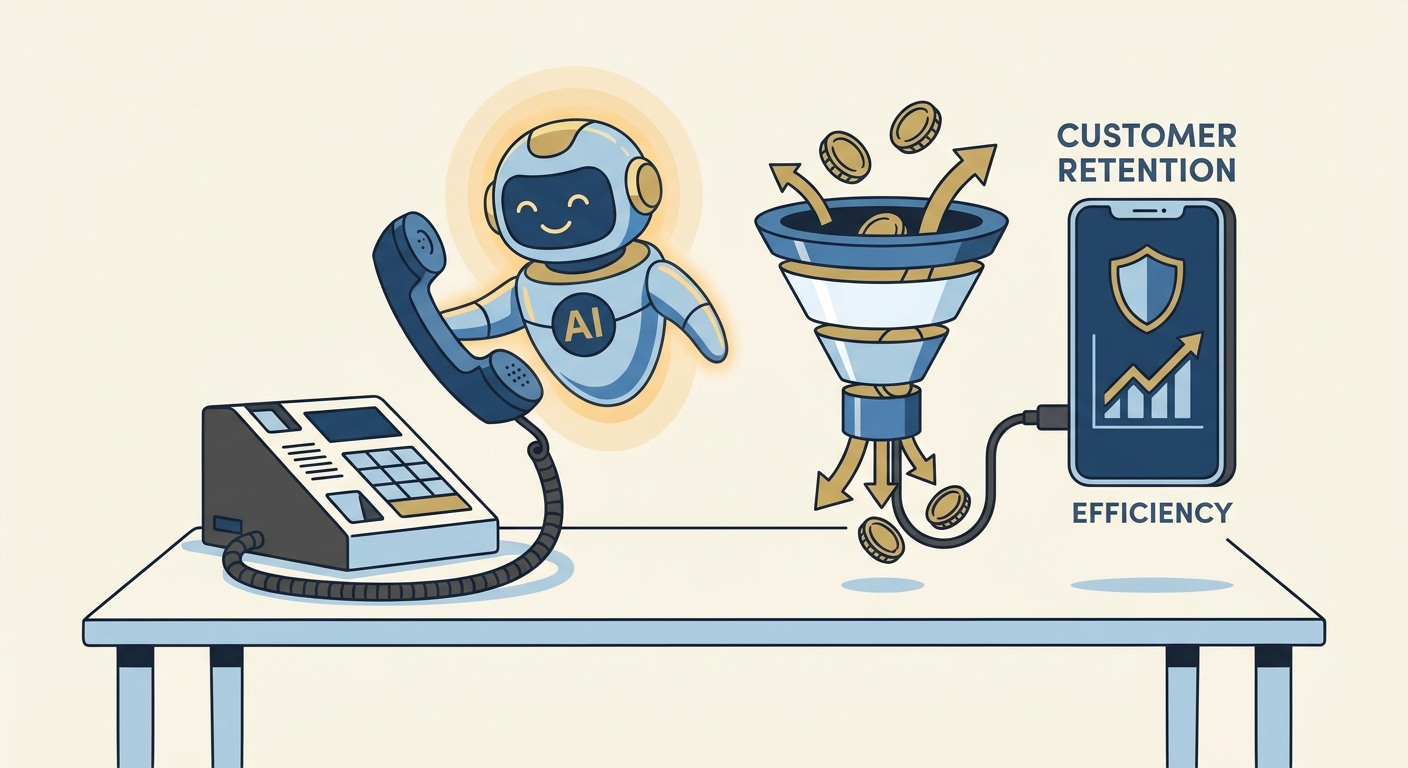
An auto-attendant or AI system helps a business of any size look more organized. Unlike a call center agent who might forget your script, an AI receptionist answers each call the same way and can take more than one call at a time.
- Scalability: AI doesn't get flustered when several people call at once during a promotion.
- Consistency: The greeting is perfect every single time, no "bad moods" or tired voices.
- Cost Projections: Voksha's own plans start at $14 a month for 15 calls, then $1 per call (Voksha pricing), against a receptionist's median pay of $38,010 a year, or about $3,168 a month, before payroll taxes and benefits (US Bureau of Labor Statistics, retrieved 2026-09-25). For most small businesses, the gap is large.
Unless you need someone physically at the front desk, AI is usually the cheaper way to cover the phone.
Implementing your new scripts with Voksha
So you’ve got these scripts ready—now how do you actually make them work without spending your whole weekend buried in a manual? Honestly, setting up an AI receptionist is way easier than it used to be, especially with platforms like Voksha that handle the heavy lifting.
First thing, you just upload those 10 scripts we just listed right into the Voksha dashboard. It isn't just a basic recording; the AI actually learns the "why" behind your words so it can answer follow-up questions about your services or pricing.
- Connect your tools (Premium): On the Premium plan, Google Calendar, Microsoft Outlook and Apple iCloud connect from the dashboard; tools like Clio for legal work are set up with Voksha support (Voksha integrations). Starter answers calls, captures caller details and follows your script, but doesn't connect to other tools.
- Set it and forget it: Voksha offers 24/7 answering starting at $14/month for 15 calls, then $1 per call.
- Voice choice: Pick a natural-sounding voice so callers don't feel like they're talking to a machine.
The real value shows up when you aren't looking. Voksha logs every call with a summary, so if a call drops you know exactly who to call back while the lead is still warm.
You can even set up intelligent routing so if a "VIP" or a high-value lead calls, the AI routes the call to your cell while handling the routine "what are your hours" folks on its own. It captures all that lead data without you lifting a finger, so your inbox is full of clear call summaries (and, on Premium, booked appointments) instead of "call me back" scribbles.
Advanced strategies for phone automation
Honestly, having a killer script is only half the battle; if your phone system is still a mess of "please hold" and dropped calls, you are just throwing money away. You gotta think about how to actually close the loop so those callers don’t just vanish into the void after they hear your fancy new greeting.
I've seen so many salons and clinics struggle with empty chairs because they don't use their phone prompts to actually do something. If you're a salon owner, adding a simple "Press 1 to reschedule" into your main menu is a total life saver. It’s way better than making them wait for a human just to say they can't make it.
Restaurants are the same way—most people would rather click a link than talk to a busy host on a Friday night. Using AI-powered options to handle routine bookings helps businesses manage updates across locations in seconds and stops that frantic "phone tag" game that kills your conversion rate.
- Answer Instead of Voicemail: If you can't pick up, have the AI answer, take the caller's details (or, with a calendar connected on a plan like Voksha Premium, book the appointment on the call) rather than sending the caller to voicemail.
- Urgency Filters: For home services, make sure "Emergency" is the first option so you don't lose a $500 plumbing lead to the guy down the street.
- Nesting Info: Don't read your address to everyone; put it behind a "Press 3 for hours and location" button to keep the menu snappy.
Setting this up isn't nearly as scary as it sounds, but you gotta be methodical about it. First, do a quick audit—call your own business and see how long it takes to actually get an answer. If it takes more than a few rings, you're likely losing people.
- Map your flow: Draw out where a caller goes when they press 1 vs press 2. Keep it to 4 choices max per level so they don't get a headache.
- Pick your tech: Make sure you choose a HIPAA compliant phone answering solution with a signed BAA if you're in healthcare (Voksha offers BAAs on the Enterprise plan), otherwise you're asking for a legal nightmare.
- Test and tweak: Listen to the recordings. If the voice sounds like a robot from 1995, nobody is going to trust you with their credit card.
Related Voksha Resources
- AI receptionist for small business
- Answering service for small business
- 10 Best AI Receptionist Software for Small Businesses in 2026
- How to Set Up an AI Receptionist for Small Business: The 2026 Setup Guide
Final Thoughts
At the end of the day, your phone system should be working for you, not the other way around. Once you get these scripts live and automate the boring stuff, you'll finally be able to focus on actually running your business. Give it a shot—your bank account will thank you. If you're tired of hearing your own voicemail, it's probably time to let AI handle the heavy lifting.