

Reading your calls
What Voksha keeps from every call, how to find the one you want, and how to use it to improve the agent.
Every call your agent answers leaves four things behind: a recording, a transcript, a written summary, and the details you asked it to collect.
Where to find it
Dashboard → Conversations.
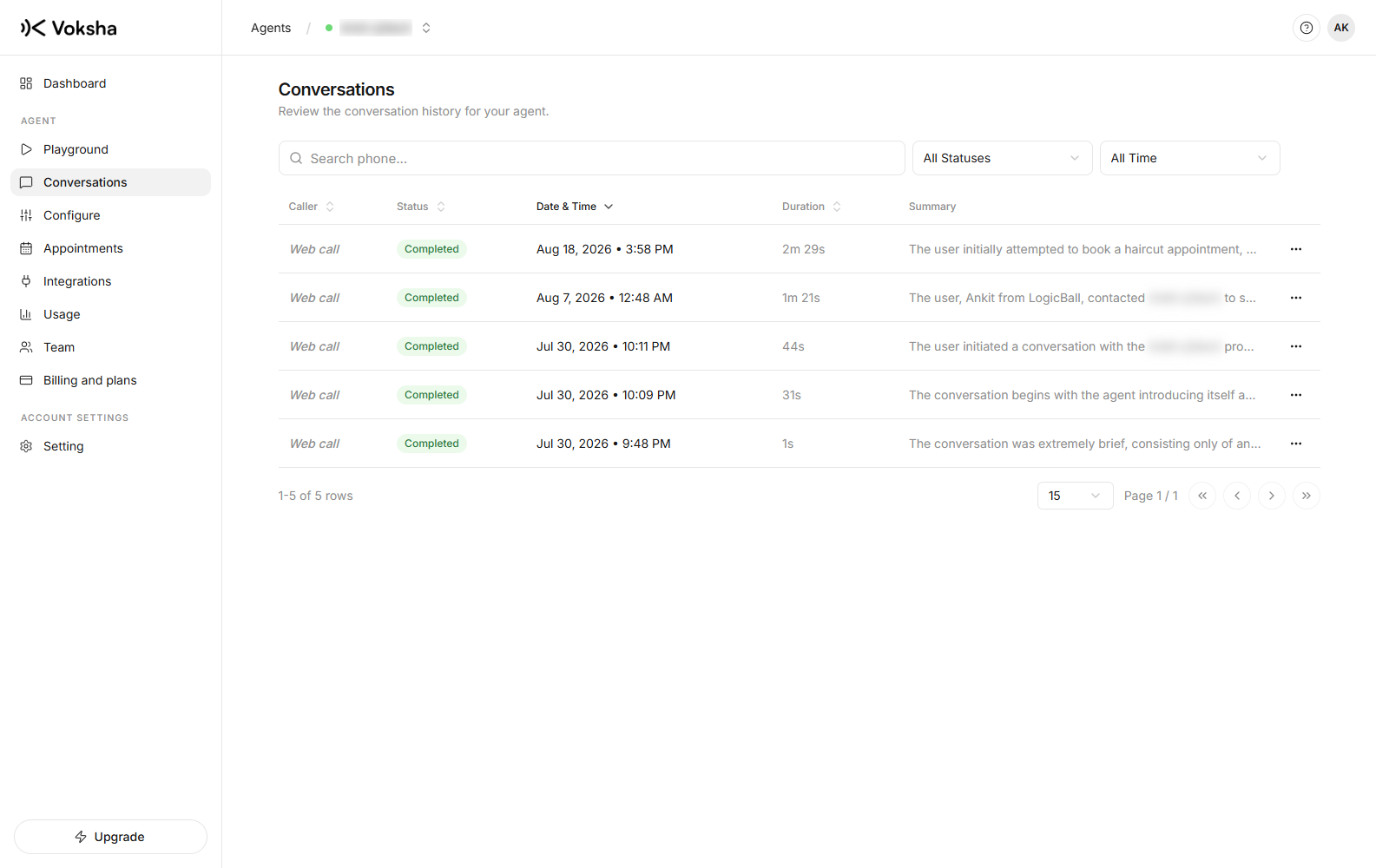
What a call shows you
| When it came in | And how long it lasted |
| The caller's number | When the phone network gives it to us |
| A summary | What the caller wanted and what happened |
| The full transcript | Both sides, in order |
| The recording | You can play it in the browser |
| The collected details | As fields, not buried in the text |
| Whether it booked anything | If the agent made an appointment |
Finding one call
You can narrow the list four ways:
| Tool | What it does |
|---|---|
| Search | Matches the caller's phone number. Part of a number works |
| Status | Show only completed calls, or only failed ones |
| Date range | A start date, an end date, or both |
| Sort | By date, by how long the call was, by caller, or by status |
Search looks at the phone number only. To search the words inside a call, contact support, so typing "refund" will not find calls that mention refunds. Use the date range to narrow things down, then read the summaries.
Reading calls is how the agent gets better
This is the habit worth building:
- Read yesterday's calls, skimming the summaries
- Note anywhere it guessed, avoided the question, or said something you would not say
- Add one sentence to its instructions for each one
- Make one test call to check the change
Three sentences taken from real calls help more than an afternoon of guessing what callers might ask.
Missed and failed calls
Not every call is answered. A call can be missed, or fail on the phone network before the agent speaks. These show in the list too, and they matter for a different reason: several failures in a row means you should check your forwarding, not your instructions.
Missed and failed calls do not count towards your included calls. See Choose a plan.
Test calls appear here too
A browser test call gives you the same recording, transcript and summary as a real one. That is on purpose. It lets you read back exactly what your agent said instead of trusting your memory.
Who can see calls
Anyone on the agent, including members, can see calls, transcripts and recordings. That is the point of a member: someone you trust with the phone, without giving them the power to change the agent or your billing. See Team.