

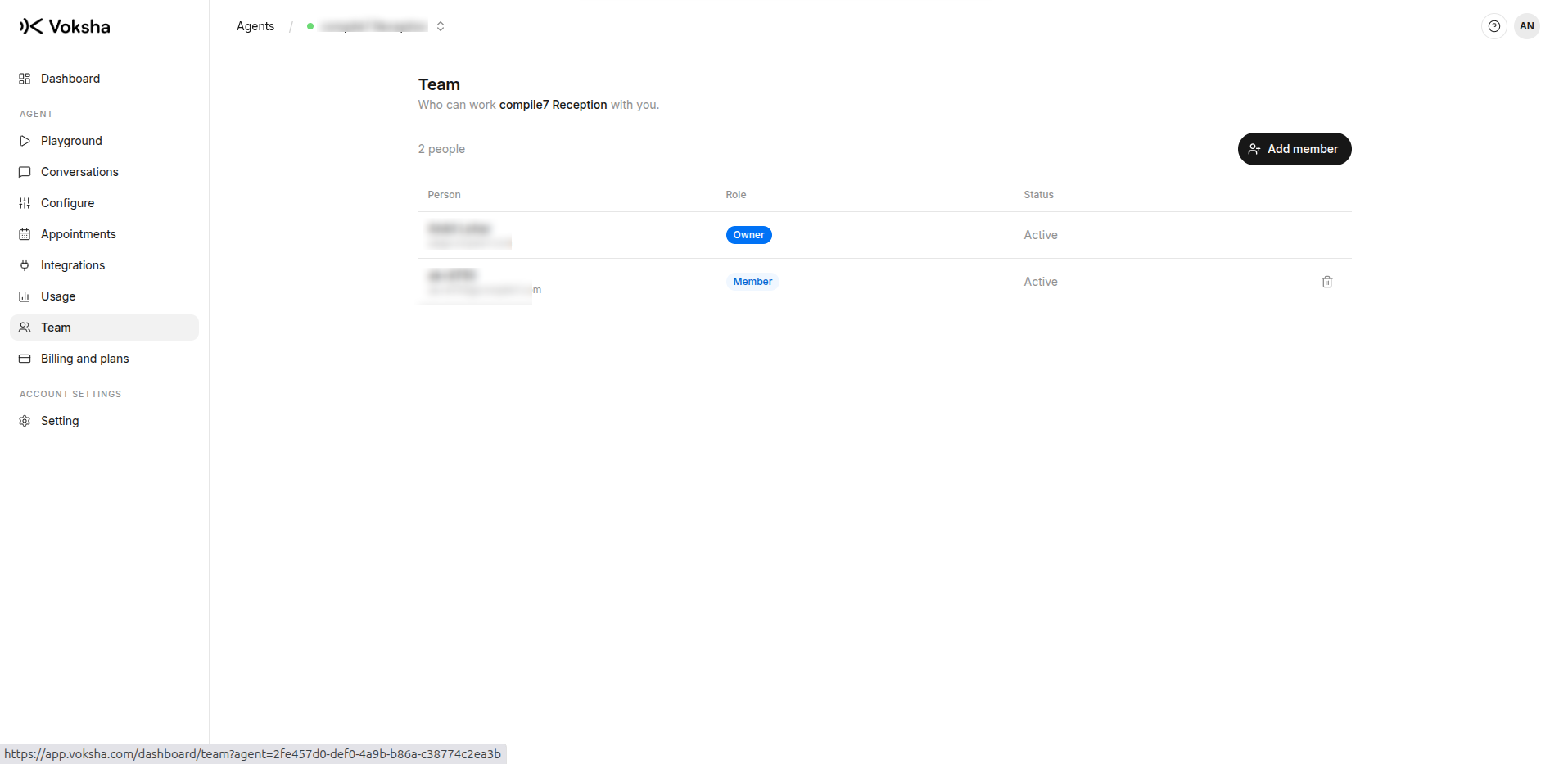
Team
Invite people to an agent, what each role can do, and how to remove somebody.
People are added per agent, so somebody can help with one line without seeing another.
Where to find it
Dashboard → Agents → open the agent → Team.
The three roles
| Owner | Manager | Member | |
|---|---|---|---|
| Listen to calls, read transcripts | Yes | Yes | Yes |
| Use the playground | Yes | Yes | Yes |
| See usage | Yes | Yes | No |
| Change the agent, connect a diary, cancel appointments | Yes | Yes | No |
| Invite people | Yes | Members only | No |
| Change the plan | Yes | No | No |
| Delete the agent | Yes | No | No |
Member is the everyday role: somebody you trust with the phone, who can read every call and try the agent, but cannot change what it says or spend your money.
Manager is for whoever actually runs the line. They can rewrite the instructions, connect the diary and cancel appointments.
Owner keeps the two that are irreversible or expensive: changing the plan and deleting the agent.
Inviting somebody
Invite them by email address and pick the role. They get access when they sign in with that address.
A manager may only invite members. A manager who could create another manager could quietly promote themselves, so that one stays with the owner.
Removing somebody
Remove them on the Team page and their access ends immediately.
Their history stays: the calls they listened to, the changes they made, the appointments they cancelled. Removing a person is not a way to erase what happened.
Choosing a role well
Two questions decide it.
| Question | If no |
|---|---|
| Should they change what the agent says to your customers? | Member |
| Should they change what you pay? | Manager at most |
For somebody who only needs to hear one call, you can forward the link from that call's notification. Read The call link first: it also opens the agent's other recent calls, so it is not a way to show one call and nothing else.