

Your agent
The four things that decide how your agent behaves, and where each one lives.
An agent is four things. Change any of them and the next call is different. Nothing waits for a deploy or a support ticket.
Where to find it
Dashboard → Agents → open the agent → Configure. Booking is the exception: it lives under Connectors on the same agent.
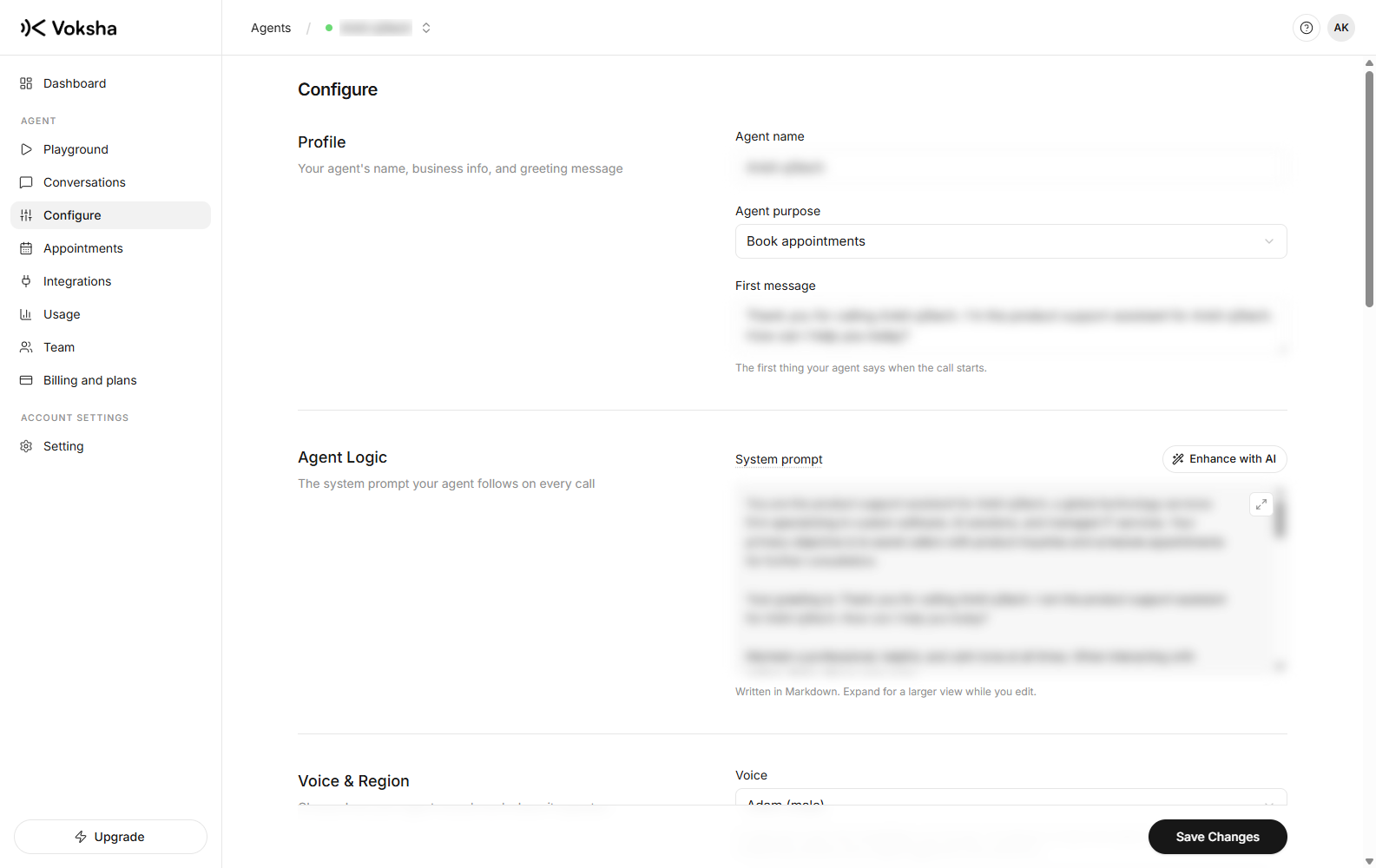
The four things
| Setting | What it decides |
|---|---|
| What it says | Your services, hours, prices, and what to do when it does not know |
| Voice and greeting | How it sounds, and the first sentence every caller hears |
| Collected details | The fields captured from every call, ready in your call list |
| What it can do | Whether it can read your diary and book |
Saving publishes immediately
Saving on Configure publishes to the live agent. The next call uses the new version, including one that starts thirty seconds later. There is no publish button and no queue.
That is why a test call after each change is worth the two minutes. The change is already live.
Agents share nothing
Each agent keeps its own instructions, number, plan, connected diary and calls. Editing one never changes another, which is what makes running a sales line and a support line side by side safe.
Who can change it
Changing an agent needs the configure right. Owners and managers have it, members do not. Members can still listen to calls and use the playground. See Team.