

Voice and greeting
Choosing how your agent sounds, and writing the first sentence every caller hears.
Two settings, First message and Voice, and every single caller hears both.
Where to find it
Dashboard → Agents → open the agent → Configure. Both are also in the Playground, where saving updates Configure too.
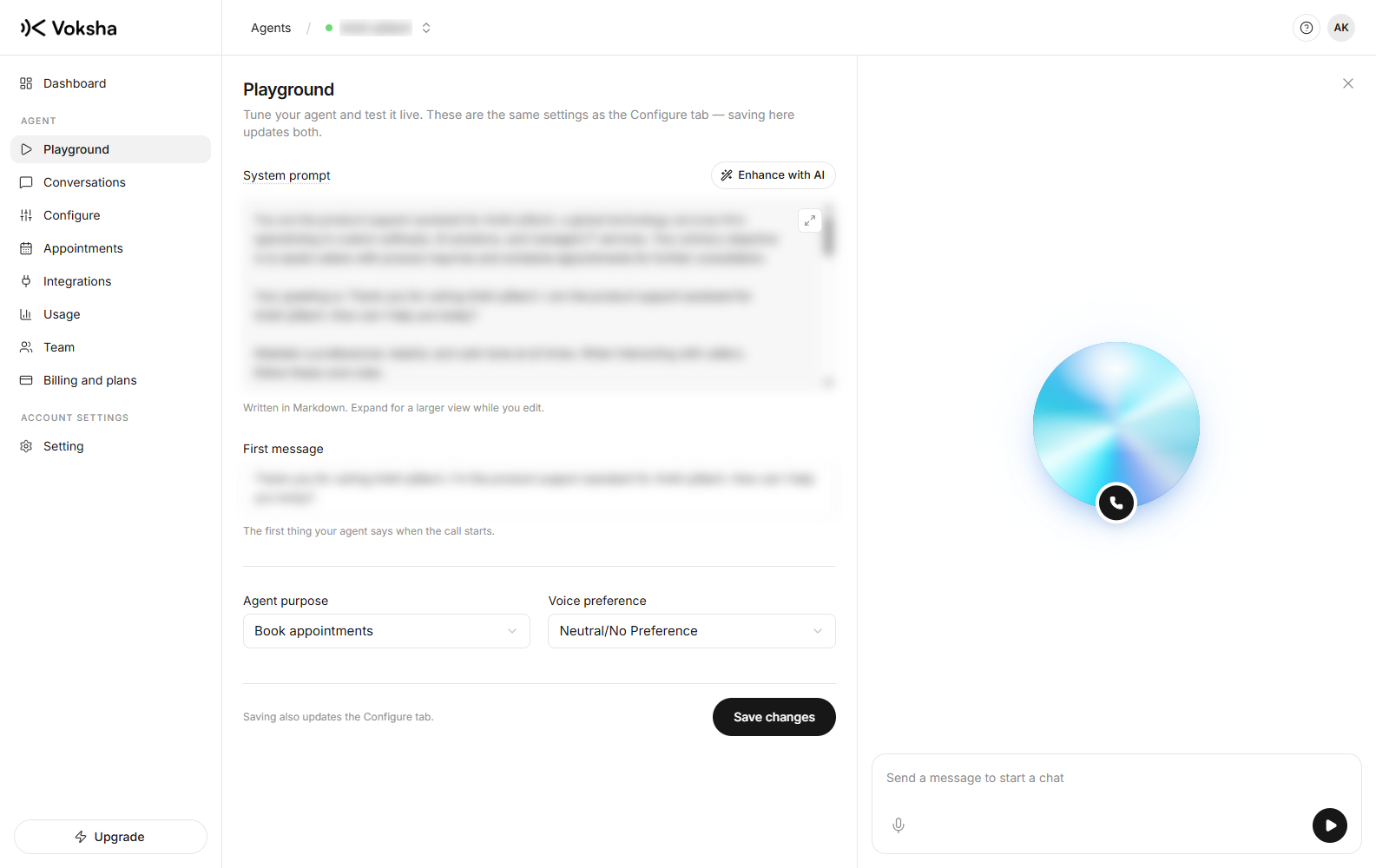
The first message
The dashboard calls this First message. It is the first thing said when the call connects.
Keep it short. A caller who rang about a blocked drain is not listening to a paragraph.
Good afternoon, Bright Smile Dental, how can I help?Thank you so much for calling Bright Smile Dental, the premier family dental
practice in the area, where our friendly team has been serving patients for over
twenty years. How may I direct your call today?Say the business name early. That is how the caller knows they dialled correctly.
Choosing the voice
Voice & Region on the Configure page holds this.
Hear it before you save
The Voice dropdown lists the voices we have published. Pick one and two things appear under it: a short description of the voice, and a player that speaks a sample. Press play. The voice you imagine from a name like "Friendly Male" is rarely the voice you get, and this is the only place you find that out before a real caller does.
If no curated voices are published yet, the section falls back to a simpler Voice preference dropdown with five choices:
| Option | Reads as |
|---|---|
| Professional Male | Measured, businesslike |
| Professional Female | Measured, businesslike |
| Friendly Male | Warmer, more conversational |
| Friendly Female | Warmer, more conversational |
| Neutral/No Preference | We choose for you |
Two rules worth following
| Do | Why |
|---|---|
| Listen on a phone, not laptop speakers | Phone audio is narrower and some voices carry better than others |
| Match your customers, not your taste | The voice that suits a spa is not the one that suits an emergency plumber |
Changing the voice takes effect on the next call. Existing recordings keep the voice they were made with.
Region
The Country dropdown sits in the same section: United States (+1), Canada (+1), United Kingdom (+44) or Australia (+61).
This is where your agent operates. It decides the dialling code and how the agent reads back numbers, dates and times, so a caller hears the format they expect rather than an American date in Manchester.
What to check on a test call
| Check | If it is wrong |
|---|---|
| The business name is pronounced correctly | Spell it phonetically in the instructions |
| The greeting does not run over the caller | Shorten it. Real people start talking early |
| The voice is comfortable at phone quality | Try another one and call again |