

Create an agent
The five questions Voksha asks about your business, and how your answers become what the agent says on the phone.
Setup is eight steps. The first five ask about your business, then you pick a plan, get a number and finish.
What you type in those five becomes what your agent says on the phone, so be specific.
Where to find it
Dashboard → New agent. Or just carry on after you sign up.
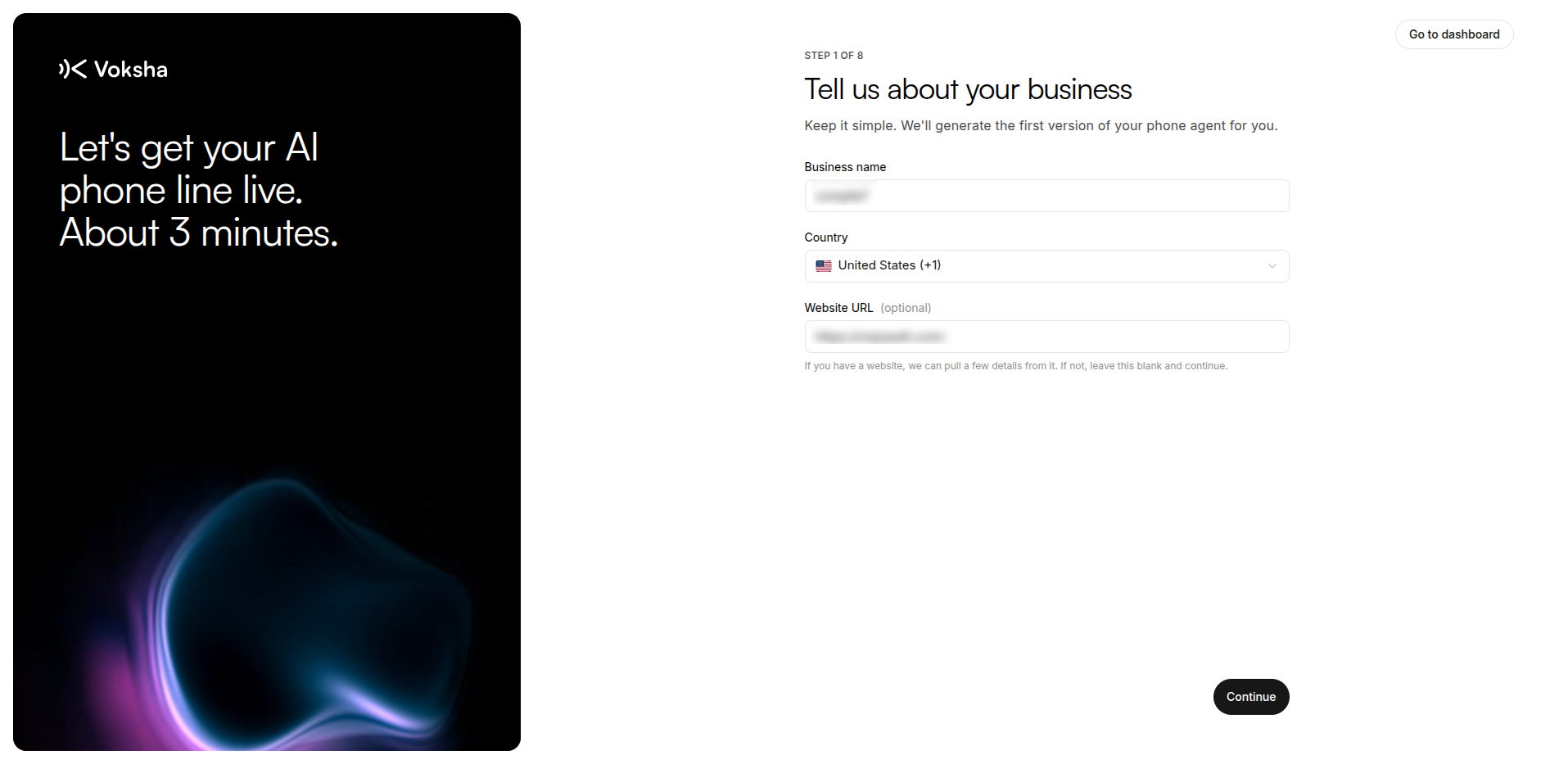
The five questions (steps 1 to 5)
| Step | What it asks | What it changes |
|---|---|---|
| 1. Your business | Your name, and your website if you have one | The name is said out loud. The website fills in your services and hours |
| 2. Industry | The closest match | The words it starts with, and the questions it expects |
| 3. Role | What you want calls to achieve. Saved as Agent purpose | What it treats as a success: a booking, or a name and number |
| 4. Handoff | Transfer the call, or take a message | What it does on calls it cannot finish |
| 5. Details | Hours, prices, what you do not do | Its instructions. This is the screen that matters most |
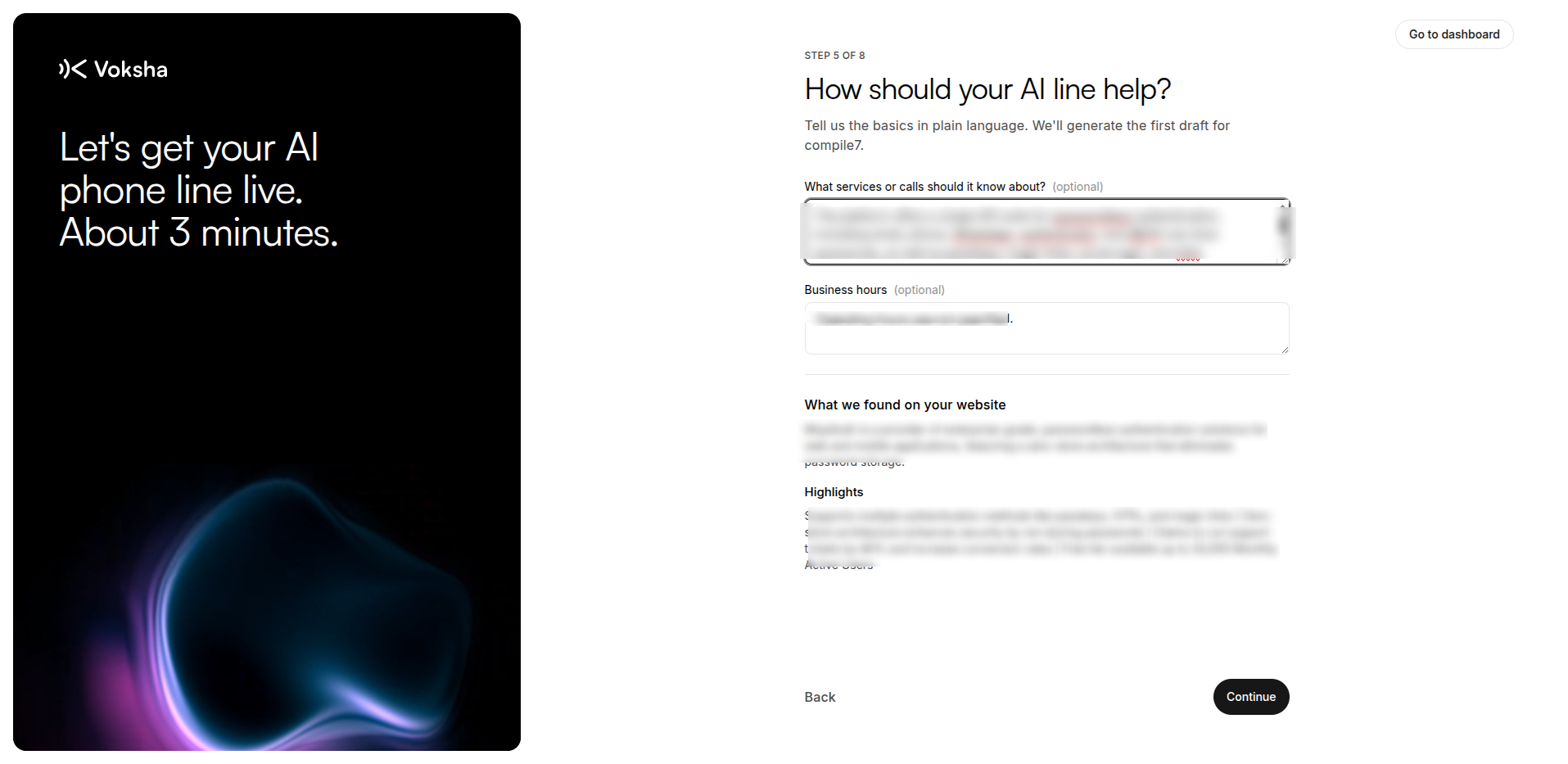
Filling in the details screen
Tell it the things only you know:
- Your opening hours
- What you charge, or that you cannot give a price on the phone
- What you do not do
- The two questions every caller asks
- How to say your business name
Write it the way you would brief a new receptionist on their first morning.
Write your business name the way you say it on the phone: "Bright Smile Dental", not "bright smile dental ltd". It is read out exactly as you type it.
Choose the handoff honestly
| Option | What the caller gets |
|---|---|
| Transfer the call | Put through to a number you give |
| Take a message | Told that someone will ring them back |
Pick the true one. An agent that promises to transfer a caller to a phone nobody answers is worse than one that takes a message and means it.
Changing it later
Nothing here is permanent. Change any of it in Configure on the agent page. When you save, it goes live straight away, so the next call uses the new version.