

Square Appointments
Connect Square so your agent books, reschedules and cancels real appointments.
The most complete connector. Your agent reads your Square services and staff, quotes real availability, and books during the call. Rescheduling and cancelling are available from the dashboard too.
Where to find it
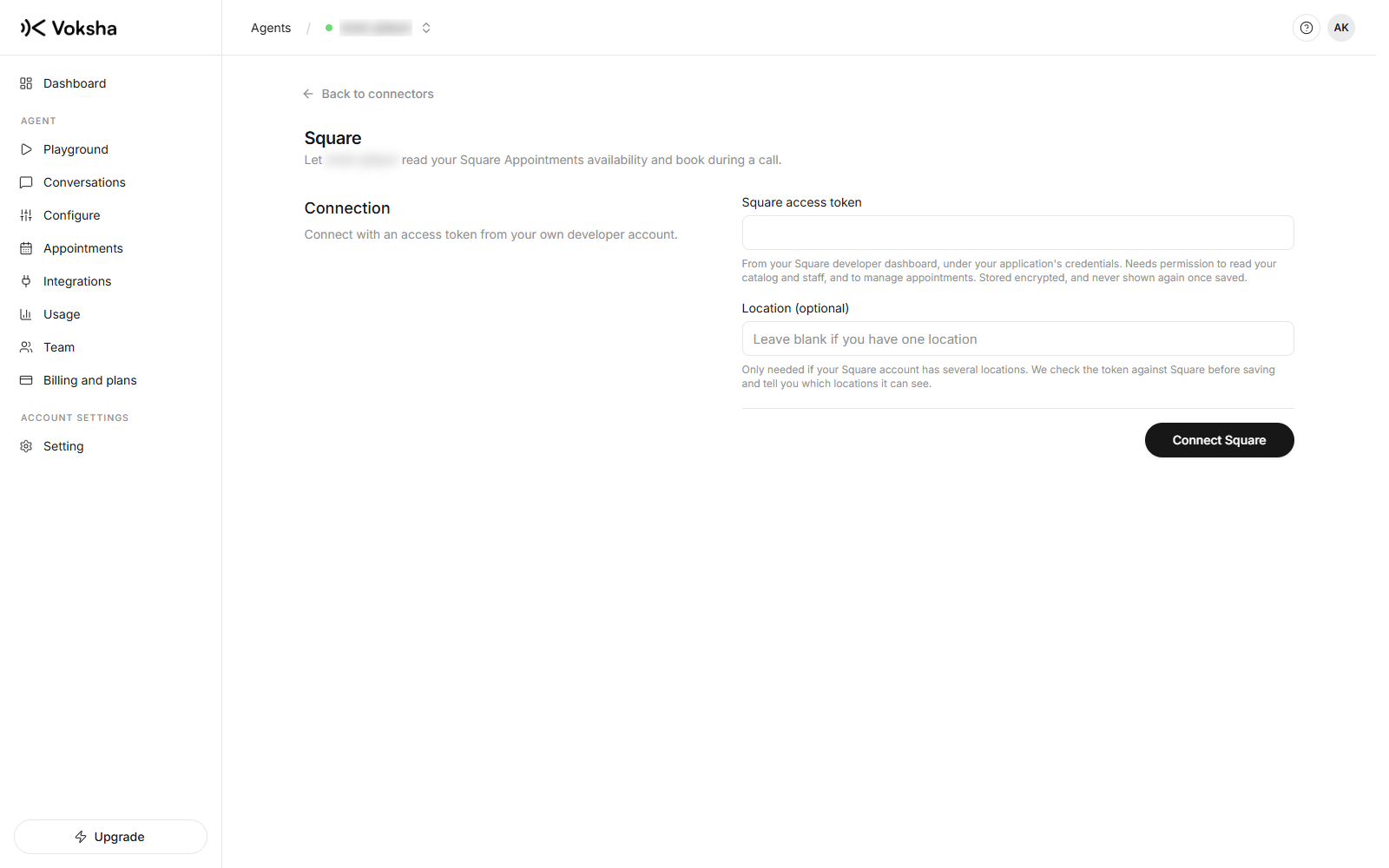
Dashboard → Agents → open the agent → Integrations → Square Appointments.
What Square needs from you first
Two things must be true in your Square account, and both are quick.
| Requirement | If it is missing |
|---|---|
| Square Appointments is enabled | Every booking request is refused. Voksha checks while connecting and tells you plainly rather than saving a connection that can never book |
| At least one service, with a bookable staff member assigned | A service with nobody assigned has no availability, ever, so your agent would offer it and never find a time |
Connecting
Two ways, and the first is better.
Connect with Square
Click Connect with Square, sign in on Square's own page, and approve what the agent may do: read your services, staff and availability, and manage appointments. Nothing to copy, and the connection renews itself.
Voksha asks for nothing to do with payments.
An access token
Kept for businesses that already have a Square developer application. Paste the token, and the location id only if your account has several locations. Voksha tells you which locations the token can see if it cannot find the one you named.
A token connection does not renew itself, and the page says so.
What your agent can do
| Read your services and their lengths | Yes |
| Read which staff perform a service | Yes |
| Quote real open times | Yes |
| Book during the call | Yes |
| Reschedule from the dashboard | Yes |
| Cancel from the dashboard | Yes |
One safeguard you should know about
Square will accept two bookings for the same staff member at the same minute. We tested it: both were accepted, and Square then stopped offering that time to the next caller while quietly holding two customers in one chair.
So Voksha checks the slot is still free immediately before booking, and refuses with "that time has just been taken" rather than trusting the platform. It costs one extra request and prevents a mistake you cannot fix gracefully in front of a customer.
Timezones
Square reports your location's real timezone and Voksha uses it, so the times your agent speaks match your business's clock rather than the server's.
Choosing which services the agent offers
Use the connector's Services page to narrow a long catalogue to the things worth offering by phone.