

Make a test call
Call your agent from the browser before any real customer does, and what to listen for.
Call your agent yourself before you send a customer to it. It takes two minutes, and it catches things that reading the instructions never will.
Where to find it
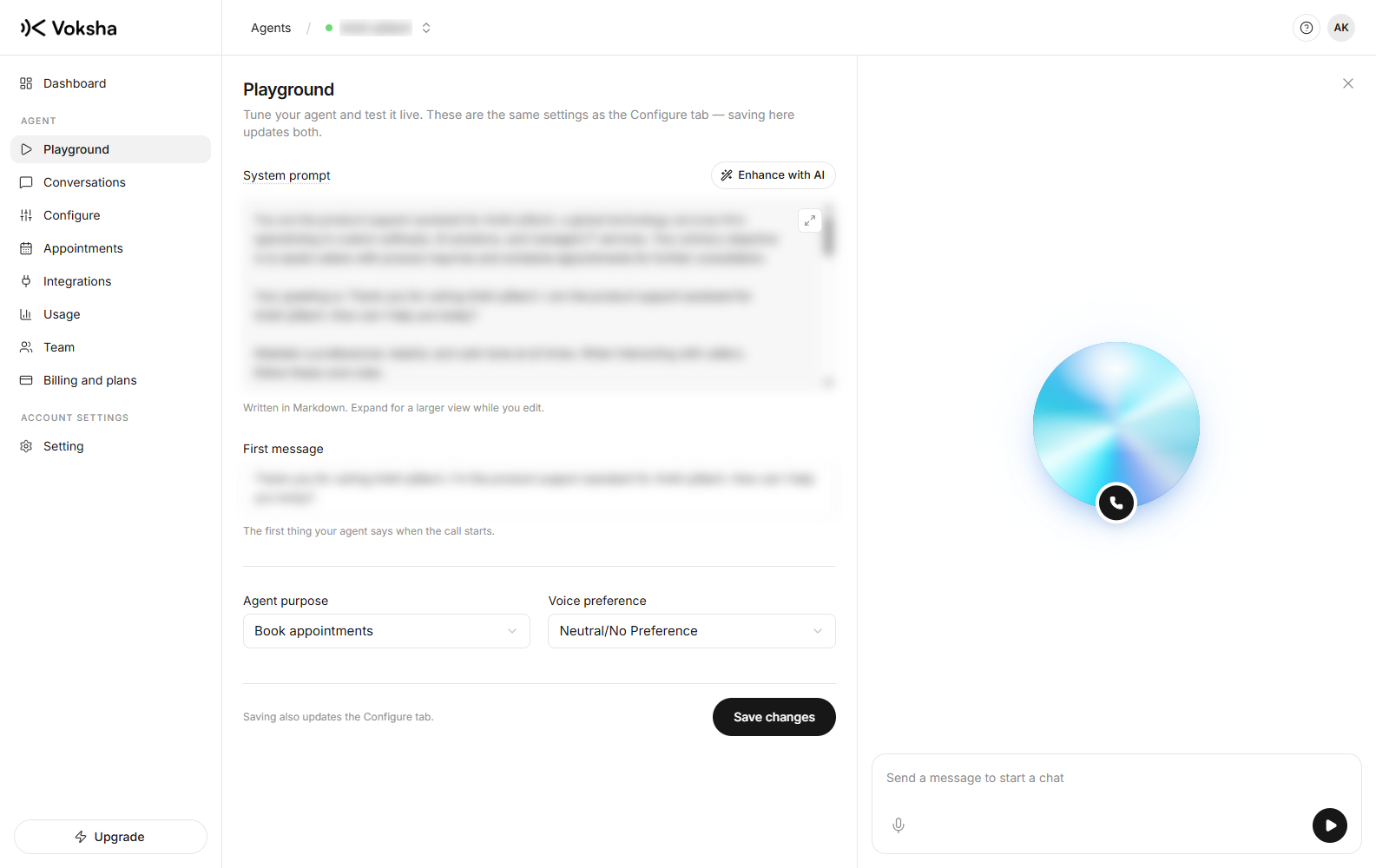
Dashboard → Playground. Allow microphone access when your browser asks.
Your agent answers in the browser with the same voice, greeting and instructions it uses on the phone. Your first two calls on a new agent are free. You need no plan and no card.
Test both ways
| Test | What it tells you |
|---|---|
| Browser call | The greeting, the answers, the behaviour. Free, twice |
| Call the real number | How it sounds on a real phone, and how fast it answers |
What to listen for
Ask the questions your callers really ask, not easy ones.
| Ask it | It should |
|---|---|
| The greeting | Say your business name the way you say it |
| A price question | Give a price, or say it cannot. Not make one up |
| A busy time, then a free time | Offer real times, not made-up ones |
| Something you do not offer | Say so clearly |
| To speak to a person | Do what you chose: transfer, or take a message |
| Interrupt it mid-sentence | Cope. Real callers do this |
Fixing what you hear
Go to Configure on the agent page. Change the instructions, save, and call again. Saving goes live straight away, so your next call uses the new version. There is nothing to redeploy.
- It got a fact wrong → add one sentence with the fact
- It made something up → add one sentence telling it what to say instead
Test calls appear in your call list
A browser test call is a real call. It gives you a recording, a transcript and a summary, and it appears in Calls. That is on purpose, so you can read back exactly what it said instead of trusting your memory.
Test again every time you change your services or prices. One call takes two minutes, and it is the only way to be sure the agent is saying today's price and not last season's.