

Mindbody
Connect your Mindbody site so your agent quotes real availability and books appointments during the call.
Your agent reads your Mindbody services, the staff who perform them and their real availability, then books the appointment while the caller is on the line.
Where to find it
Dashboard → Agents → open the agent → Integrations → Mindbody.
What you need
| What | Where from | |
|---|---|---|
| 1 | Your own Mindbody API key | developer.mindbodyonline.com, add an app, copy its key |
| 2 | Your site id | The studio id in your Mindbody business settings |
| 3 | A staff login | Optional, and only needed for booking |
Why your own key rather than ours
Mindbody meters and bills API use per developer account. With your own key, your usage and your limits are yours: another business having a busy day cannot slow your phone line down. And you can revoke our access from your own Mindbody account whenever you like, without asking us.
The staff login
Without it your agent can read your services and quote times, but not book. Mindbody requires a staff login to write an appointment.
Give it its own staff account rather than sharing a personal one. Stored encrypted, and never shown again once saved.
Connecting
Paste the key and site id, add the staff login if you want booking, and connect.
Voksha checks the key and site against Mindbody before saving, so a typo fails here rather than on a call. It also reads your site's timezone, which is what every spoken time depends on.
Updating later? Leave the key and password boxes blank and the saved ones are kept. They are only replaced when you type something new, so changing your site id does not wipe your credentials.
What your agent can do
| Read your services and their lengths | Yes |
| Read which staff perform a service | Yes |
| Quote real open times | Yes |
| Book during the call | Yes |
| Cancel from the dashboard | Yes |
| Reschedule | Contact support |
| Book classes | Appointments today; contact support for classes |
Two things worth knowing
Existing clients book more smoothly than new ones. Mindbody will not create a client record without a birthday, which no caller reads out to a receptionist. So the agent finds a returning caller by phone number and books them. For somebody entirely new, it takes the details and tells them your team will confirm, and the request shows in Appointments as awaiting your confirmation.
Staff come from availability, not from your staff list. Mindbody's own "can take appointments" flag disagreed with what booking actually accepts on every one of 141 staff on a test site, so your agent offers the people who genuinely have bookable time.
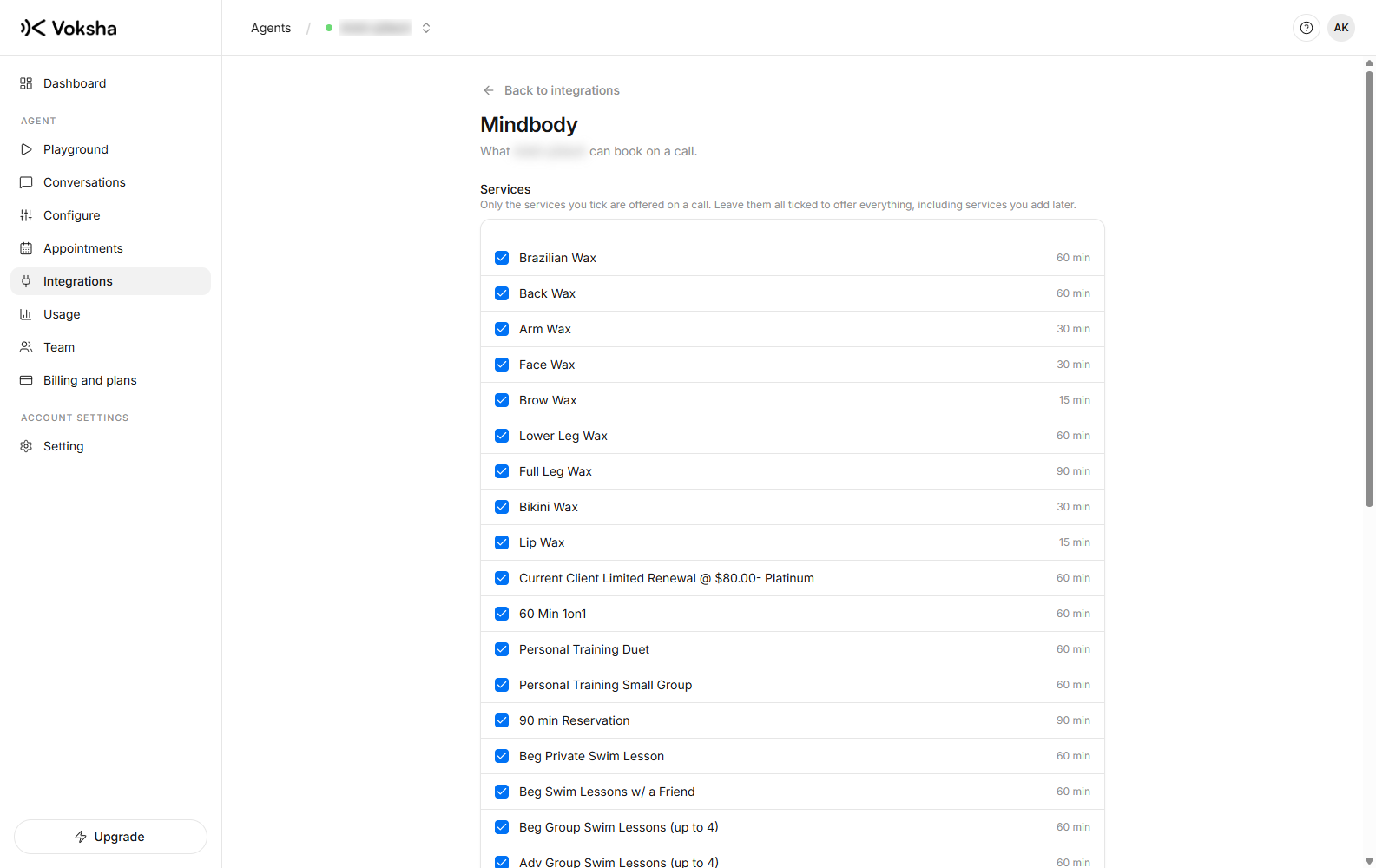
Choosing which services the agent offers
If your catalogue is large, choose a subset on the connector's Services page. An agent that can offer everything will read out ten options to somebody who wanted a haircut.