
Receptionist Salary vs. AI Receptionist Cost: A 2026 Breakdown for Small Business Owners
TL;DR
- ✓ Human receptionists cost 40% more than base salary due to hidden expenses.
- ✓ AI receptionists provide 24/7 coverage compared to a standard 40-hour work week.
- ✓ Replacing administrative staff is a major financial burden for growing small businesses.
- ✓ Modern AI agents offer enterprise-grade capabilities at a fraction of the cost.
- ✓ Automating phone lines significantly increases lead capture and reduces missed call rates.
Automating your front desk in 2026 isn't about cutting corners. It’s a survival tactic. If you’re still relying on a traditional human-staffed front desk to capture every lead, you’re losing money. It’s that simple.
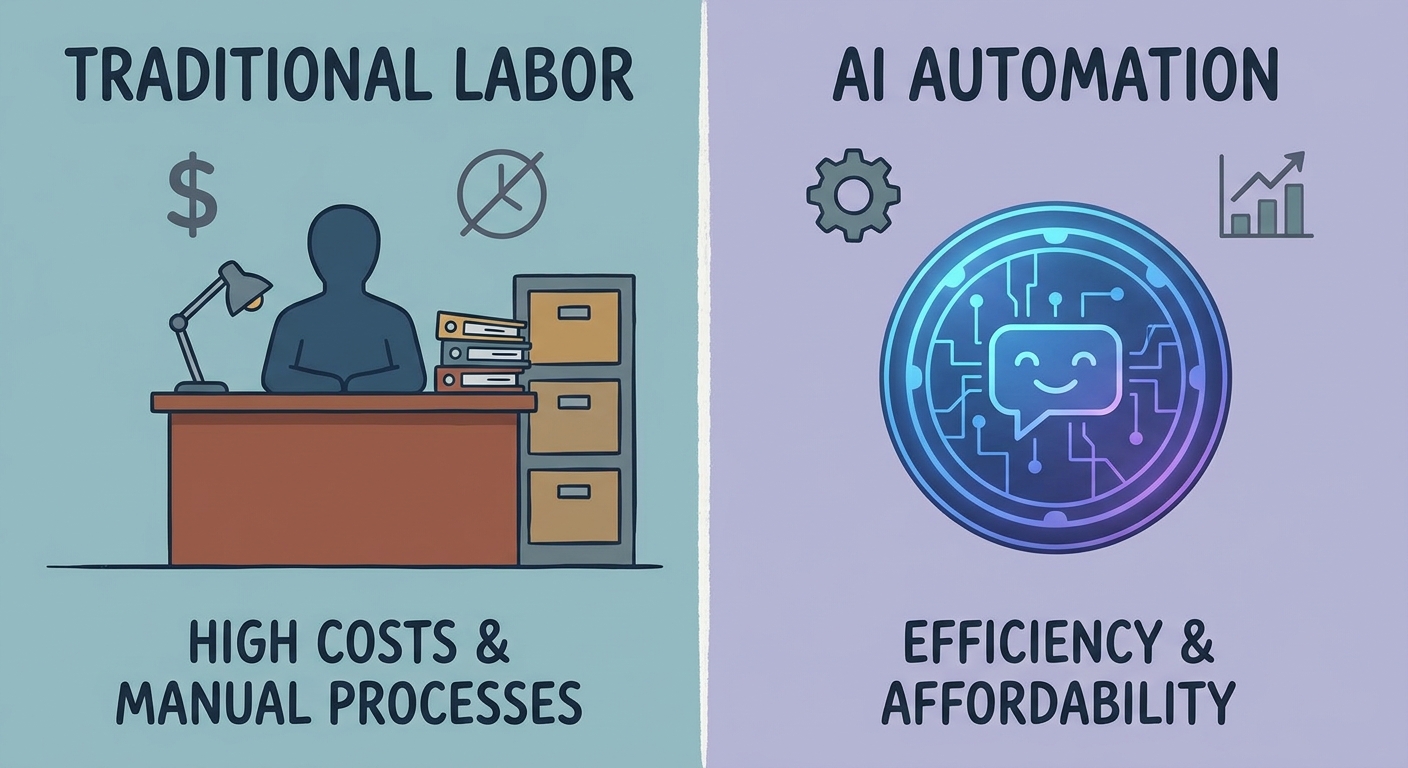
When you stack up the cost of a human receptionist—which easily clears $45,000 a year once you factor in the "hidden" costs—against a modern AI agent that works for pennies on the dollar, the math becomes brutal. You’re choosing between a person who needs breaks, vacations, and a paycheck, and an autonomous agent that never sleeps, never complains, and never misses a single lead.
The "Fully-Loaded" Cost of a Human Receptionist in 2026
If you only look at the hourly wage, you’re kidding yourself. You’re missing the bigger picture of what it actually costs to keep a human in that chair. According to the BLS Occupational Employment and Wage Statistics, base pay for office support is climbing. But salary is just the tip of the iceberg.
Smart owners use the 60/40 rule. Your base salary is only about 60% of the real investment. The other 40%? That’s where your margins go to die. We’re talking about the Kaiser Family Foundation Employer Health Benefits Survey data, which paints a grim picture of rising healthcare premiums, plus payroll taxes, retirement matches, and the physical gear needed to keep a desk running.
And then there’s the churn factor. Per the SHRM Employee Retention Guide, replacing an employee costs anywhere from 50% to 200% of their annual salary. Think about the recruitment, the onboarding, and the weeks of "ramp-up" time where they’re essentially learning on your dime. In the 2026 labor market, administrative turnover is a financial sinkhole. Why keep underwriting that risk?
Why the 2026 AI Receptionist Cost is a No-Brainer
The tech has finally caught up. We’re long past the days of those clunky, frustrating IVR systems that made callers want to smash their phones. Today, we’re using enterprise-grade Large Language Models—the same tech powering the world’s biggest companies—democratized for your small business.
Check out the AI Receptionist Pricing Guide 2026. The shift here is massive: we’ve moved from paying by the hour to paying by the task or subscription. This is huge for small business owners. You aren't paying for a human to stare at a silent phone during a slow afternoon. You’re paying for a utility that sits ready, waiting for the split-second a call hits, 24 hours a day.
The Coverage Gap: 40 Hours vs. 8,760 Hours
Here’s the rub: a standard employee works 40 hours a week. There are 168 hours in a week. That leaves 128 hours where your business is effectively a ghost town for voice communication. If a potential client calls at 8:00 PM on a Tuesday, or Saturday morning while you’re out with your family, what happens? They hit a voicemail. The graveyard of small business leads.
In 2026, nobody leaves a voicemail. They hang up and call the next name on their Google search. If you aren't answering, you're essentially handing revenue to your competition.
Beyond Answering: The "Closing Loop" Requirement
Don't mistake today's AI for a simple answering service. It’s a full-blown business agent. Old-school services just took messages, leaving you with a pile of sticky notes to deal with the next day. Today, as shown in the Voksha AI Features Overview, an AI receptionist closes the loop.
It checks your CRM, looks at your real-time availability, books the appointment, and fires off an SMS confirmation. All before the caller even hangs up.
This keeps your leads "warm." By the time you walk in the door, your calendar is already full. No misheard names, no wrong numbers, no "I forgot to call them back" excuses.
The "Missed Call" Revenue Leak: A DIY ROI Calculation
Let’s get real. How much is a new client worth to you? $500? $1,000? Now, check your phone logs from last month. Count every call that went to voicemail or hung up after three rings.
If you missed 20 calls and your lead value is $500, that’s $10,000 flushed down the drain. Most owners realize within five minutes of doing this math that an AI receptionist pays for itself in about one missed lead. It’s not an expense; it’s an insurance policy for your revenue.
Vertical Specialization: Is Generalist AI Enough?
A generic chatbot won't cut it. In 2026, you need "intent-aware" agents. If you’re a dentist, you need someone who speaks the language of insurance verification and HIPAA. If you’re a lawyer, you need intake protocols that are rock-solid. The best AI today is pre-trained on the vocabulary and the specific headaches of your sector. Don't settle for a "one size fits all" bot that doesn't understand your business.
Addressing the Fear: "Will My Clients Think It's Robotic?"
The fear of a "robotic" experience is outdated. Modern tech has cut latency down to almost zero. It handles natural conversation, picks up on tone, and keeps a fluid cadence.
But if you’re still nervous, use the "Human-in-the-Loop" model. Let the AI handle the boring stuff—scheduling, FAQs, directions—and escalate the high-stakes, emotional, or complex calls to you. You get the efficiency of a machine where it makes sense, and the human touch exactly where it’s needed.
Implementation Roadmap: Switching Without the Stress
You don't have to blow up your whole operation overnight. Here’s how you make the move:
- Preparation: List your top 10 most common call types and the data you need to grab.
- Porting: Keep your current number. You just route it to the AI platform. It’s that easy.
- Phase-in: Run the AI alongside your staff for 30 days. Start with overflow and after-hours calls. Build your confidence as you see the system work.
You’ll find your rhythm, tweak the "personality" of the AI to match your brand, and wonder why you didn't do this years ago.
Frequently Asked Questions
Will my clients know they are talking to an AI?
While the technology is incredibly advanced, transparency is a best practice. Most systems provide a subtle, natural disclosure at the start of the call. In 2026, clients are becoming accustomed to AI interactions and often prefer it because they get an immediate answer rather than waiting on hold for a human.
Is AI receptionist technology HIPAA compliant for my practice?
Yes, provided you choose a specialized provider. Look for vendors that offer a Business Associate Agreement (BAA) and utilize end-to-end encryption. These platforms are built specifically for medical and dental environments and treat patient data with the same rigor as traditional electronic health record systems.
What happens if the AI doesn't know the answer to a question?
Modern AI is built with "graceful escalation" protocols. If a query falls outside the pre-defined knowledge base, the system is programmed to either take a detailed message for a callback or route the caller directly to your team. You define the boundary of what the AI can handle, ensuring you stay in control.
Can I keep my existing business phone number?
Absolutely. The transition involves porting your number or using a simple call-forwarding setup. You retain your identity and your established client-facing number while the backend intelligence is upgraded to the AI-powered system.
How does AI handle CRM integrations like Salesforce or HubSpot?
Top-tier AI receptionists are built on API-first architectures. They can read and write data to your CRM in real-time. When a caller provides their name and phone number, the AI can cross-reference that against your existing records to prevent duplicates and update notes, ensuring your entire team stays synchronized.



