How to Capture More Leads from Phone Calls: 7 Proven Automation Tactics
TL;DR
- ✓ Stop losing revenue by replacing generic voicemails with AI-driven call automation systems.
- ✓ Use intelligent intent recognition to route callers instantly to the correct department.
- ✓ Create a human-first hybrid model that augments your team with AI efficiency.
- ✓ Leverage automated follow-ups to turn missed calls into data-rich CRM assets.
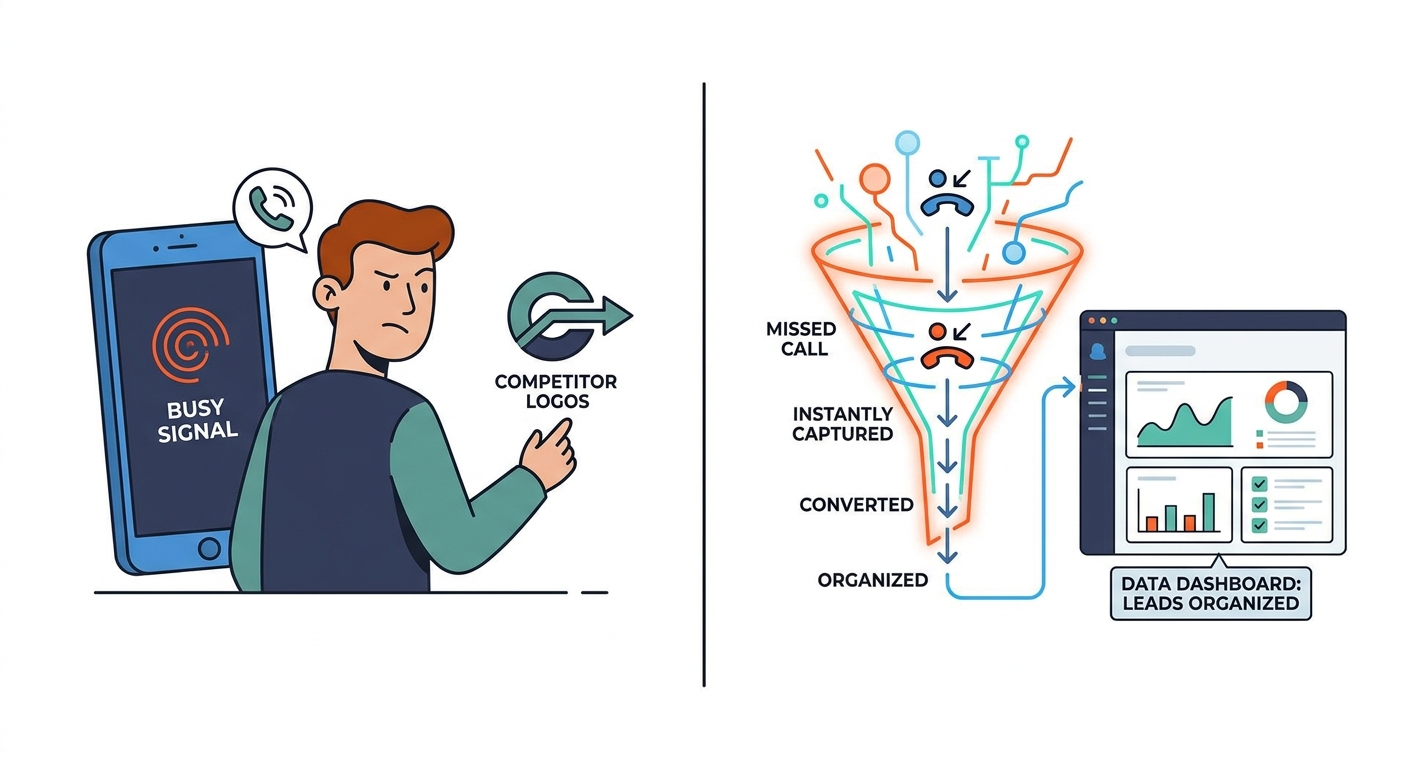
If your business still relies on an "after-hours" voicemail or a busy signal, you’re basically cutting a check to your competitors. You’re paying them to take your customers.
In 2026, the phone is still the heavy hitter for high-intent leads. Yet, most businesses treat missed calls like a minor inconvenience rather than the revenue-killer they actually are. The data is brutal: 80-85% of callers who reach voicemail simply hang up, and about 62% call a competitor instead (Voksha After-Hours Economy Report, retrieved 2026-09-25).
You don’t need to hire a fleet of receptionists to sit around waiting for the phone to ring. You need an AI-assisted infrastructure that turns every incoming call into a clean, data-rich asset inside your CRM.
Why Phone Call Automation is Your New Competitive Edge
The old, clunky IVR systems—the ones that force you to "press 1 for sales" while your patience evaporates—are dead. Nobody wants to play telephone tag with a robot. Today, smart businesses are rethinking their entire communication strategy around this shift.
We’re moving away from the "cost-per-receptionist" model and toward a "cost-per-converted-lead" reality. Human staff have limits; they need sleep, breaks, and coffee. Automation doesn't. It’s your force multiplier. Whether a lead calls at 3:00 PM on a Tuesday or 3:00 AM on a Sunday, they get greeted, qualified, and logged with enterprise-level professionalism. This is how the little guys are finally playing in the big leagues.
How to Build the "Human-First" AI Hybrid
The goal isn't to replace your team—it’s to augment them. You want a "Human-First" hybrid. You use Large Language Models (LLMs) to handle the repetitive, mind-numbing stuff—FAQs, contact details, appointment slots—while keeping your best humans focused on the high-stakes, nuanced conversations that actually require empathy and sales grit.
Think of the AI as your digital gatekeeper. Using a "Warm Transfer" protocol, the AI handles the intake and, if the caller needs a real person, it patches them through to a human. The best part? It feeds the human a summary of exactly what the caller already said. No more "Let me get you up to speed." The customer feels heard, and the agent hits the ground running.
1. Instant Routing Based on Intent
Stop trapping callers in a numeric maze. Modern NLP (Natural Language Processing) is smart enough to ask, "How can I help you today?" and actually understand the answer.
If they say, "I need to check the status of my order," the system routes them to support. If they say, "I’d like to get a quote," they’re in the sales pipeline before they can even blink. This removes a common source of caller frustration and hang-ups.
2. AI Receptionist Integration
Killing the "voicemail wall" is the single best move for your bottom line. An AI Receptionist Solution isn't just a recording device; it’s a virtual employee. It can check your live calendar, verify availability, and book appointments in real-time. Every lead feels valued, regardless of the clock.
3. Automated CRM Logging
Manual data entry is where leads go to die. By the time a receptionist scribbles a name on a sticky note and finds time to type it into your CRM, the lead has already moved on. Automated logging captures the caller ID, transcribes the chat, summarizes the intent, and pushes the data straight into your sales platform. Your pipeline stays clean, and your team stays focused on selling, not typing.
4. Web-to-Call Bridging
Your website is a goldmine, but browsing is passive. You need to bridge the gap between "window shopping" and "buying." Use click-to-call triggers. If a visitor lingers on your high-value pricing page, serve them a prompt: "Want to talk to an expert now? Click here, and we’ll call you in 30 seconds." It turns digital interest into a high-conversion phone call instantly.
5. Intelligent Post-Call Follow-up
The conversation shouldn't die when the call ends. Your stack should analyze the sentiment. If the AI detects a frustrated tone, send an immediate "Priority Support" alert to a manager. If the call was a win, trigger an automated SMS with a calendar link or a personalized email recap. Keep the momentum alive. Don't let your leads drift away.
6. Call Tracking & ROI Analytics
You can’t improve what you don’t measure. Advanced call tracking maps every phone lead back to the specific ad or campaign that triggered it. Whether it's a search ad or a mailer, you need to know what’s working. Aligning your marketing spend with actual call conversion data lets you cut the dead weight and double down on what pays.
7. Data-Driven Scripting
AI gives you a level of A/B testing that was impossible a few years ago. Test two different greetings. See which one leads to more bookings. Analyze thousands of transcripts to find the exact phrasing that turns a "maybe" into a "yes." Turn your front desk into an optimization engine.
How to Choose the Right Stack
Should you build it or buy it? For most businesses, building a custom AI voice solution from scratch is a massive technical headache. It's usually smarter to use an established AI answering service; see Voksha's pricing comparison for how the main options stack up. Look for deep CRM integration and the ability to tweak the AI's "personality" so it doesn't sound like a robot from 1995. If you're ready to scale, a proven Automation Framework is your best bet to bypass the trial-and-error phase.
Industry Blueprints: Adapting for Your Niche
Automation isn't a one-size-fits-all suit. You have to tailor it:
- Legal: Security is everything. Your intake must be ironclad and compliant, keeping sensitive data locked down while respecting attorney-client privilege.
- Home Services: Speed is the only thing that matters. Your system needs to talk to your dispatch software so the AI can book a technician on-site while the caller is still on the line.
- Medical: HIPAA is the non-negotiable baseline. Your partner must sign a BAA and use encrypted, localized hosting. No exceptions.
Conclusion: The Future of Your Front Desk
The "unfair advantage" in 2026 isn't just a great product—it's a responsive intake process. By replacing dead-end voicemails with dynamic, AI-driven conversations, you transform your phone from a lead graveyard into your most reliable growth engine.
You don't have to choose between scaling your team and staying within your budget. You can now provide 24/7, high-touch service that used to require a massive call center, all while keeping your overhead lean and your data accurate. The tech is here. The integrations are ready. The only question left is: are you going to answer the phone?
Related Voksha Resources
- AI lead qualification
- Intake automation
- AI Virtual Receptionist with Top Lead Qualification Features
- AI Receptionist CRM Integration: Sync Every Call to HubSpot and Salesforce
Frequently Asked Questions
Does using an AI receptionist make my business sound fake or robotic?
Not anymore. Modern models use natural language processing that mimics human pauses, inflections, and industry-specific jargon. It sounds remarkably natural.
How do I ensure my AI phone system is HIPAA compliant?
You need a provider that offers end-to-end encryption, signs a Business Associate Agreement (BAA), and utilizes local, secure data hosting. Always verify these before signing.
What happens if the AI can’t answer a complex technical question?
It’s built to fail gracefully. The system uses a "human escalation" protocol, triggering a warm transfer to a real expert or scheduling a callback at a time that works for the caller.
How long does it actually take to set up an AI phone receptionist?
With today’s plug-and-play integrations, you can usually go from configuration to live deployment in 24-48 hours, depending on how complex your CRM and scheduling setup is.