
Virtual Receptionist vs. AI Receptionist: Which Is Right for Your Business?
TL;DR
- ✓ Compare the strategic differences between human virtual receptionists and AI automation tools.
- ✓ Learn how to identify your business hybrid threshold for call volume and complexity.
- ✓ Analyze the true financial impact of hiring staff versus implementing AI phone systems.
- ✓ Discover which solution best optimizes lead capture and reduces costly missed calls.
Choosing between a human receptionist and an AI counterpart isn't just about balancing a spreadsheet anymore. It’s a strategic move that defines your brand’s heartbeat. In 2026, dropping a call is like setting a stack of cash on fire—you’ve already paid for that lead through your marketing budget, only to let it slip through the cracks. The small business productivity data from the SBA makes it clear: the cost of being unreachable is rising.
Stop thinking in terms of "human vs. machine." Start thinking about "bottleneck vs. engine." You’re looking for your "Hybrid Threshold"—that specific point where your call volume and complexity force you to choose between the razor-sharp precision of automation or the irreplaceable nuance of a human voice. According to the 2026 State of AI in Customer Service from Gartner, businesses that ignore these intelligent communication layers are watching their customer acquisition costs skyrocket while their competitors snap up leads around the clock.
Defining the Landscape: The Human vs. The Algorithm
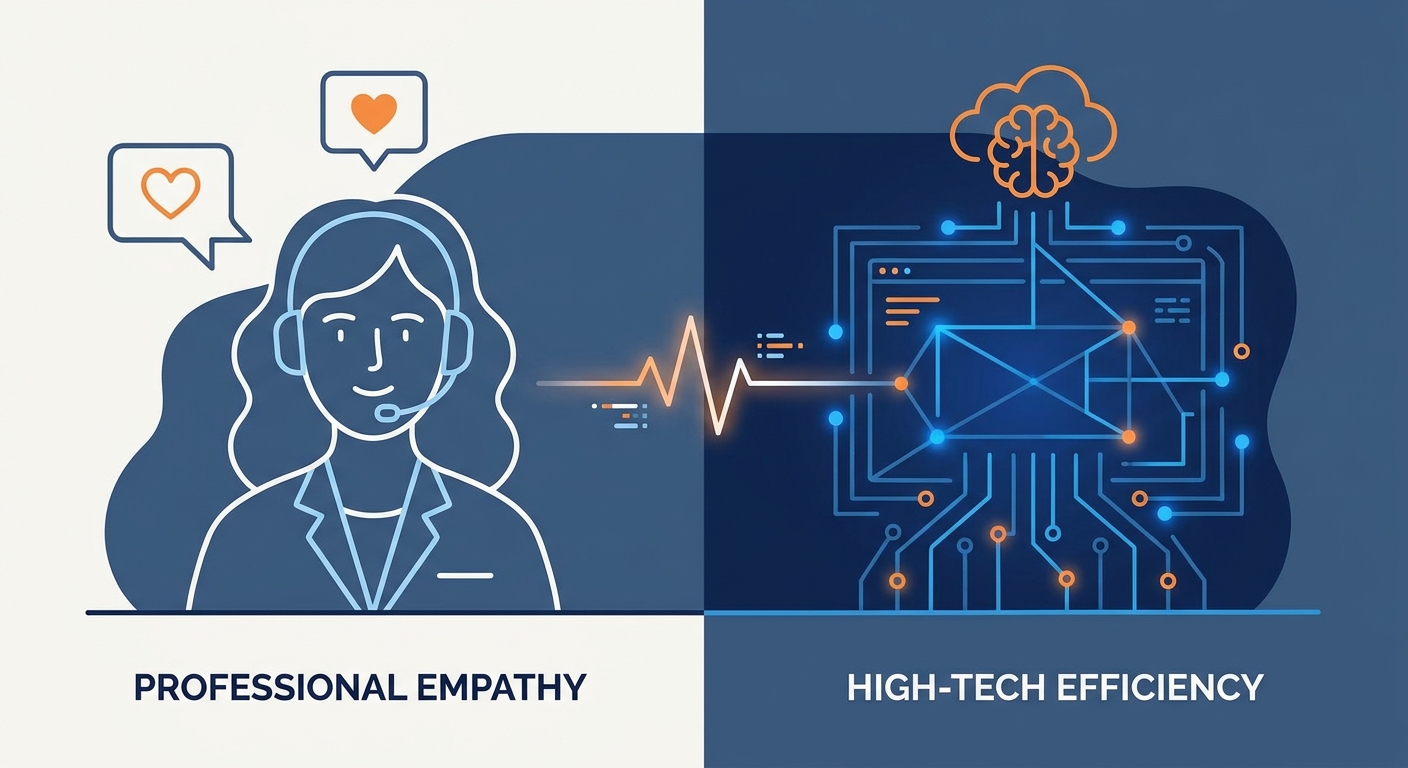
Let’s cut through the buzzwords. A Virtual Receptionist is a remote pro. They’re an extension of your team, bringing actual empathy, cultural awareness, and the ability to navigate that messy, emotional middle ground where scripts fail. They are the human face of your brand when you aren't at the desk.
Then, there’s the AI Receptionist. This is an automation layer, pure and simple. It’s built to handle the structured stuff—scheduling, FAQs, intake forms—with zero lag and infinite patience. Whether you're leaning toward a person or a bot, it’s worth checking out this comprehensive guide on the market landscape to see how these options compare to the old-school answering services.
The Financial Reality: The True Cost of Your Front Desk
Most owners get the math wrong. They look at a salary and think they know the cost. They forget about payroll taxes, benefits, desk space, and the hidden, painful tax of turnover. Even a virtual receptionist service, while leaner than a full-time employee, scales in cost as you grow.
AI flips that script. Yes, there’s an upfront investment in prompt engineering and CRM integration, but once it’s dialed in, the ROI on high-volume, repetitive tasks is massive. For a deep dive into the numbers, check out this AI Receptionist vs. Hiring Cost analysis for 2026. When you weigh the subscription price of an AI tool against the lost revenue of a missed call, the math usually lands firmly in favor of automation for the heavy lifting.
Which Solution Fits Your Business Model?
The decision-making process should be dictated by your day-to-day reality. If your calls are short, transactional, and follow a predictable pattern, AI is your best friend. But if your calls require a high degree of emotional labor—say, a law firm handling a crisis or a medical office dealing with a patient in pain—a human is non-negotiable.
The Hybrid Advantage: Why Top Businesses Choose Both
The smartest operations in 2026 have stopped choosing sides. They use a 70/30 split. The AI takes the 70% of calls that are routine—"What are your hours?", "Can I reschedule?", "Where are you located?"—leaving the human receptionist to handle the 30% that actually require judgment and empathy.
This "Escalation Trigger" is the secret sauce. When the AI detects a frustrated tone or a request that hits a wall, it transfers the caller to a live agent. Your clients never feel trapped by a robot, and your staff isn't buried under a mountain of administrative busywork.
The Hidden Costs of Automation
Don't buy the "set it and forget it" lie. AI requires maintenance. You need to constantly tweak your prompts to keep the AI sounding like your brand and not a generic, hollow chatbot. And if you’re handling sensitive data, security isn't optional. For medical or legal practices, you have to ensure your provider meets strict data privacy standards, as outlined in HIPAA compliance guidelines for voice AI. If you mess this up, the regulatory fines will make any subscription savings look like pocket change.
Integration: The Competitive Differentiator
In 2026, a receptionist—human or AI—is just a glorified message-taker if they’re operating in a silo. Your front-end communication has to talk to your CRM or EMR. When a client calls, the system should know who they are, their last appointment, and their balance before they even say "hello." If your phone system doesn't talk to your database, you aren't providing service. You’re just reading from a script.
Implementation: A 48-Hour Deployment Checklist
You don't need months to modernize. Follow this path:
- Audit: Track your calls for 48 hours. Split them into "Routine" (FAQs, scheduling) and "Complex" (Conflicts, deep questions).
- Select: Pick a tech stack that actually plays nice with your existing CRM.
- Train: Feed the AI your brand voice guidelines or brief your team on the new "Escalation Trigger" protocols.
- Test: Run a 7-day A/B test. Watch the resolution rates for each channel.
Frequently Asked Questions
Can an AI receptionist handle complex, empathetic client calls?
Current AI is great at simulating empathy, but it lacks the lived experience for truly sensitive situations. Use AI to gather the facts, then escalate to a human for the heavy emotional lifting.
What is the real, all-in cost difference between hiring a person and using AI?
A full-time human receptionist can easily run you $50,000+ annually with taxes and benefits. An AI solution usually sits between $3,000 and $8,000 annually, including integration. The gap is huge, but the value proposition depends entirely on how much human nuance your business model requires.
Does using an AI receptionist make my business look "cheap" or "impersonal"?
Not if it’s done right. A well-configured AI that knows your client’s name and history feels like high-tech efficiency, not a budget shortcut. The stigma vanishes the moment the technology solves a problem faster than a human could.
How do I ensure my AI receptionist is HIPAA compliant?
You must partner with a provider that offers BAA (Business Associate Agreement) coverage and ensures that voice data is encrypted at rest and in transit. Never use a "consumer-grade" tool for protected health information.
What is the "Hybrid Model" and how do I implement it?
The Hybrid Model uses AI as the "first line of defense." You set up routing rules where the AI handles standard requests, and if a specific keyword or negative sentiment is detected, the call is instantly warm-transferred to your human staff.



