Home Services Call Conversion: Master Your Front-Desk Automation
TL;DR
- ✓ Speed-to-lead is critical for capturing home service customers in a competitive market.
- ✓ Traditional reception models create costly gaps and missed opportunities after business hours.
- ✓ An AI-first hybrid model automates lead intake while routing complex jobs to humans.
- ✓ AI agents provide 24/7 availability at a fraction of the cost of traditional staff.
- ✓ Integrating AI into your CRM ensures seamless scheduling and higher conversion rates.
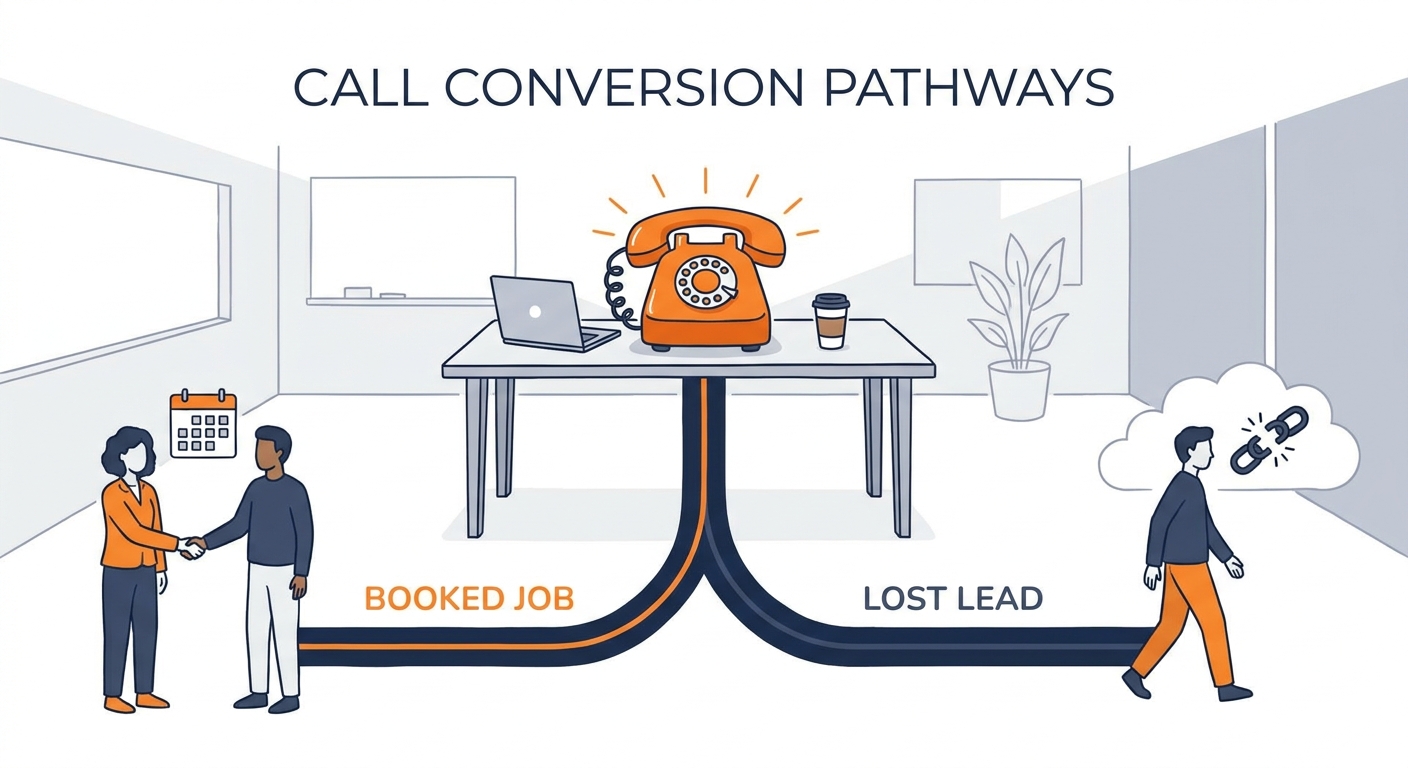
The frontline of your business isn’t your fleet of trucks or your Google Ads budget. It’s the phone. Every time it rings, you’re standing at a fork in the road: one path leads to a booked job, the other to a lost opportunity.
In this game, "Speed-to-Lead" is everything. If you aren’t the first to answer, you’re essentially paying for your competitor’s next customer. Research from the Harvard Business Review makes it clear: the window to convert a lead is measured in seconds, not minutes. By 2026, the industry has pivoted hard. We’re moving away from manual, human-only reception and toward an "AI-First" hybrid model. This isn’t about being cheap. It’s about ensuring no homeowner ever hears a busy signal, a full voicemail box, or the soul-crushing silence of a missed call.
Why Traditional Reception Models Are Failing You in 2026
If you’re still relying on a single receptionist to man the phones from 9 to 5, you’ve got a massive, invisible hole in your bucket.
The costs of manual reception are brutal. When you stack up salaries, benefits, payroll taxes, and the headache of turnover, the price of a traditional hire is astronomical. According to SHRM, the cost of replacing an employee can hit double their annual salary. For most HVAC, plumbing, and electrical firms, that’s a margin-killer.
Then there’s the "Availability Gap." Pipes don’t burst at 10:00 AM on a Tuesday. Furnaces don’t quit during office hours. They break at 7:00 PM on a rainy Tuesday or during Sunday morning breakfast. When a homeowner hears an automated "We are currently closed" message, they don’t wait for you to open. They hang up and call the next name on Google. In 2026, availability is the only currency that matters. If you aren’t there to pick up, you don’t exist.
What Does the "AI-First" Hybrid Workflow Look Like?
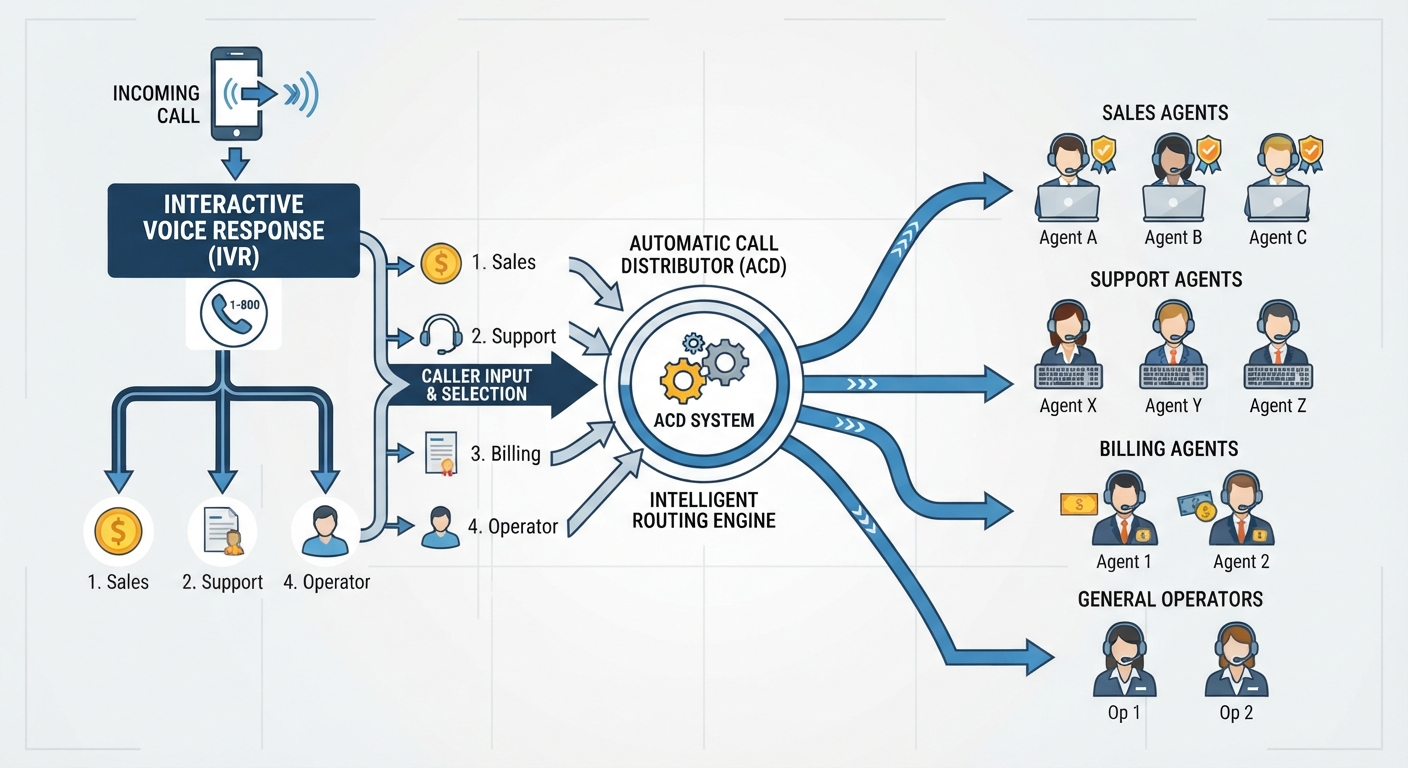
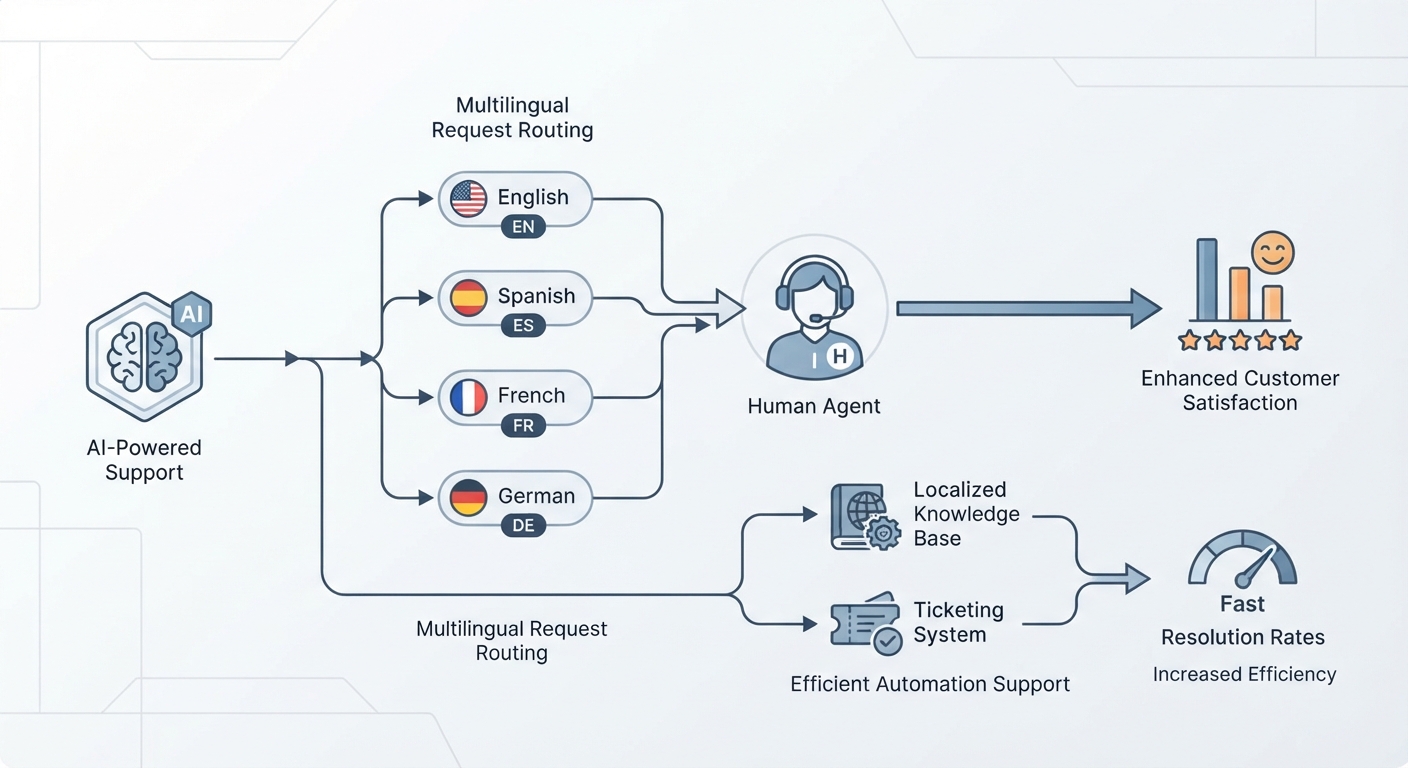
Going "AI-First" doesn't mean firing your office staff. It means upgrading them. Think of an AI voice agent as a tireless gatekeeper. It handles 100% of the intake, qualification, and scheduling. It doesn't get cranky, it doesn't take a lunch break, and it never forgets to ask for the customer’s address.
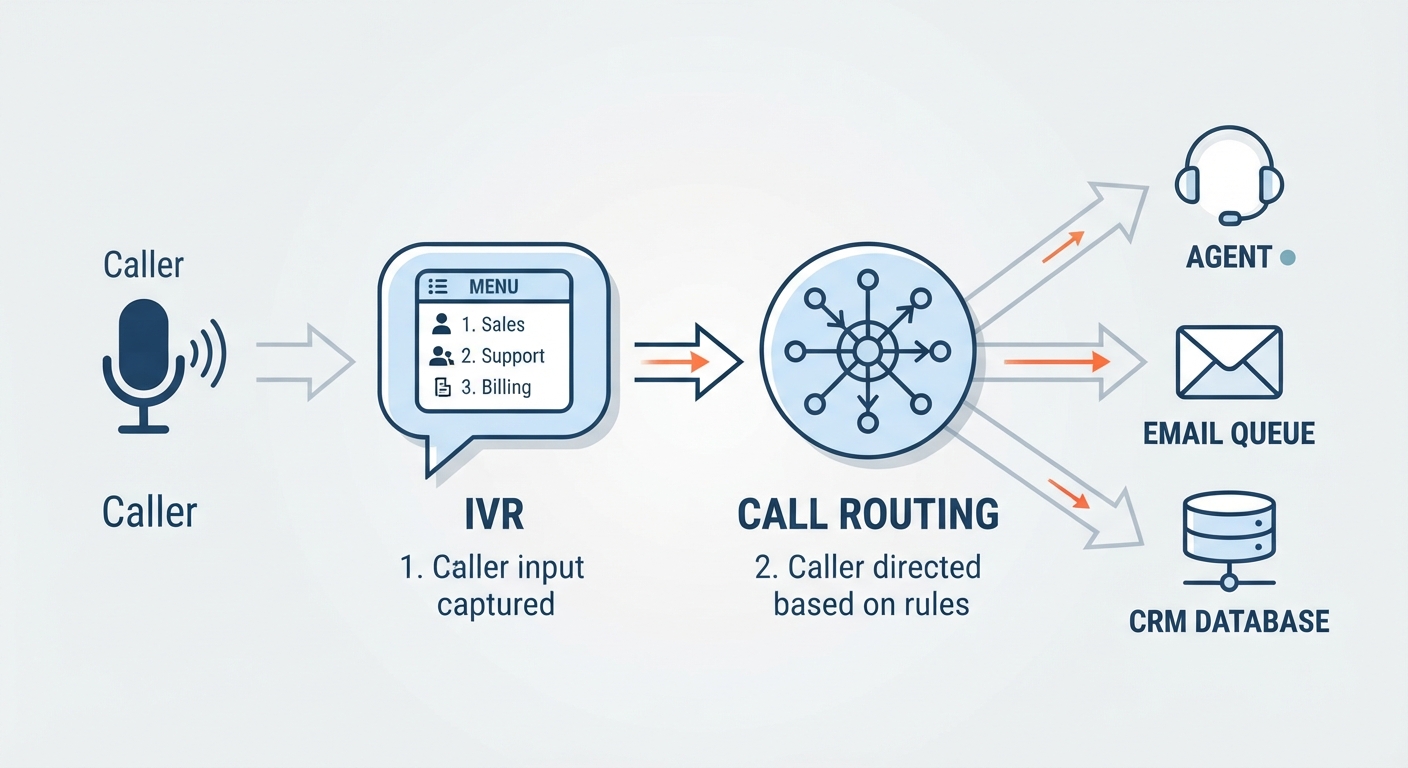
This creates a seamless loop. For a simple drain cleaning or a filter swap, the AI runs the logic, checks your calendar, and books the slot. For the high-dollar stuff—like a full HVAC system replacement—the AI qualifies the lead and routes them to a human specialist, handing off a neat summary of the conversation before they even say "hello."
The Financial Reality: Why AI Beats Human Labor
The math is simple. A receptionist is a fixed, high-overhead cost. An AI agent is a utility. When you compare the AI Receptionist vs. Hiring a Human: The 2026 Cost & ROI Breakdown, the contrast is stark. You’re trading a salary that must be paid regardless of call volume for a system that scales up for a fraction of the cost.
This shift lets you put your human staff back into high-empathy roles: building relationships, local networking, and handling complex site visits. If you want to see how your overhead stacks up against a scalable model, check out the Voksha Pricing Guide to see how utility-based automation removes the ceiling on your growth.
How Do You Integrate AI with Your Existing Tech Stack?
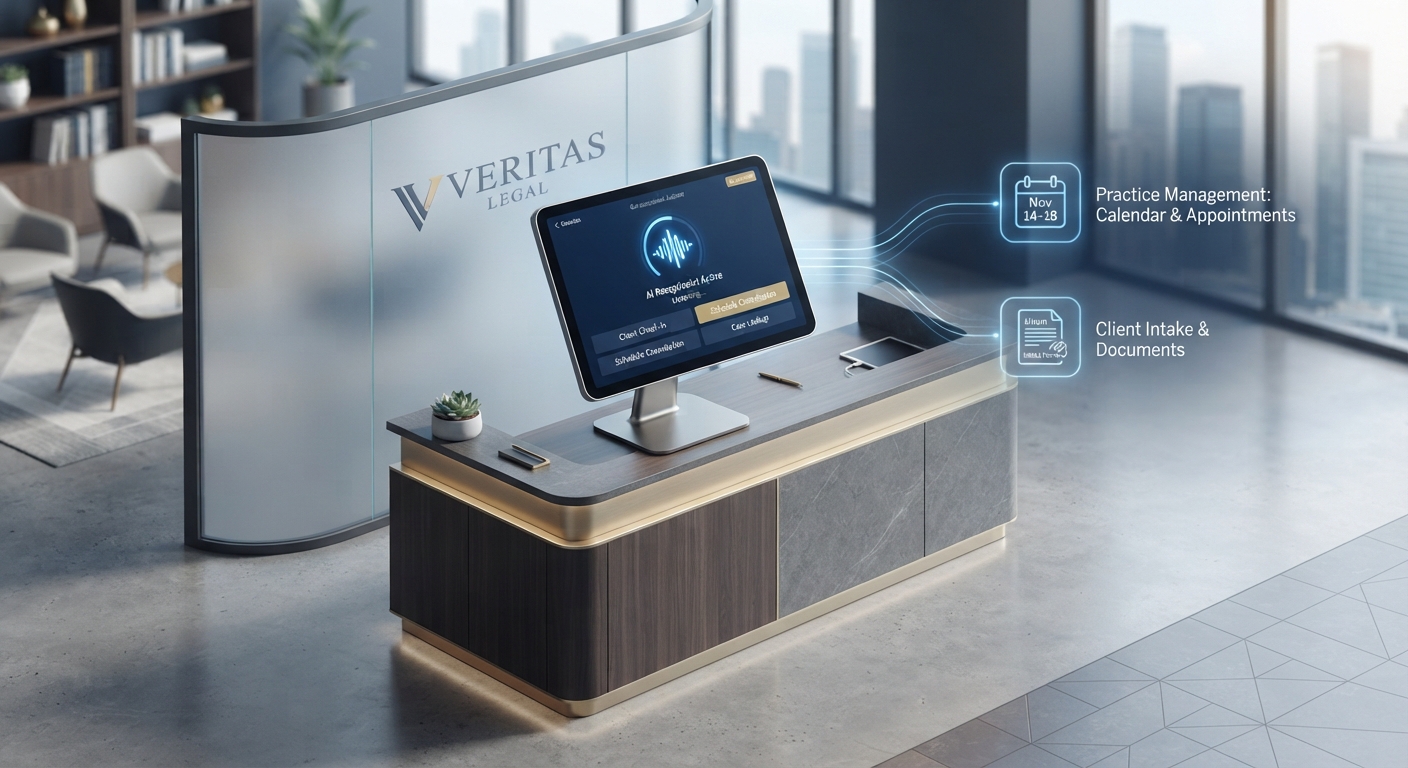
Automation is only as good as the data it produces. The "transcription gap"—where notes are scribbled on napkins or lost in email chains—is the death of efficiency. Your AI needs to be a native citizen of your tech stack. It should be writing directly into your CRM, whether that’s HubSpot, Jobber, or Housecall Pro.
By connecting the agent to your scheduling API, you cut out the middleman. The call ends, the tech has an appointment on their calendar, and the homeowner gets a confirmation text. That’s the difference between a "lead" and a "booked job."
Debunking the "Human Touch" Myth
There’s a myth that AI makes a business feel robotic. Honestly? It’s the opposite. Homeowners in the middle of a crisis don’t want "small talk" or a receptionist who is distracted by a ringing second line. They want a solution. When an AI agent answers instantly, confirms the details, and sets the appointment, the customer feels respected.
By offloading the admin work, you actually free up your team to provide more human touch where it counts. Your best people should be out in the field or closing big deals, not manually typing names into a database.
The "Calculated Loss" Calculator: What Are 5 Missed Calls Costing You?
To understand the urgency, look at the 2025 Call Conversion Industry Benchmarks Report. If your average ticket is $500 and your conversion rate is 30%, missing five calls a week costs you thousands in lost monthly revenue. Over a year, that’s a new truck for your fleet or a massive marketing campaign left on the table. Automation isn't an expense; it’s a revenue recovery engine that pays for itself with the first three bookings it saves.
Step-by-Step: Implementing Your AI Front-Desk
- Pick the right platform: Don't use a generic bot. Choose one that understands the nuances of a "no-heat" call versus a "planned maintenance" call.
- Script for success: Don't just program "Hello." Program for objections. If a client asks, "Can you come today?" your AI should be able to check the schedule and offer an emergency slot.
- Connect your CRM: Make sure there’s a two-way API connection so data flows in real-time.
- Test and refine: Run a "shadow" period. Listen to the calls. Tweak the tone. Watch your conversion rates climb as the system learns the specific vocabulary of your trade.
Frequently Asked Questions
Does using an AI receptionist make my business look unprofessional to older clients?
Not at all. Modern, LLM-powered agents sound natural and empathetic. Older clients, like everyone else, value speed and reliability. They’re often more impressed by a business that answers at 8:00 PM than they are bothered by who is on the other end of the line.
How do I handle complex job estimates if the AI answers the phone?
The AI doesn't need to provide a quote. Its job is to act as a funnel. It qualifies the lead, understands the scope, and secures the appointment for your estimator. It handles the scheduling friction so you can focus on the sale.
Is AI phone answering HIPAA compliant for specialized home services?
If you operate in a niche requiring data privacy, such as home health equipment installation, many enterprise-grade AI platforms offer HIPAA-compliant configurations. Always verify that your provider signs a Business Associate Agreement (BAA) and uses end-to-end encryption.
Can I customize the AI's personality to match my brand voice?
Yes. You can dictate the tone—whether you want it to be strictly professional, friendly and local, or high-energy. This keeps your brand voice consistent across every interaction.
What happens if the AI encounters an emergency it doesn't understand?
The best systems are programmed with "human-in-the-loop" triggers. If the AI detects a high-stress emergency (like a gas leak or a major flood), it’s configured to immediately escalate the call to a live human or, at the very least, prioritize the scheduling of that specific lead to ensure an immediate response.