How to Capture More Leads from Phone Calls Using AI Automation
TL;DR
- ✓ Stop losing revenue by eliminating the costly missed call tax in your business.
- ✓ Deploy Agentic AI to autonomously qualify leads and book appointments in real time.
- ✓ Replace outdated answering services with smart systems that integrate directly with your CRM.
- ✓ Increase your conversion rates by providing instant, 24/7 service to every caller.
Every time your business phone rings and hits voicemail, you aren't just missing a conversation. You’re handing a customer to your nearest competitor on a silver platter.
In a market where lead speed is the #1 factor in conversion rates, the "Missed Call Tax" is a silent killer of growth. Let’s look at the math: If your average lead is worth $500 and you miss 20 calls a month, you aren't just losing time. You’re leaking $10,000 in potential monthly revenue.
The old-school solution was hiring more staff to sit on hold, praying for a signal. That’s dead. Today, it’s about deploying Agentic AI that answers, qualifies, and books appointments in the blink of an eye.
The "Missed Call Tax": Why Your Business is Leaking Revenue
The math is brutal, but the reality is even worse. Most small business owners treat a missed call like a minor inconvenience—a chore for later. But here’s the truth: modern consumers have zero patience. They live in an "on-demand" world. If a prospective client calls an HVAC tech or a law firm and hits a machine, they don't leave a message. They hang up and dial the next number on Google.
That’s the "Missed Call Tax." You pay it every time you fail to answer. For service-based businesses, this is thousands of dollars vanishing every month.
We’ve moved past the era of the answering service. You know the ones—they just transcribe a name and number for you to chase down later. That’s not a business strategy; that’s a delay tactic. To stay in the game, you need "Agentic AI." These aren't the clunky, passive chatbots of 2020. These are autonomous digital workers. They update your CRM, check your live inventory, and manage your calendar in real-time. They don't just talk; they do.
Why "Agentic AI" is a Game-Changer
The shift toward proactive customer service trends isn't just hype. It’s about offloading the heavy lifting. Passive systems were static—they could tell a caller your office hours, but they couldn't do a thing about your schedule.
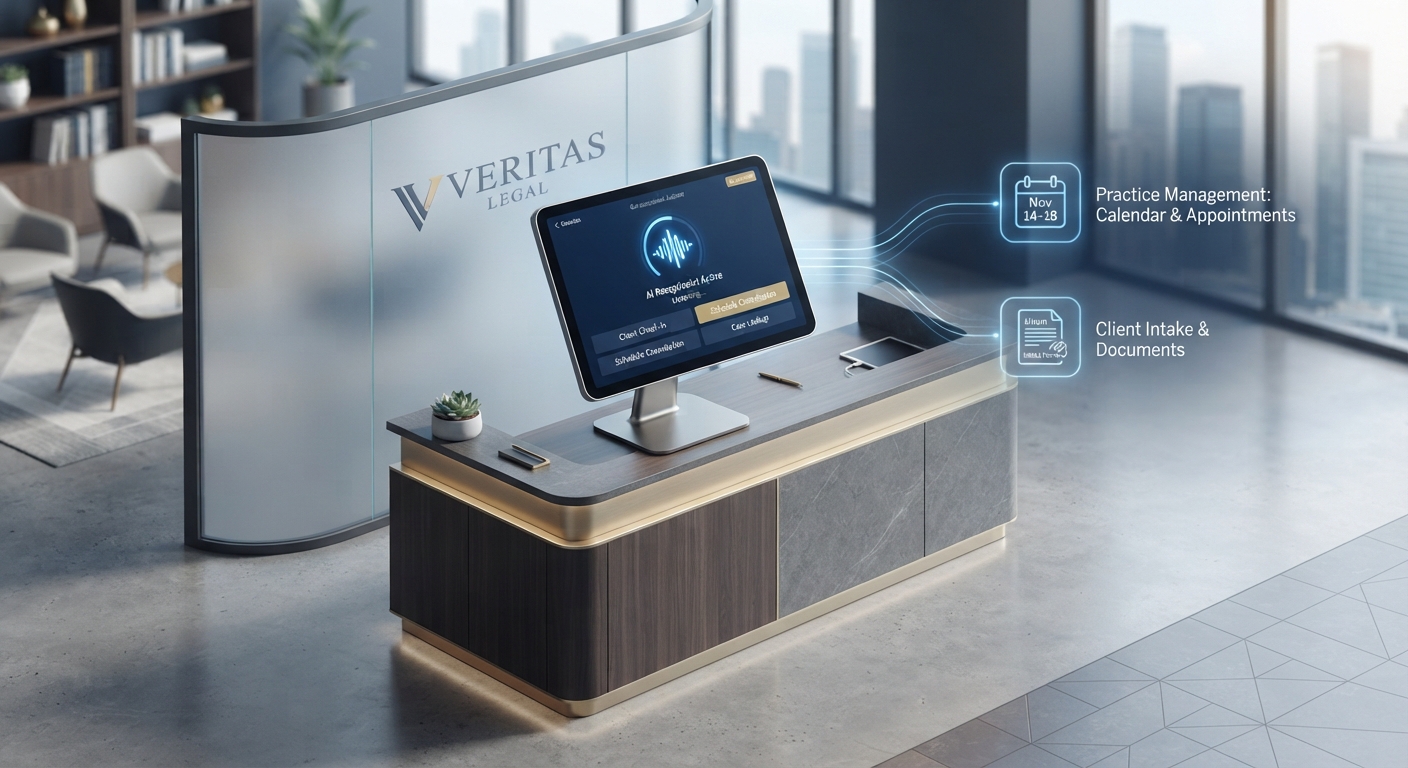
Agentic AI acts like a high-performing extension of your team. When an AI agent picks up the phone, it’s not just listening. It’s querying your database. If a customer calls to check if a part is in stock, the AI checks your inventory, confirms it, and offers to reserve it. If a client wants a consultation, the AI syncs with your calendar, finds a slot, and sends a confirmation.
See the difference? One is a glorified tape recorder. The other is a business closer.
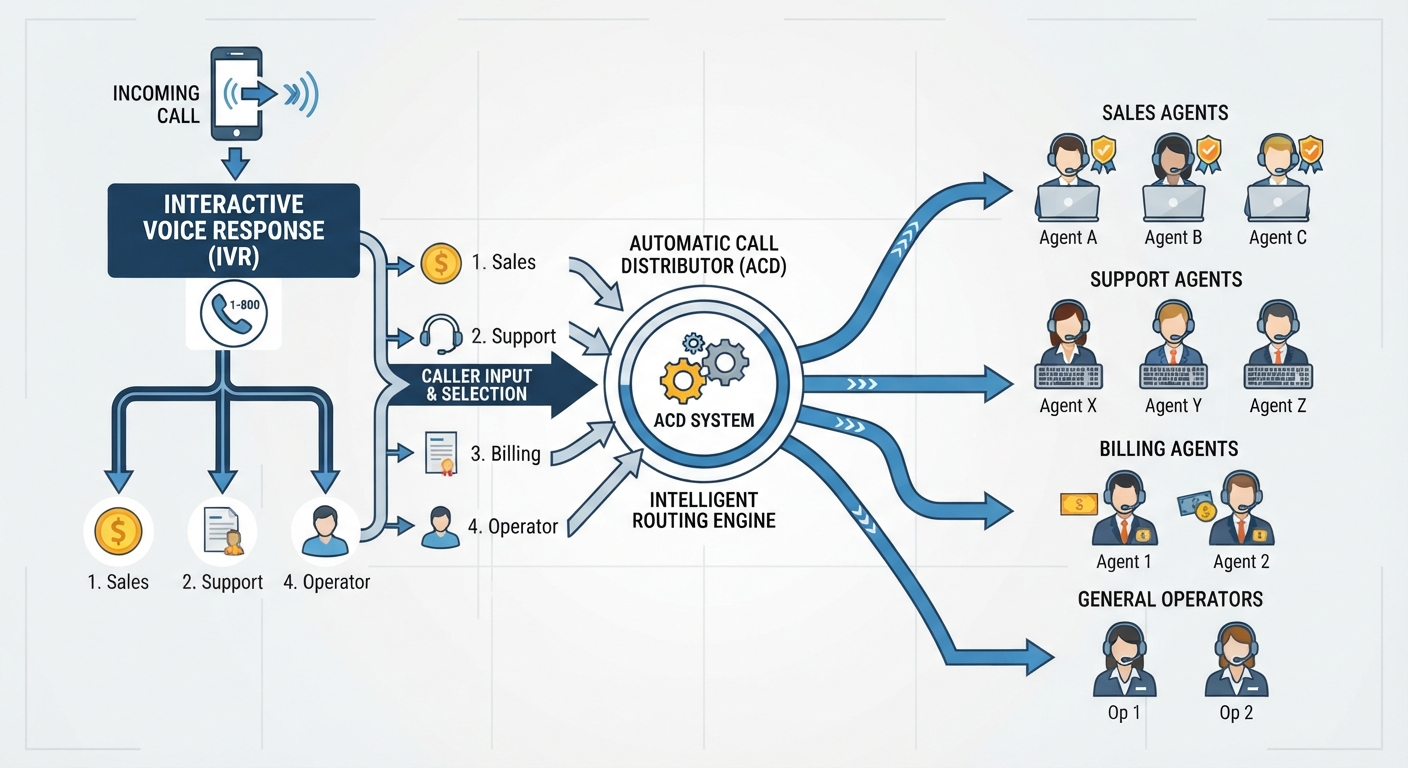
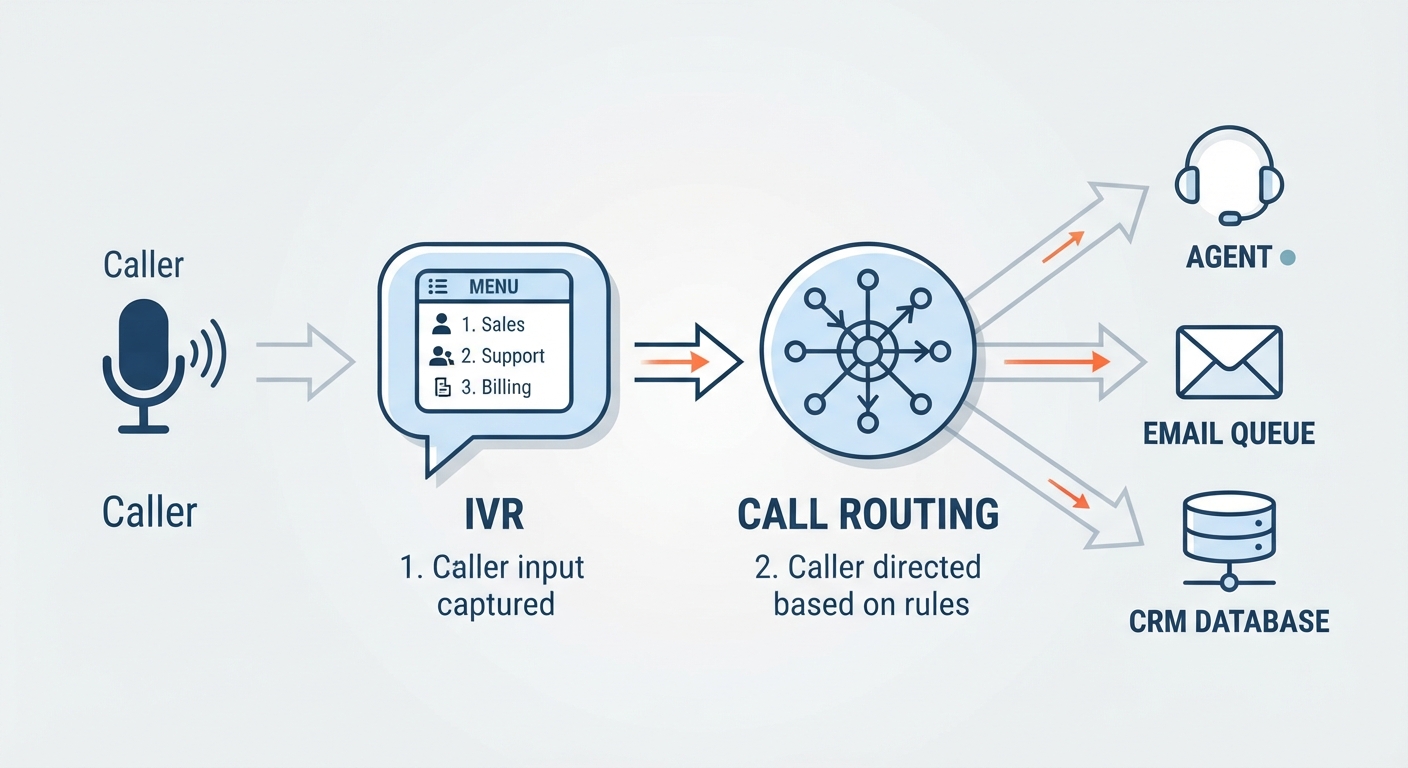
How Does an AI Phone Automation Workflow Actually Work?
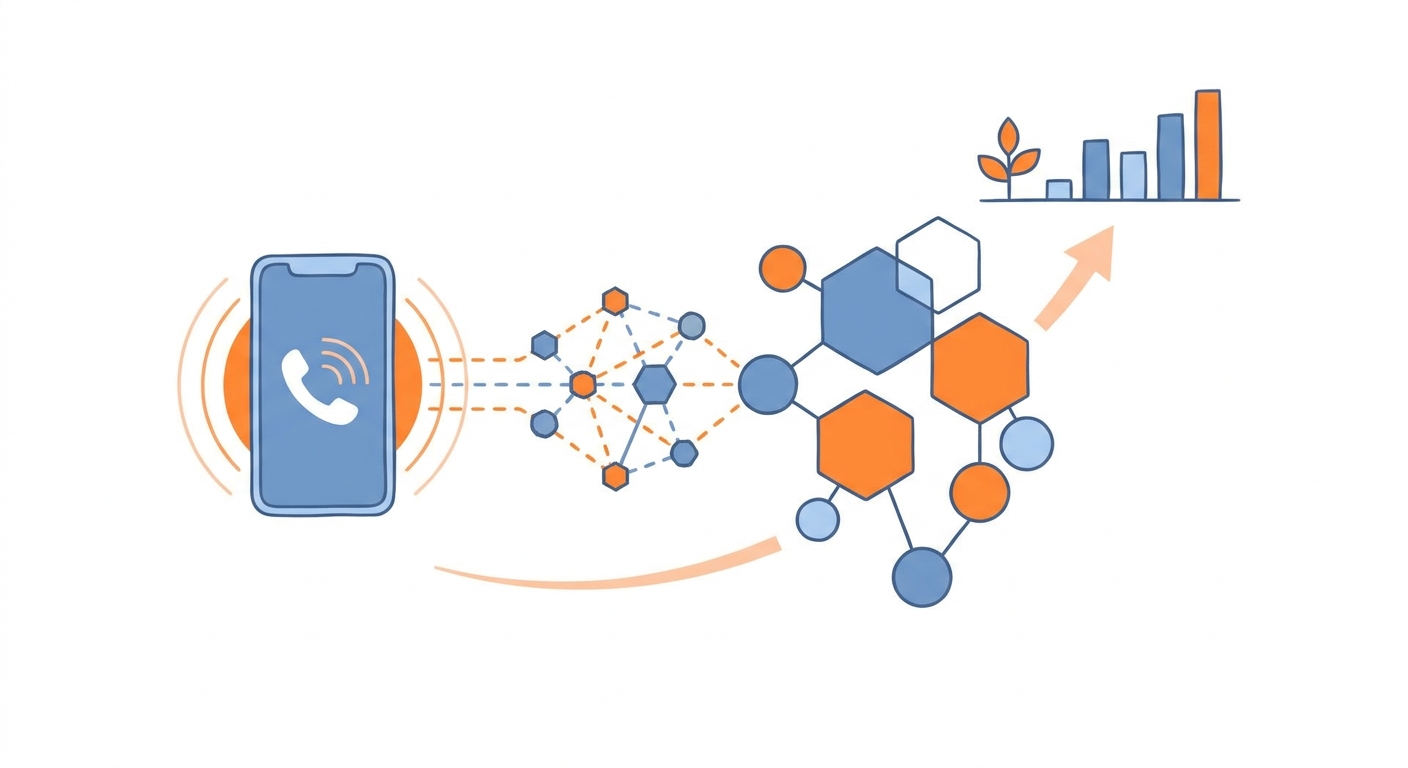
Automation is only as good as the logic behind it. You need a frictionless path that turns a "hello" into a booked appointment.
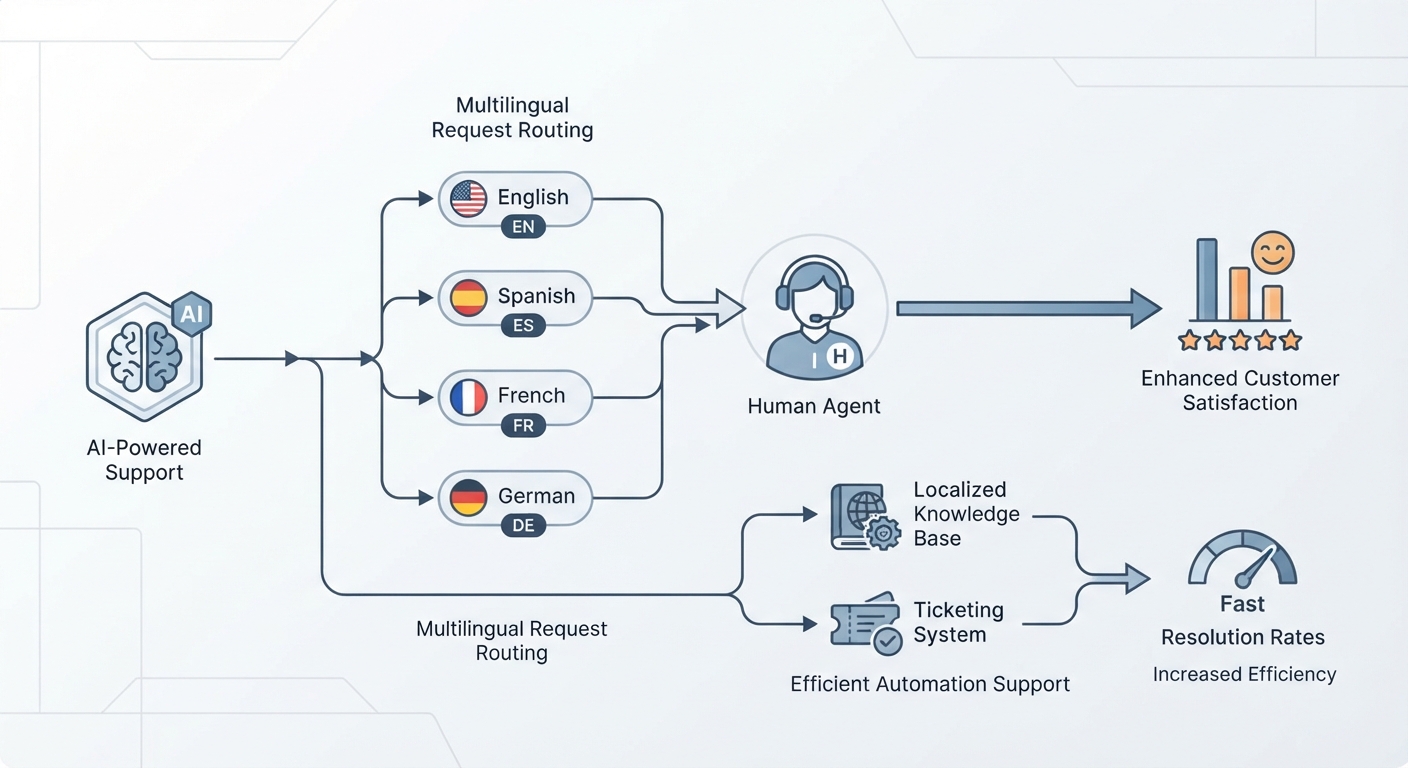
This workflow ensures nothing slips through the cracks. By the time the call ends, your CRM is updated, the customer has a follow-up text, and your team is only interrupted if the situation actually requires a human touch.
ROI: AI vs. Human Receptionists
When you weigh the AI receptionist cost vs. hiring human, the financial argument is a no-brainer.
Think about a human hire: salary, payroll taxes, benefits, training, equipment. And even the best receptionist has a hard ceiling—they can only handle one call at a time.
AI doesn't have a ceiling. It offers infinite scalability. Whether you get one call or one hundred, the system never sleeps, never takes a lunch break, and never has a bad day. For a fraction of the cost of a part-time hire, you get a 24/7 presence that handles volume without breaking a sweat. If you want to scale, you need technology that grows with you, not infrastructure that requires another round of painful onboarding.
Choosing the Right AI Receptionist for Your Brand
Not all AI is built equal. If you’re vetting providers, demand these three things:
- Deep CRM Integration: If the AI doesn't talk to your tools (Salesforce, HubSpot, etc.), it’s just a fancy answering machine. It must be able to read and write data.
- Latency: The "round-trip time" between a customer speaking and the AI responding must be under 500 milliseconds. Anything longer creates an awkward, robotic pause that kills trust.
- Compliance: If you’re in healthcare, law, or finance, ensure the platform is built with HIPAA or GDPR compliance at the architecture level.
For a broader look at the market, check out the best AI answering services for 2026 to see which providers are actually worth your time.
Step-by-Step: Setting Up Your AI Lead Capture
You don't need a PhD in computer science to build this. You just need a plan.
Step 1: The Persona Build Your AI is your digital front desk. Define its vibe. Should it be formal and sharp for a law firm? Friendly and casual for a salon? Define the "triage" logic—what are the three questions that separate a serious lead from a tire-kicker?
Step 2: The Integration Connect your AI to your calendar and CRM. Use tools like Zapier or native API integrations. If someone expresses interest, their info must land in your database instantly.
Step 3: The "Triage" Model Not every call needs a human, and not every call should be handled by a bot. Program your system to identify "high-value" triggers. If a client mentions an emergency, the AI should immediately initiate a "warm transfer," patching the caller through to a human while briefing the human on what the caller said.
Step 4: Testing Conduct a "Human vs. AI" blind test. Have a friend call the line. Can they tell it’s an AI within 30 seconds? If they can, tweak your prompts. Make the speech patterns more natural.
The "Anti-AI" Bias: Will Customers Hang Up?
There’s a fear that customers will resent talking to a machine. But here’s the secret: customers don't hate automation. They hate inefficiency. They hate waiting on hold for ten minutes just to be told they’ve reached the wrong department.
When an AI provides an instant, accurate, and helpful response, the "AI-ness" of the interaction just vanishes. Use the data you have to make it feel human. When a repeat customer calls, have the AI say, "Hi, [Name], are you calling about the project we discussed last Tuesday?" That level of personalization beats a generic receptionist who asks for your account number every single time.
Industry-Specific Blueprints
The application varies by field. In healthcare and law, the focus is on empathy and compliance. The AI must handle sensitive info securely while sounding professional and reassuring.
In trades like HVAC or plumbing, speed is king. Your AI needs to know your tech's availability in real-time. If a pipe bursts, the AI shouldn't take a message—it should dispatch a tech. By implementing these tailored workflows, businesses like Voksha are helping firms stop the bleeding of missed calls and turning their phone lines into real revenue generators.
Frequently Asked Questions
Will customers hang up if they realize they are talking to an AI?
Generally, no. Modern natural language processing has removed the "robotic" feel of the past. Most customers prefer an immediate, accurate, and helpful response from an AI over waiting on hold for a human who may not be able to help them anyway.
How does an AI receptionist integrate with my existing CRM and calendar?
Most modern AI systems utilize API connections or middleware like Zapier to talk to your stack. When a call concludes, the AI pushes the transcript, caller information, and any booked appointment slots directly into your CRM, ensuring your data is always up to date.
Is AI phone answering secure enough for sensitive industries like law or healthcare?
Yes, provided you choose a provider that prioritizes data sovereignty. Look for platforms that offer end-to-end encryption and are designed to meet HIPAA and GDPR requirements. These platforms treat data privacy as a core feature of the architecture.
Which is more cost-effective: an AI receptionist or a remote human answering service?
AI is significantly more cost-effective. Human services usually charge "per-minute" fees that skyrocket during peak hours. AI offers a predictable, flat monthly cost that scales infinitely, meaning you don't pay more just because your business is having a successful, high-volume month.
What is the "Triage" model of lead management?
The triage model splits inbound calls based on complexity. Simple queries (hours, location, FAQ) are handled entirely by the AI. Complex, high-value, or urgent calls are identified by the AI and immediately warm-transferred to a human, ensuring your staff spends their time only on the leads that truly move the needle.