AI Phone System ROI: Is Automating Your Front Desk Worth the Cost?
TL;DR
- ✓ Missed calls cause 60% to 80% of leads to switch to your competitors.
- ✓ AI systems provide 24/7 coverage for a fraction of a human employee salary.
- ✓ Fully loaded employment costs often exceed the price of scalable AI phone automation.
- ✓ Automation eliminates human burnout and guarantees consistent lead capture around the clock.
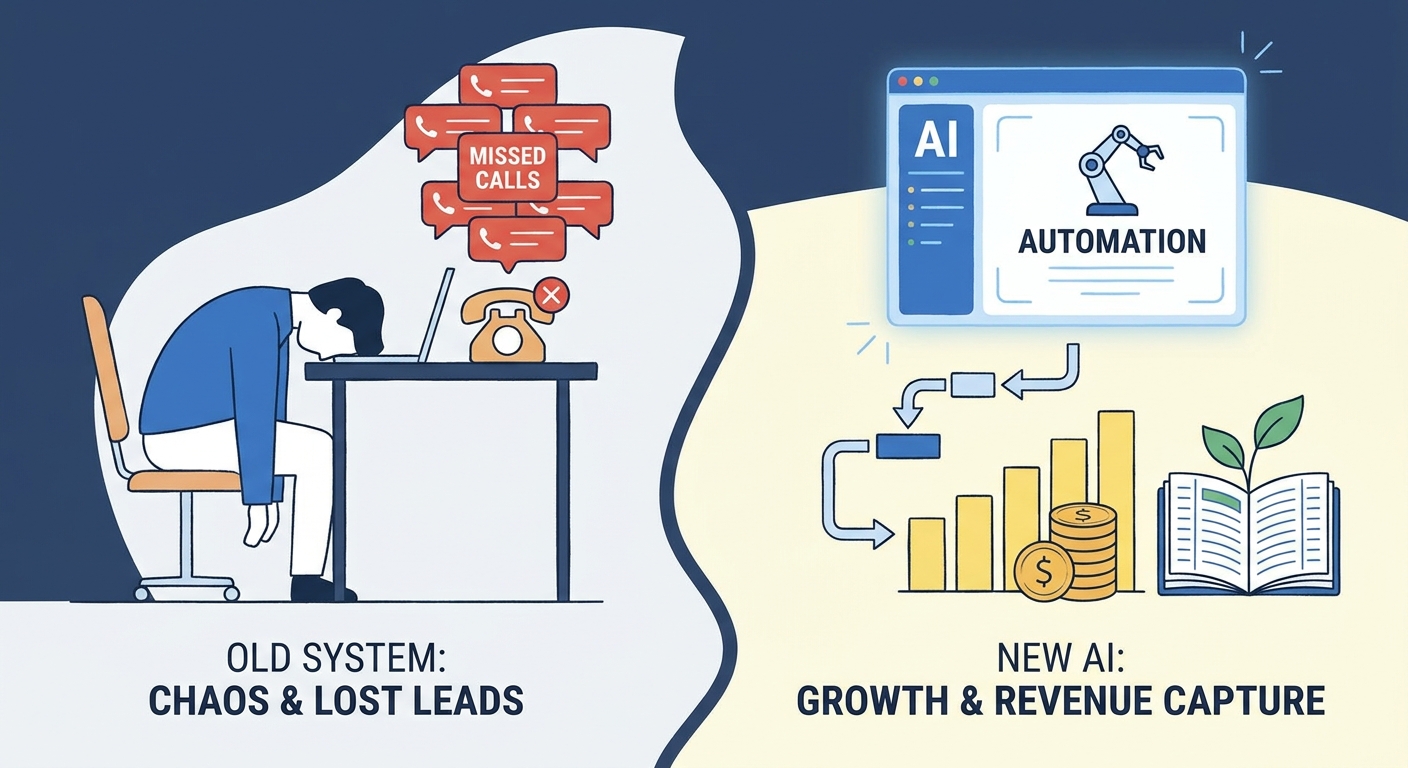
Automating your front desk isn’t just a tech upgrade—it’s a massive pivot in how you capture revenue. Most business owners look at the software price tag and flinch. They’re missing the point. The real ROI isn't in what you save on a subscription; it’s in the “lost opportunity” revenue that’s currently hemorrhaging out of your business every time a call hits voicemail.
Think about it: 60% to 80% of callers who hit voicemail don’t leave a message. They just hang up and dial your competitor. In that reality, doing nothing costs you way more than installing a system. And let’s be clear: AI isn't here to fire your receptionist. It’s here to take the soul-crushing, repetitive, mechanical rot off their plate so they can finally focus on the high-touch, complex work that actually moves the needle.
The Financial Reality: Why Salary Alone Doesn’t Tell the Story
When you calculate the cost of a front desk employee, most people just look at the annual salary. That’s a trap. If you want the real number, you have to look at the "fully-loaded" cost. According to Bureau of Labor Statistics receptionist wage data, the base pay is just the tip of the iceberg.
Once you stack on payroll taxes, benefits—which are getting hammered by inflation, as noted in the 2026 Employer Health Benefits Survey—and the hidden overhead, the cost balloons.
Then there’s the "human factor." People get sick. They burn out. They quit. The SHRM Employee Retention Guide points out that replacing an employee—recruiting, onboarding, the inevitable productivity gap—often runs over $4,700 per exit. If your receptionist is buried in a mountain of high call volume, their service quality tanks. That’s the “burnout tax.” You aren’t just paying for an answering service; you’re paying to offload the risk of turnover and the physical reality that humans need sleep. AI doesn't.
How Does Your ROI Stack Up? (A Comparative Analysis)
To visualize the fiscal gap, consider the disparity between traditional staffing and modern automation.
| Feature | In-House Staff | Virtual Receptionist | AI Phone System |
|---|---|---|---|
| Annual Cost | $45k - $60k+ | $15k - $30k | $600 - $3,600 |
| Coverage | 40 hrs/week | 40-60 hrs/week | 8,760 hrs/year |
| Scalability | Low (Requires Hiring) | Medium | Infinite |
| Data Sync | Manual/Prone to Error | Semi-Manual | Real-time API |
The coverage gap is the kicker. Your best employee is limited by the human need for weekends and holidays. An AI system runs on a 168-hour weekly cycle. It never asks for a vacation.
What Does the "Lost Revenue" Formula Look Like for Your Business?
Every missed call is a debit from your bank account. It’s simple math: (Total Monthly Calls * % Missed) * Average Lead Value = Monthly Revenue Leakage.
Say you get 200 calls a month. You miss 30% of them because your team is slammed or the office is closed. That’s 60 lost shots at a sale. If that lead is worth $200 in lifetime value, you’re leaking $12,000 every single month. That’s not pocket change. That’s a serious problem.
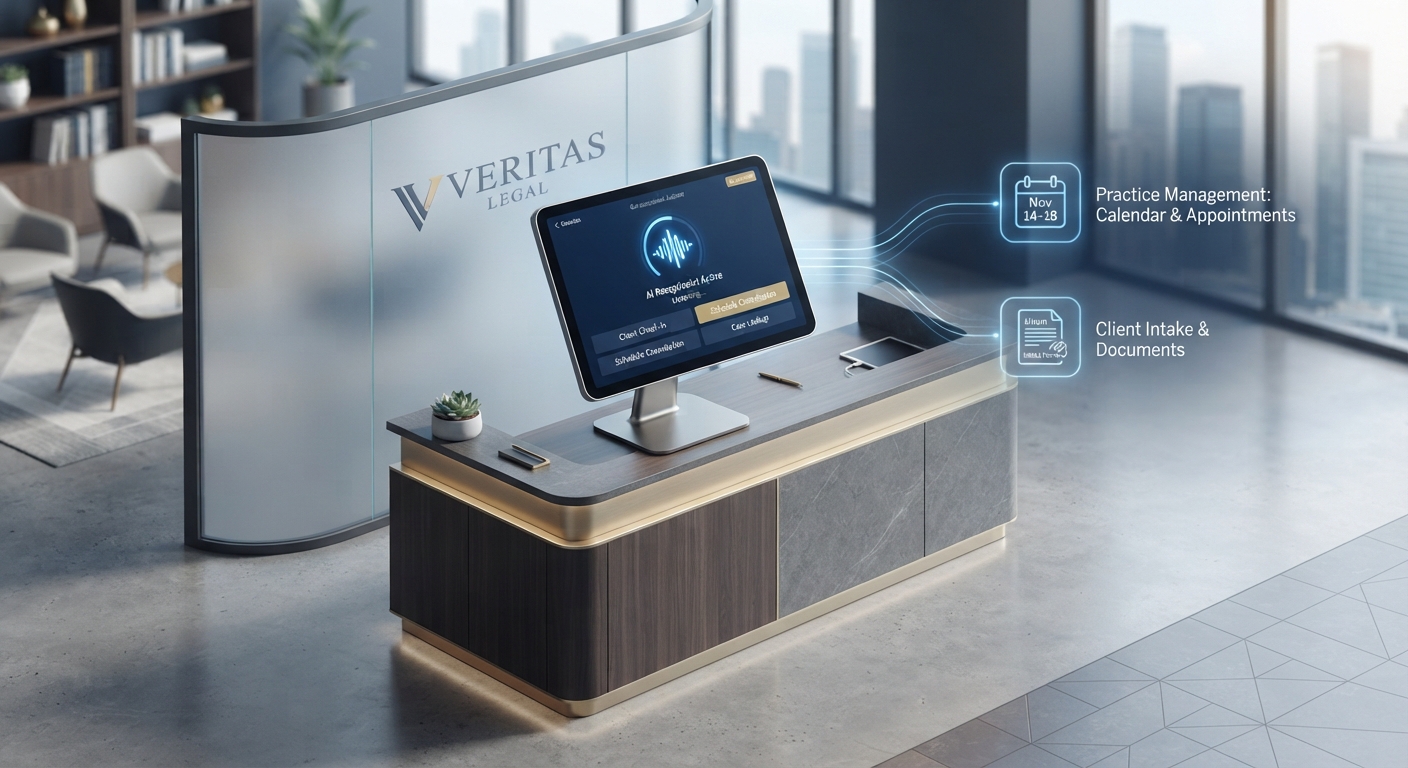
- Law Firms: In legal intake, speed-to-lead is everything. AI ensures a prospect is qualified and booked the second they call, stopping them from moving to the next firm on Google.
- Dental/Medical: Stop playing phone tag. An AI system that confirms appointment availability in real-time drives patient satisfaction and actually lowers your no-show rate.
- Home Services: For emergency dispatchers, the ability to collect details and issue automated responses after hours is the difference between winning the job or losing it to a competitor who answers at 8:00 PM on a Tuesday.
How Do Modern AI Systems Integrate with Your Workflow?
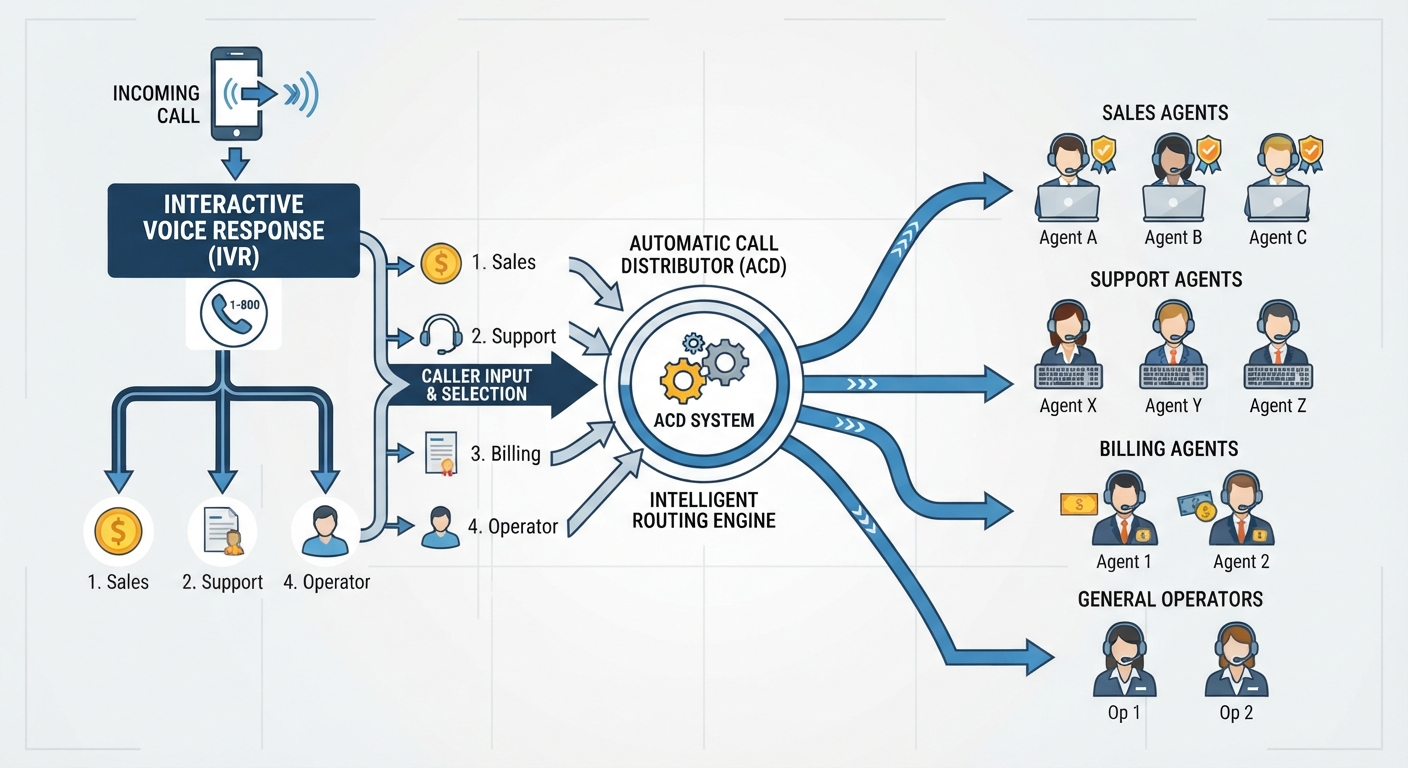
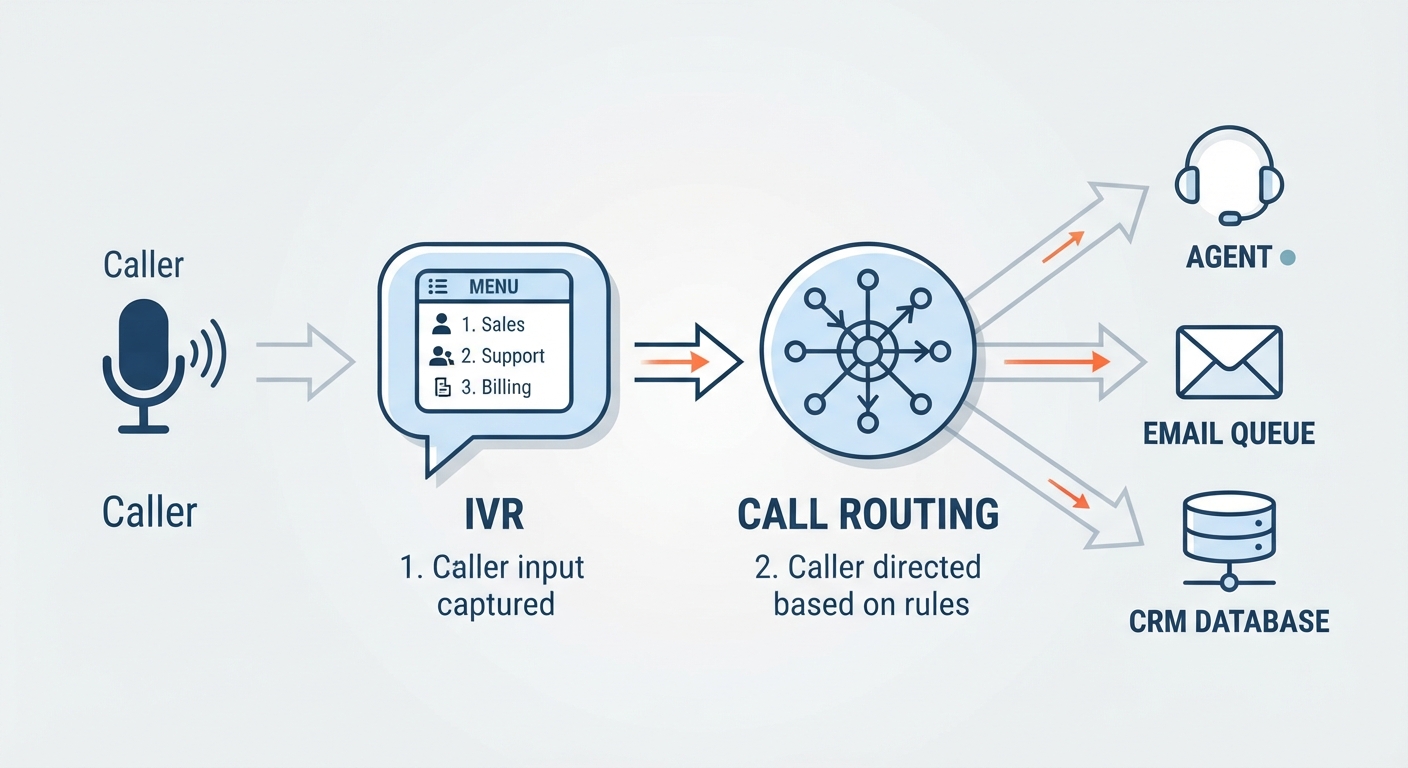
The days of the "beep... leave a message" machine are dead. Modern AI doesn't just answer; it acts. It syncs with your CRM and calendars to book meetings, update lead statuses, and fire off follow-up emails without a human ever touching a keyboard.
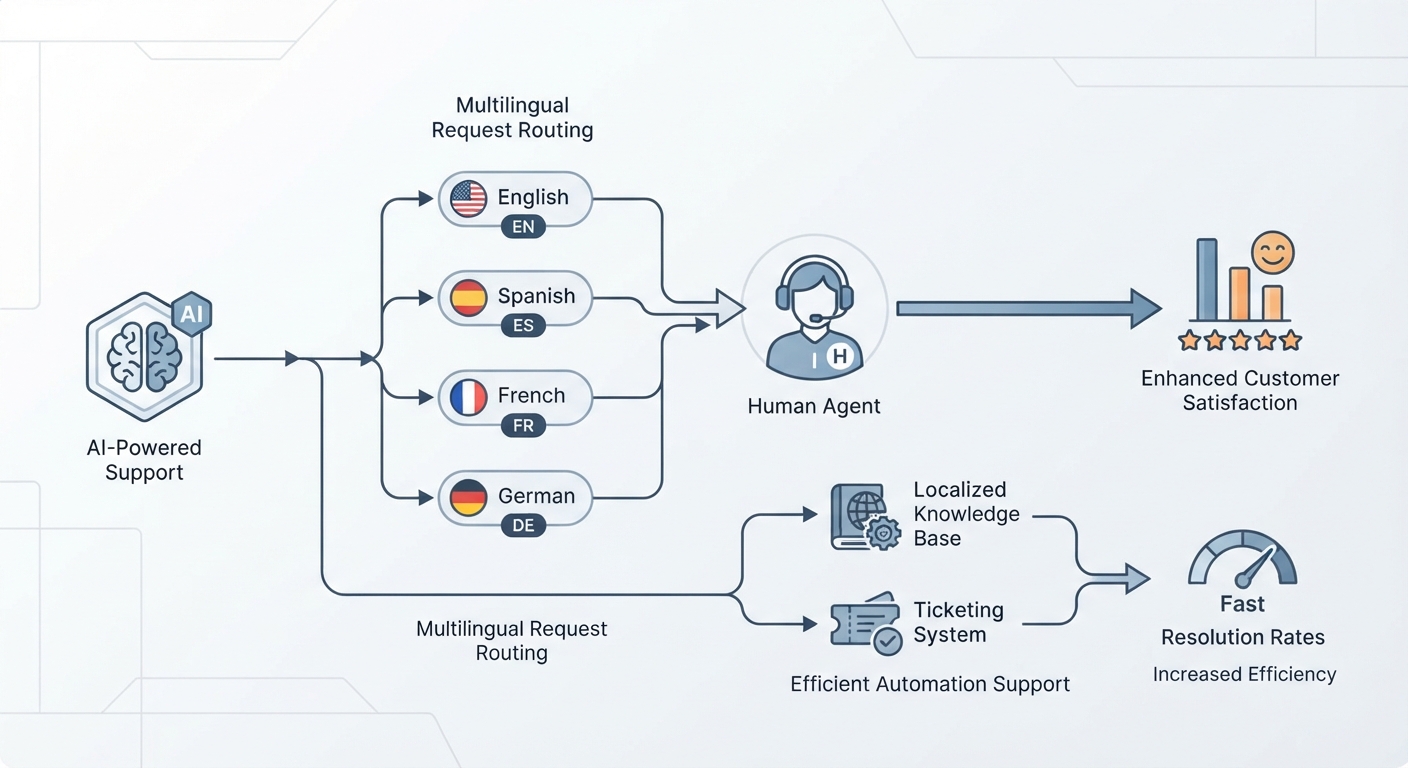
The real magic is the "Human-in-the-loop" model, which we break down in our guide on AI Receptionist vs. Virtual Receptionist: Which Is Right for You?. The AI acts as the filter. It handles the 90% of routine noise—"What are your hours?", "I need to reschedule," "Where are you located?"—and only taps a human when things get complex or emotional.
What Are the Real-World Implementation Hurdles?
People fear the "Robot." They worry their brand will sound cold. But that fear belongs in 2022. 2026-era natural language processing is different. These systems use sophisticated voice cloning and empathy modeling to handle cadence, pauses, and tone. They sound like... well, us.
Don't try to flip the switch on everything at once. Use this 3-step pilot roadmap:
- Identify the Bottleneck: Are you losing money after hours? Are your staff drowning during the Monday morning rush? Start there.
- Map the Flow: Write down the three questions your front desk answers every single day. Build your AI logic around those.
- Run a 30-Day A/B Test: Route a chunk of your calls to the AI and watch the conversion rates. The data will settle the argument. You can see how Voksha automates your front desk to get a better sense of how this looks in the wild.
Conclusion: Is the ROI Worth It?
When you look at the math, the question isn't whether you can afford an AI phone system. It’s whether you can afford the inefficiency of a purely human-operated front desk. By handing off the robotic, repetitive gatekeeping to software, you aren't just saving cash—you’re scaling. You’re giving your staff the room to actually be humans again. That’s how you grow.
Frequently Asked Questions
Does an AI receptionist sound like a robot?
Not anymore. With advancements in 2026-era generative voice and empathy modeling, AI can now replicate human cadence, handle interruptions naturally, and adjust its tone to match your brand's personality.
Is an AI receptionist secure for my business?
Yes. Modern providers prioritize SOC2 compliance and end-to-end encryption. For industries like healthcare, many AI systems are specifically built to be HIPAA compliant, ensuring sensitive patient data is handled with the same rigor as an in-office staff member.
What happens if the AI doesn't know the answer?
AI systems are designed with "intelligent fallback" mechanisms. If a query falls outside the pre-programmed knowledge base, the system seamlessly routes the caller to a designated human team member or triggers a professional, transcribed voicemail alert to your staff.
How long does it take to set up?
The myth that AI requires months of development is dead. Most modern systems are plug-and-play, integrating with your existing CRM and calendar software in a matter of hours, not weeks.
Can I use AI alongside my human staff?
Absolutely. This is the recommended "hybrid model." AI handles the high-volume, repetitive, or after-hours tasks, while your human staff remains the primary point of contact for complex, high-touch, or sensitive client relationships.