AI Receptionist vs. Hiring a Receptionist: A Complete Cost Breakdown for 2026
TL;DR
- ✓ AI receptionists cost significantly less than hiring full-time administrative staff.
- ✓ Automation ensures 24/7 availability and eliminates the risk of missed revenue.
- ✓ Adopting a hybrid model improves lead qualification while lowering operational expenses.
- ✓ Moving away from voicemail prevents potential customers from calling your competitors.
If you’re still clinging to the idea that a human at the front desk is the only way to look professional, you’re likely burning cash. In 2026, the gap between the cost of a full-time employee and a high-performance AI assistant isn’t just a gap—it’s a canyon.
A human hire—salary, taxes, benefits, overhead—will set a small business back $50,000 to $60,000 a year. Meanwhile, an AI receptionist handles the exact same intake and scheduling tasks for a fraction of that, usually between $300 and $6,000 annually. For most growing businesses, this isn't just a tweak to the budget; it’s an existential shift in how you grab revenue. According to the 2026 Small Business Automation Trends, the companies that thrive this year are the ones treating every incoming call as a goldmine, not a headache.
The "Real" Cost: The Ledger Doesn't Lie
When you hire a person, you aren't just paying a salary. You’re paying the "human tax": payroll taxes, health insurance, paid time off, recruitment fees, and the inevitable churn when they leave. Even a modest $20/hour receptionist turns into a $50,000+ line item once you stack up the non-salary costs of employment.
AI subscriptions are different. They’re built for utility. You aren't paying for a seat in your office; you’re paying for the work that actually gets done. Whether you’re fielding ten calls a day or five hundred, the AI doesn't need a lunch break, it doesn't get rattled by office drama, and it never—ever—calls in sick.
| Feature | Human Receptionist | AI Receptionist |
|---|---|---|
| Annual Cost | $45,000 – $60,000+ | $300 – $6,000 |
| Setup Time | 2–4 weeks (hiring/training) | Minutes (data sync) |
| Scalability | Limited by physical capacity | Infinite concurrent capacity |
| Availability | 9-to-5 (usually) | 24/7/365 |
The math is brutal. For the price of one entry-level administrative salary, you could run a whole fleet of AI agents handling scheduling, intake, and FAQs across every channel you own.
Why Voicemail is Now a Business Liability
The era of "leave a message after the beep" is dead. In a hyper-competitive market, a customer who hits voicemail is a customer who hits the "back" button to call your competitor. Research on The Impact of Missed Calls on Revenue shows that the abandonment rate for missed calls is over 70%. When a lead calls, they’re in the "buying window." If you don't answer, that window slams shut.
Smart owners have stopped obsessing over "hours worked" and started focusing on Cost Per Qualified Lead (CPQL). If an AI secures an appointment for $5, and a human does it for $40, the choice is obvious. The AI isn't there to replace the humanity of your business; it’s there to make sure every lead is qualified, scheduled, and moved into your CRM before you even pick up the phone.
How Does the "Human-in-the-Loop" Workflow Actually Work?
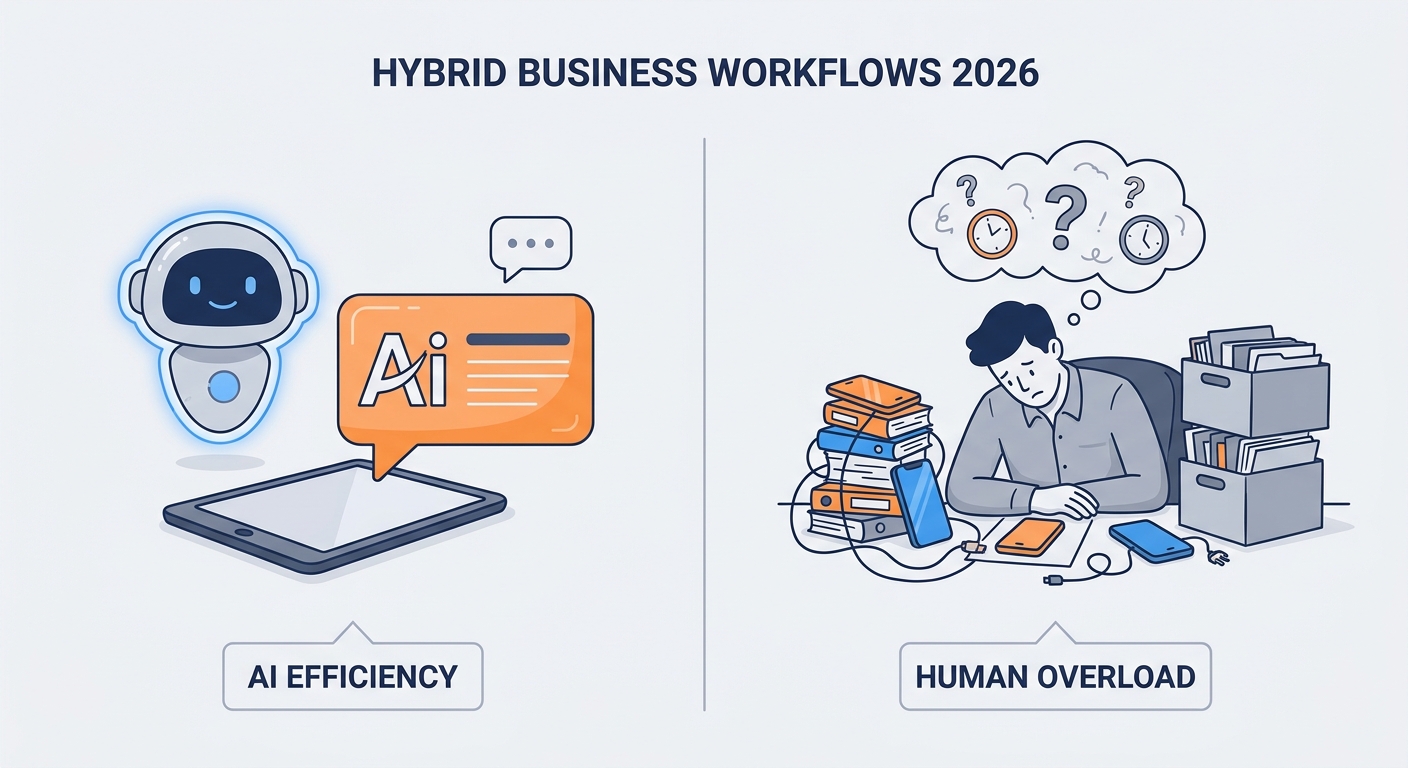
The best strategy in 2026 is the "Hybrid Model." You don't need to fire your front-desk staff; you need to liberate them. By letting AI handle the mundane, high-frequency stuff—verifying insurance, checking calendar availability, answering the "what are your hours?" questions—you free up your team for high-value, high-emotion interactions that actually need a human touch.
This workflow ensures that when a client is genuinely frustrated or has a complex issue, they get a human who has the time to listen. Meanwhile, the 90% of calls that are just routine inquiries are handled instantly by your AI and logged directly into your database.
Feature Comparison: What Should You Demand from Your AI?
Not all AI receptionists are built the same. If you’re shopping today, demand a baseline of professional-grade features.
First, CRM Integration is non-negotiable. If your AI isn't pushing data directly into Salesforce, HubSpot, or your vertical-specific software, you’re just creating a new manual data-entry job for your staff. The AI should be an extension of your existing digital ecosystem, not a siloed tool that sits in the corner.
Second, look for Industry Specialization. A generic chatbot is useless for a dental practice that needs to handle HIPAA-compliant intake or a law firm that needs to screen for specific case types. You need tools that speak your language. For those in healthcare, always verify that the provider offers a signed Business Associate Agreement (BAA) to ensure HIPAA Compliance for AI.
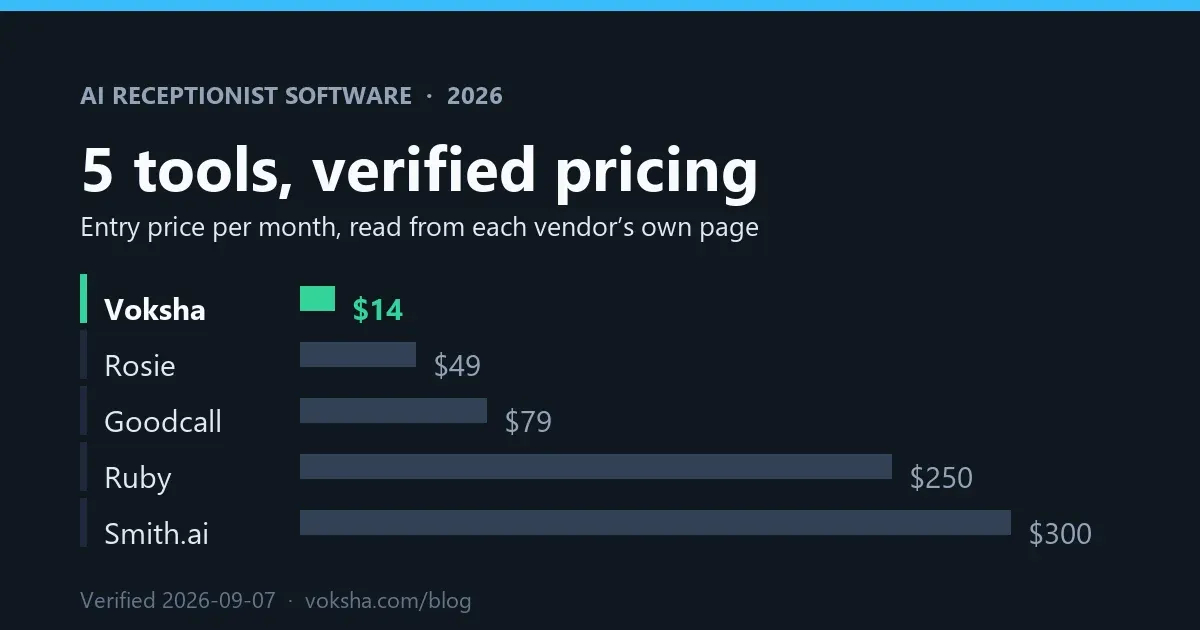
If you’re currently weighing your options, check out this guide on the 10 Best AI Receptionists for Small Business in 2026 to see how the top players stack up.
How Do You Choose the Right Strategy for Your Business?
Your strategy depends on your call volume and the complexity of your intake. If you’re a low-volume service business, a fully automated AI setup is usually enough to capture every lead. If you’re a high-volume, high-complexity practice, you definitely need the Hybrid Model.
The migration is simpler than you’d think:
- Map Your Workflows: What are the top 5 questions your receptionist answers every single day?
- Set Up the Knowledge Base: Feed your business data—policies, FAQs, pricing—into the AI.
- The "Silent" Testing Phase: Run the AI in the background for a week and review the logs to check for accuracy.
- Full Deployment: Flip the switch.
Conclusion: The Future of Front-Desk Operations
The goal of front-desk automation isn't to remove the human element—it’s to remove the friction that keeps your business from growing. By offloading the repetitive, high-volume work to an AI, you gain back your most valuable resource: your time. Whether you use a platform like Voksha to streamline operations or choose another path, the transition to AI-assisted call handling is no longer optional. It is the new baseline for any professional service.
Frequently Asked Questions
Does an AI receptionist sound robotic to my customers?
Modern AI has moved far beyond the stilted, metallic voices of the past. With 2026-era NLP, the systems now utilize sub-500ms latency and dynamic prosody, allowing for natural pauses, inflections, and interruptions that make the interaction nearly indistinguishable from a human conversation.
Is an AI receptionist HIPAA compliant for my medical practice?
Yes, provided you choose a provider that offers enterprise-grade security. You must ensure the vendor signs a Business Associate Agreement (BAA) and that all data—both in transit and at rest—is protected by end-to-end encryption.
What happens if the AI doesn't know the answer to a question?
The system uses "graceful escalation" logic. If the AI hits a knowledge gap, it is programmed to either ask the caller for permission to take a detailed message for a callback or trigger a live transfer to a human team member, ensuring the customer never feels ignored.
How long does it take to set up an AI receptionist?
Gone are the days of weeks-long onboarding. Modern AI receptionists are "plug-and-play." By syncing your existing calendar and uploading your business knowledge base, most practices can go live in a matter of hours, not days.
Can I use an AI receptionist alongside my current staff?
Absolutely. This is the "augmentation" philosophy. The AI handles the high-volume, repetitive intake 24/7, while your staff handles the high-value, complex client care. It’s not about replacing your team; it’s about giving them the support they need to provide better service.