The Ultimate AI Receptionist Setup Guide for Small Business (2026 Edition)

TL;DR
- ✓ Learn how to replace expensive manual receptionists with efficient AI phone agents.
- ✓ Discover the human-in-the-loop workflow to manage complex calls and routine inquiries.
- ✓ Compare the true cost of human staff against modern AI subscription models.
- ✓ Master essential features like HIPAA compliance and omnichannel customer profile syncing.
If you’re still letting your phone ring out into a generic voicemail box, you’re basically cutting a check to your competitors. In today’s high-stakes 24/7 economy, the difference between a thriving small business and one struggling to keep the lights on is simple: who answers the phone first. By 2026, the AI receptionist has graduated from a "cool tech toy" to the absolute bedrock of a lean operation. We aren't talking about those glitchy, robotic scripts that make callers want to scream. We’re talking about sharp, fluid, human-like agents that handle your scheduling, triage your new leads, and protect your reputation while you’re asleep.
Why AI Receptionists are the New SMB Standard
For years, hiring a human receptionist was a massive headache for small business owners. When you add up the salary, benefits, payroll taxes, and the inevitable burnout, the true annual cost of a full-time front-desk employee is north of $56,000. Now compare that to a modern AI subscription, which usually runs between $25 and $500 a month.
The ROI isn't just about saving cash; it’s about the capture rate. The data is clear: nearly 28.5% of all business calls happen after you clock out for the day. When you plug in an AI agent, you stop being a business that closes at 5:00 PM and start running a 24/7 lead acquisition machine. These systems never need a lunch break, they don’t get moody, and you don’t have to retrain them every single time you change your pricing.
How the Human-in-the-Loop Workflow Works
The biggest mistake I see business owners make? Thinking AI is a total replacement for people. It’s not. The winners use a "Human-in-the-Loop" model. The AI acts as your gatekeeper, handling the boring, routine triage so you can save your energy for the conversations that actually matter.
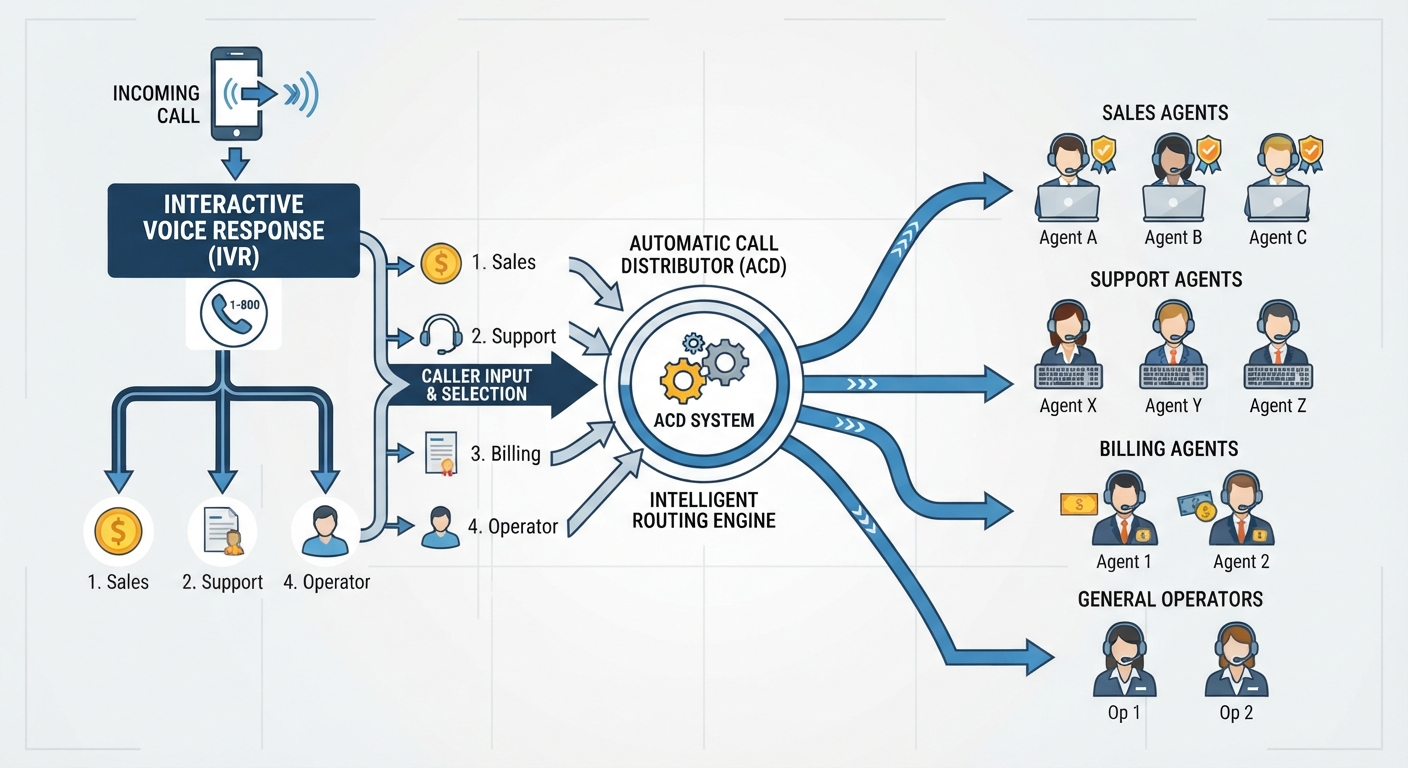
By setting some smart, strict rules, you ensure the AI handles the appointment booking and the FAQs, but if a VIP client calls—or if someone is clearly upset and needs a human touch—the system instantly pings your mobile or transfers the call.
Non-Negotiable Features for Your 2026 Setup
Not all AI phone systems are built the same. If you’re in a regulated field like law or medicine, you have to ensure your provider offers enterprise-grade HIPAA and GDPR compliance. Beyond that, look for "Vertical Specialization." An AI that knows everything about general knowledge will sound like a tourist in a dental practice or a general contracting firm. You need a system that speaks the language of your specific trade.
Also, don't settle for voice-only. Your setup needs to be omnichannel. It should sync SMS, web chat, and email into one single customer profile. If a lead texts you five minutes after hanging up, the AI should already know exactly who they are and what they talked about.
The Ultimate 5-Step Setup Guide
You don't need a computer science degree to get this running. It’s actually pretty straightforward if you follow these steps.
Choose Your Provider: Pick based on your industry needs. You can check the 10 Best AI Receptionists for Small Business in 2026 to see which tools fit your workflow.
Scripting and Knowledge Base: This is the "Prompt Template" phase. Don't write rigid scripts. Feed the AI your existing SOPs, your service menu, and your typical customer questions. Let it learn your voice.
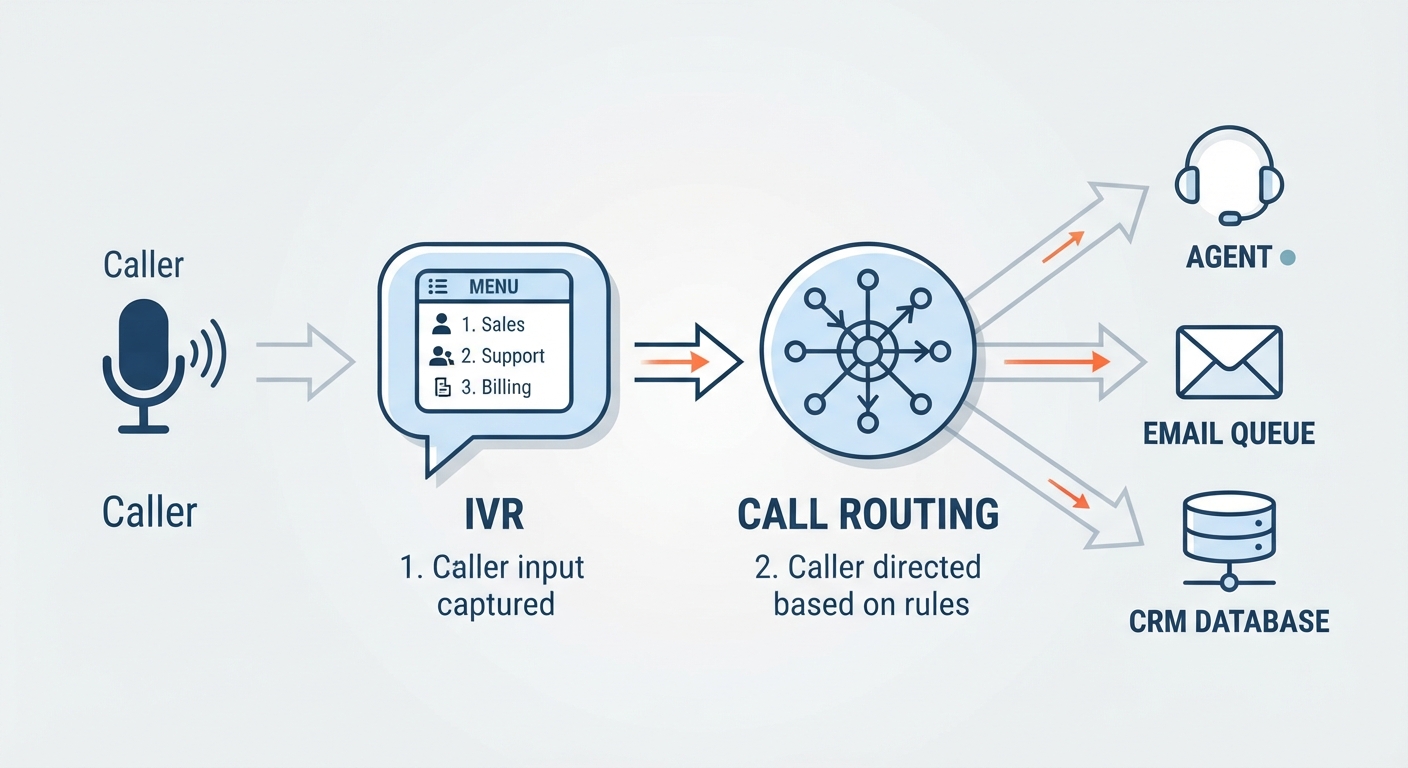
CRM and Calendar Syncing: Your AI is only as smart as the data it can see. By integrating your chosen platform with your CRM, you ensure the AI knows a caller’s history before they even say "hello."
Shadow Mode Testing: Before you flip the switch, run the AI in "Shadow Mode." Let it handle calls in the background while you listen to the recordings. Tweak the tone and accuracy until it feels like a natural part of your team.
Continuous Optimization: Review your logs weekly. If you launch a new service, update the AI’s knowledge base. It’s a living tool—keep it fed.
Avoiding Common Implementation Mistakes
The "Over-scripting" trap is where most people fail. If you force an AI to sound like a telemarketer reading a script, you kill the natural, conversational flow that makes modern AI so good. Don't try to control every single syllable. Trust the model to handle the intent of the conversation.
And what about transparency? Should you tell people they’re talking to a bot? My advice: be honest. A quick, polite disclosure is all you need. Most customers would rather talk to a helpful AI immediately than wait on hold for ten minutes for a human who might never answer.
Which AI Receptionist is Right for Your Industry?
Choosing the right tool comes down to your biggest headache:
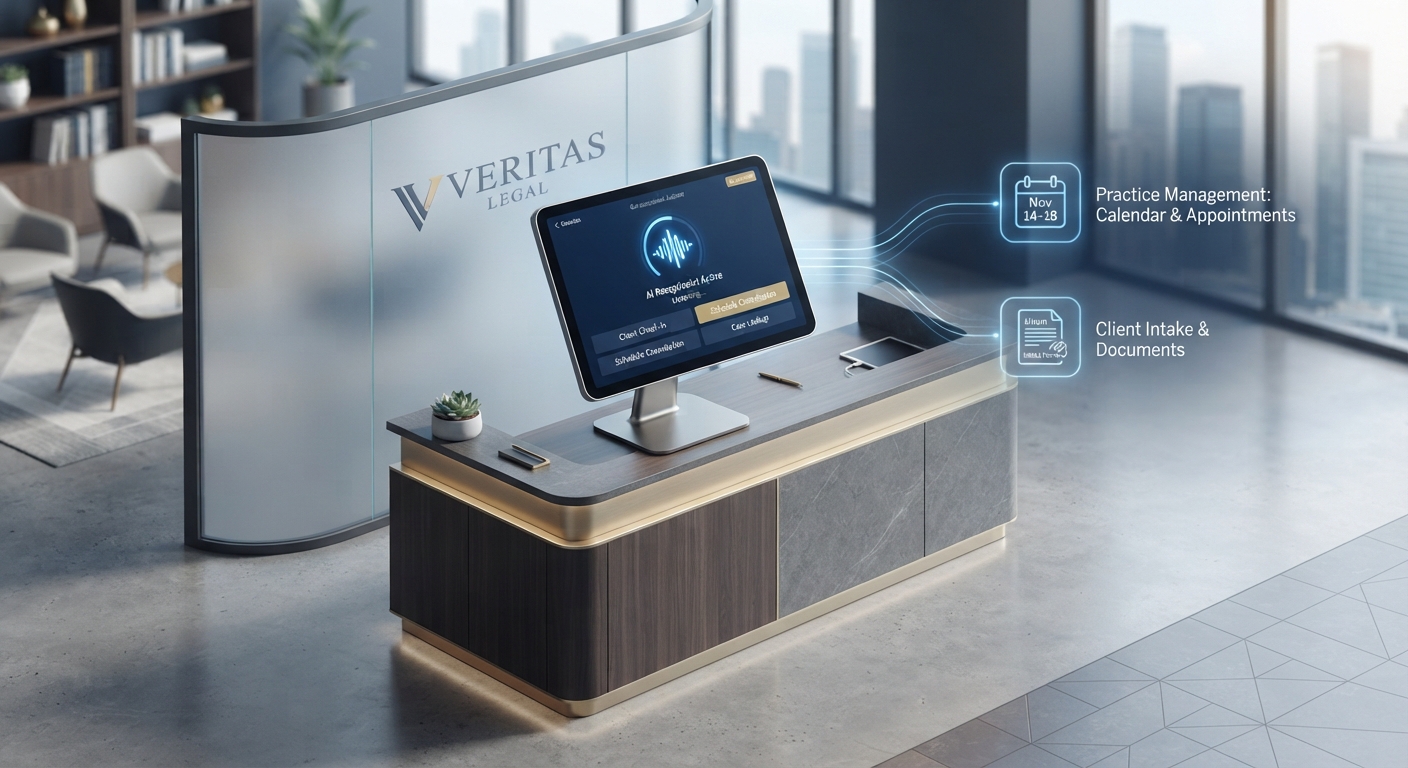
- For Law Firms: Look for tools that prioritize secure document intake and conflict checking.
- For Medical/Dental: Security and HIPAA compliance are the only things that matter.
- For Home Services: Focus on tools that excel at lead qualification and integrate with field management software.
- For Startups/Tech: Prioritize API-heavy platforms that let you build custom integrations on the fly.
Frequently Asked Questions
Will customers know they are talking to an AI?
Yes, and in most cases, they won't mind. When the AI provides immediate, accurate answers to their questions, the "human versus machine" debate disappears. We recommend a brief, polite disclosure at the start of the call to maintain brand trust.
Can an AI receptionist handle my specific industry jargon?
Absolutely. Modern AI receptionists use "Knowledge Base" uploads. By providing your internal manuals, brochures, and FAQs, the AI learns your specific terminology and service nuances during the onboarding phase.
What happens if the AI doesn't understand a caller?
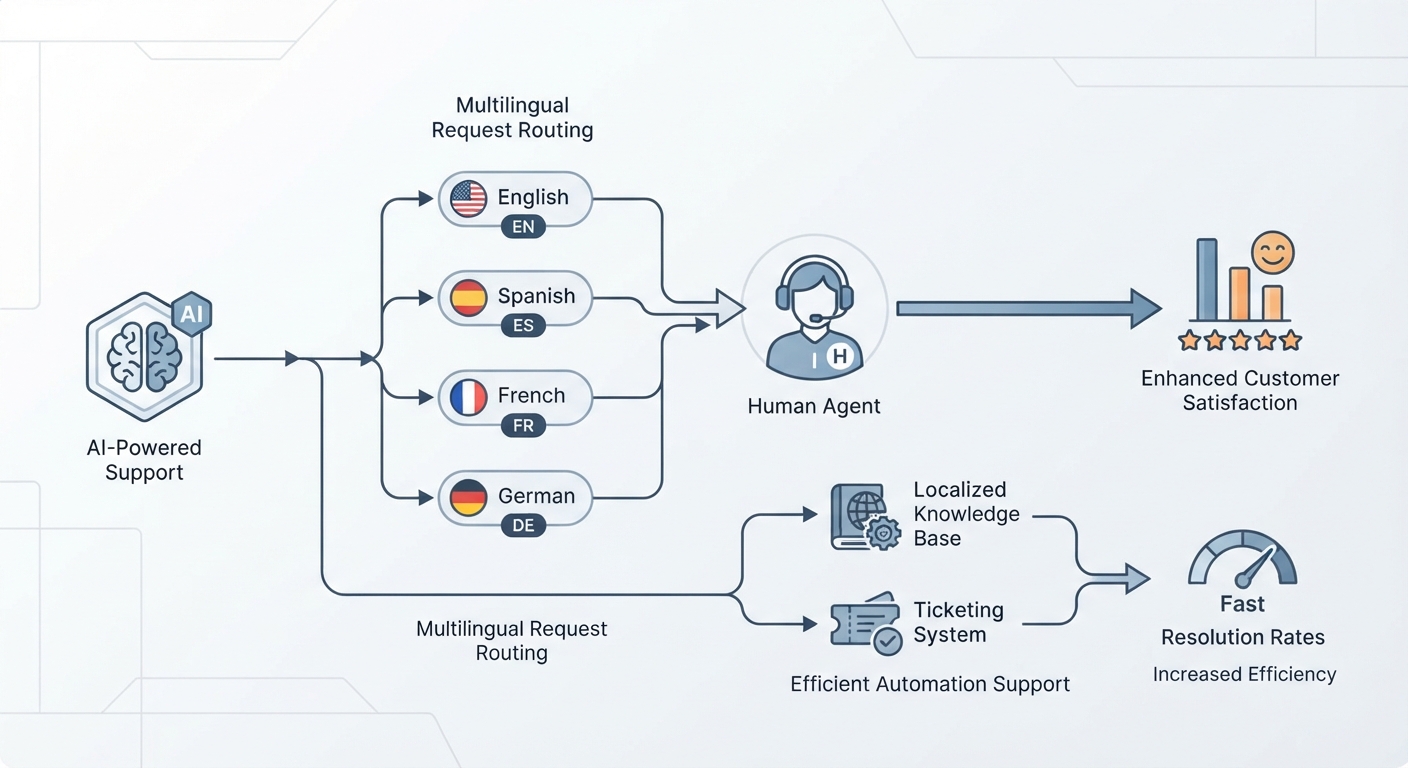
Robust systems have a "Human Fallback" protocol. If the AI detects confusion or high emotional intensity, it will automatically route the call to a live human or, if unavailable, offer to take a detailed message and log an urgent alert in your CRM.
Is it difficult to set up if I am not tech-savvy?
Most 2026-era platforms are "no-code." If you can fill out a form and connect your Google Calendar, you have the technical skills required to deploy a world-class AI receptionist.
How do I measure the ROI of my AI receptionist?
Track three key metrics: the reduction in missed calls, the increase in booked appointments, and the time saved by your staff. Most businesses see a return on their monthly subscription cost within the first week of operation simply by capturing the leads they were previously losing to voicemail.
Conclusion & Call to Action
The choice is yours: keep losing nearly a third of your leads to the "black hole" of voicemail, or leverage 2026-era automation to reclaim your time and scale your business. This isn't some futuristic promise—it's a functional, affordable, and necessary competitive advantage.
Ready to reclaim your time? Start your 14-day free trial or book a custom demo with our implementation team today to see how an AI receptionist can transform your front-desk operations.